Metty Iskandar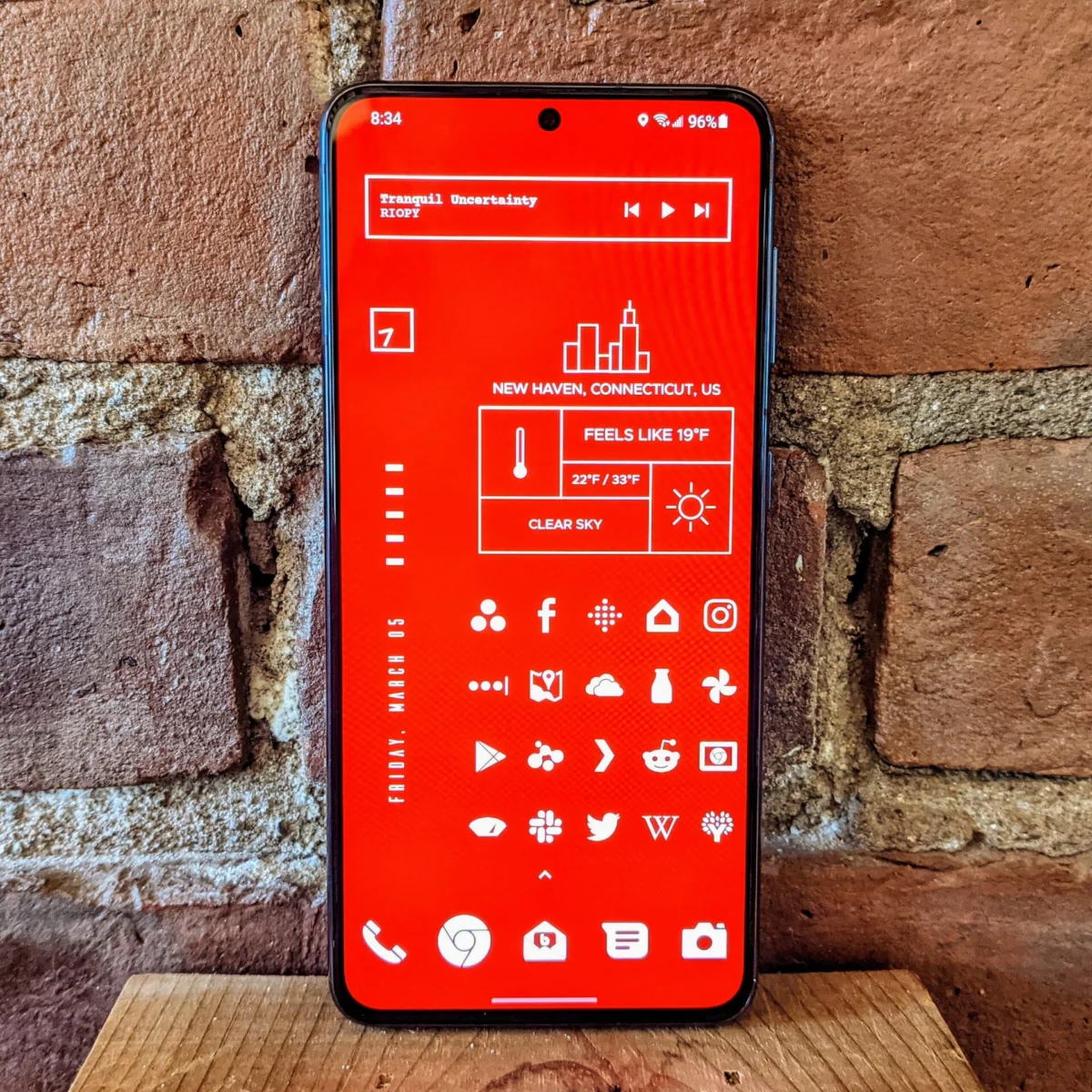
While the Google Play Store boasts an immense library of free applications, there are instances where a modest investment unlocks a significantly superior user experience. The value proposition of paid Android apps often lies in their polished interfaces, unique feature sets, and focused functionality that free alternatives struggle to replicate. This article explores a curated selection of paid Android applications that, over time, have demonstrated their enduring worth and continue to provide exceptional utility, transforming the everyday smartphone experience.
The Evolving Landscape of App Monetization
The advent of the smartphone has democratized access to information and entertainment, with free apps forming the backbone of this accessibility. However, the sustainability of high-quality app development often hinges on alternative monetization strategies. Paid apps, whether through a one-time purchase or a premium subscription, allow developers to invest more resources into refinement, innovation, and dedicated user support. This financial model can lead to applications that are not only more robust but also less reliant on intrusive advertising or data harvesting, offering a cleaner and more focused user journey. The choice to pay for an app is, for many, a conscious decision to support developers who deliver a demonstrably better product, prioritizing functionality and user privacy over immediate cost savings.
Stellarium Plus: Navigating the Cosmos from Your Palm
Unveiling the Universe: Stellarium Plus stands out as a remarkable digital celestial atlas, transforming any Android device into a portable observatory. Originally developed for desktop platforms, the mobile version brings the vastness of the night sky to users with an unparalleled level of detail and accuracy. The app charts the positions of planets, stars, constellations, meteor showers, and other astronomical phenomena as they appear from Earth. Its ability to provide real-time positional data, coupled with visually engaging overlays, makes it an indispensable tool for amateur astronomers and curious stargazers alike.
Enhanced Features of the Plus Version: While the free version of Stellarium offers a comprehensive stargazing experience, Stellarium Plus elevates it with exclusive content and functionalities. This includes access to additional curated "Tours" that guide users through specific celestial events or regions of the sky, such as the captivating journeys through the history of astronomy or explorations of distant galaxies. Furthermore, the Plus version incorporates a sophisticated calendaring feature. This allows users to anticipate and track future celestial events, providing probabilistic positions and magnitudes of objects for upcoming dates. This predictive capability is invaluable for planning observations of meteor showers, planetary conjunctions, or lunar eclipses.
Impact on Astronomical Engagement: The availability of such detailed astronomical data in an accessible format has a profound impact on public engagement with science. By demystifying complex astronomical concepts and making them visually digestible, Stellarium Plus encourages a deeper appreciation for our universe. Its educational value extends beyond casual observation, providing a platform for learning about celestial mechanics, mythology associated with constellations, and the history of astronomical discovery.
Buzzkill: Reclaiming Control Over Digital Notifications
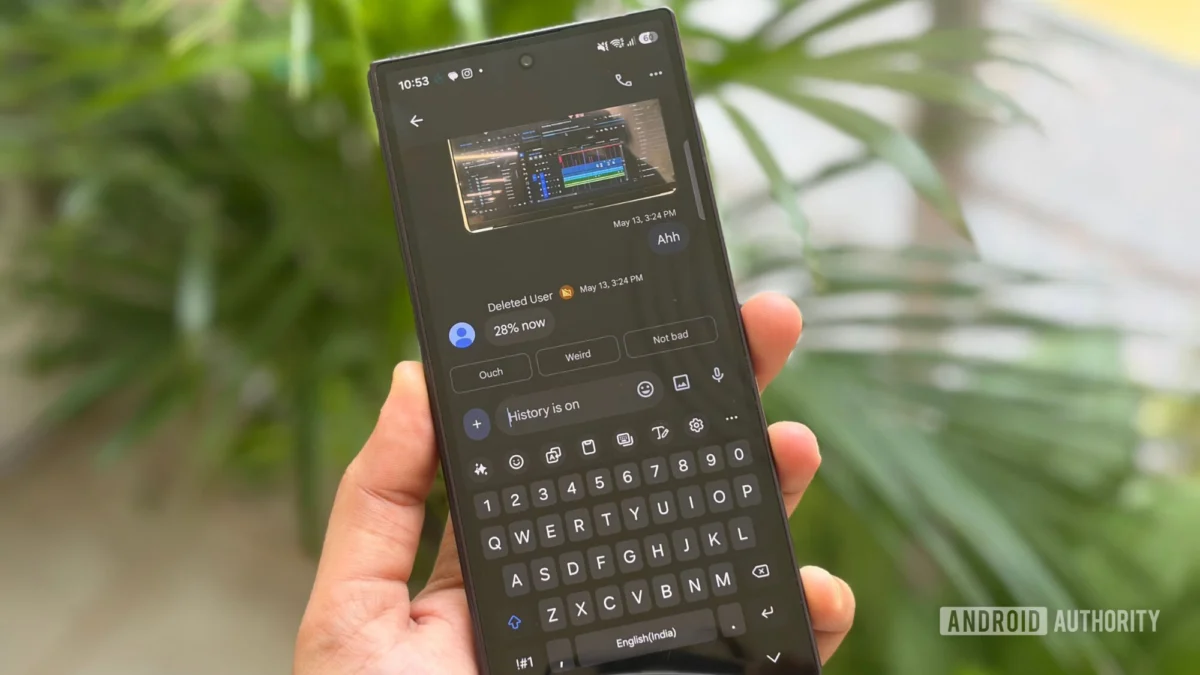
The Notification Overload Crisis: In an era of constant connectivity, smartphone notifications have become a double-edged sword. While essential for timely alerts, they can quickly devolve into a relentless barrage of distractions, hindering productivity and contributing to digital fatigue. Buzzkill emerges as a powerful solution to this pervasive problem, offering granular control over how and when notifications are delivered.
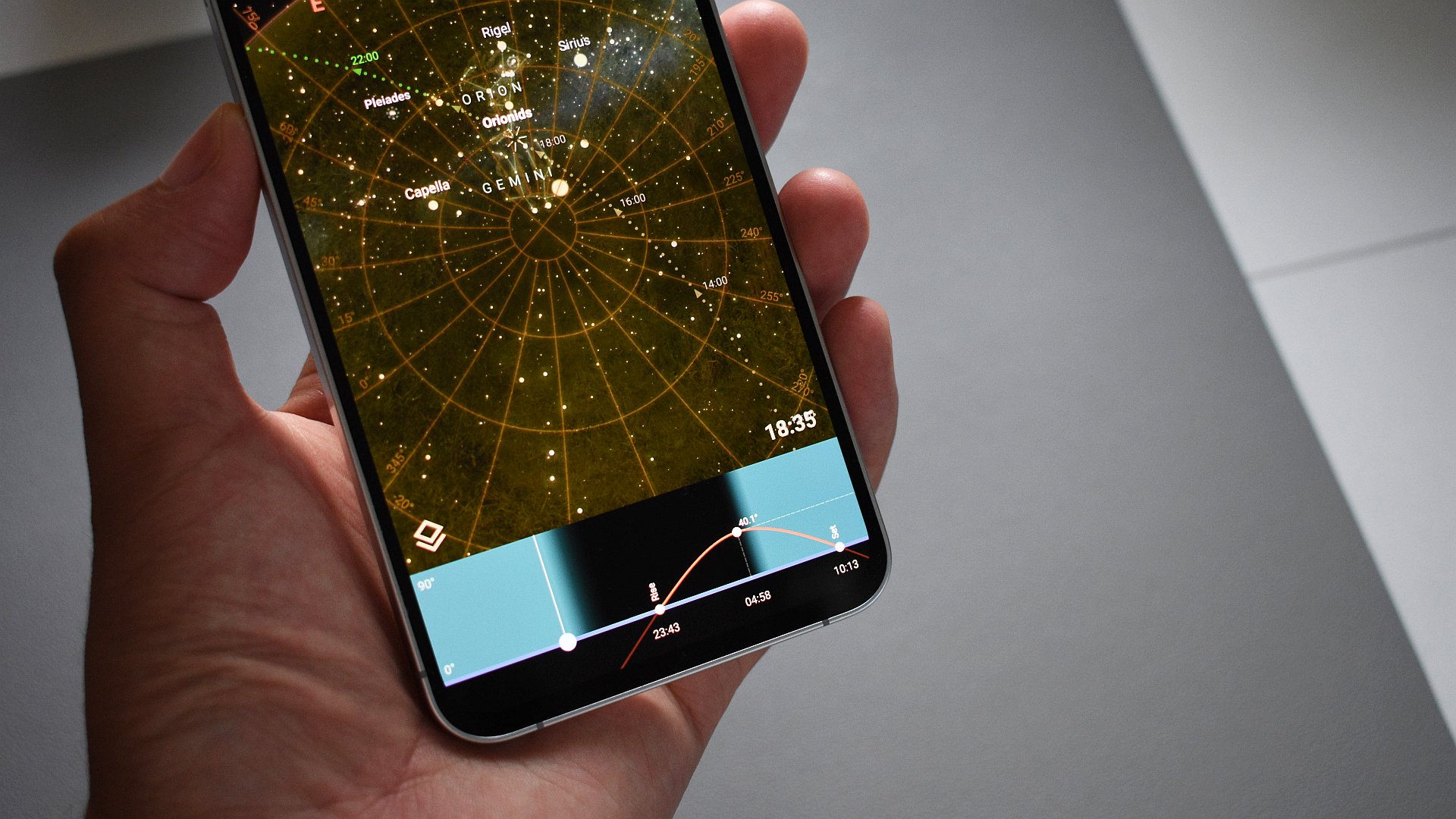
Sophisticated Rule-Based Management: Buzzkill’s core strength lies in its robust rule-creation engine. Users can define custom rules based on a wide array of conditions, allowing for highly personalized notification management. This can include silencing specific apps, setting different notification sounds and vibrations for contacts or groups, or even delaying notifications until a more opportune moment. For example, a user might configure Buzzkill to mute all notifications from social media apps during work hours while ensuring that urgent messages from family members are immediately audible. The app also allows for the creation of "recipes" that chain multiple conditions and actions, offering an advanced level of automation.
Developer Commitment and Evolution: The ongoing development and refinement of Buzzkill underscore the developer’s dedication to addressing a critical user pain point. Since its initial release, the app has seen numerous feature additions and performance enhancements, reflecting a proactive approach to user feedback and evolving Android capabilities. This consistent support ensures that Buzzkill remains a cutting-edge tool for notification management.
Key Launcher Pro: A Revitalized Approach to Home Screen Navigation
Beyond Traditional Launchers: For users seeking an alternative to the standard Android launcher experience, Key Launcher Pro offers a refreshingly efficient and unique approach. It reimagines the home screen with a T9 keypad-inspired interface, prioritizing speed and direct access to applications. This unconventional design may initially seem counterintuitive, but its effectiveness in streamlining app launching quickly becomes apparent.
Efficiency Through T9 Input: The T9 keypad, a staple of older mobile phones, is repurposed here to enable rapid app searches. By typing a few letters corresponding to an app’s name on the virtual keypad, users can quickly bring up a prioritized list of matching applications. This method often proves faster than navigating through app drawers or folders, especially for users with a large number of installed applications. The launcher intelligently learns user preferences, ensuring that frequently used apps appear at the top of search results.
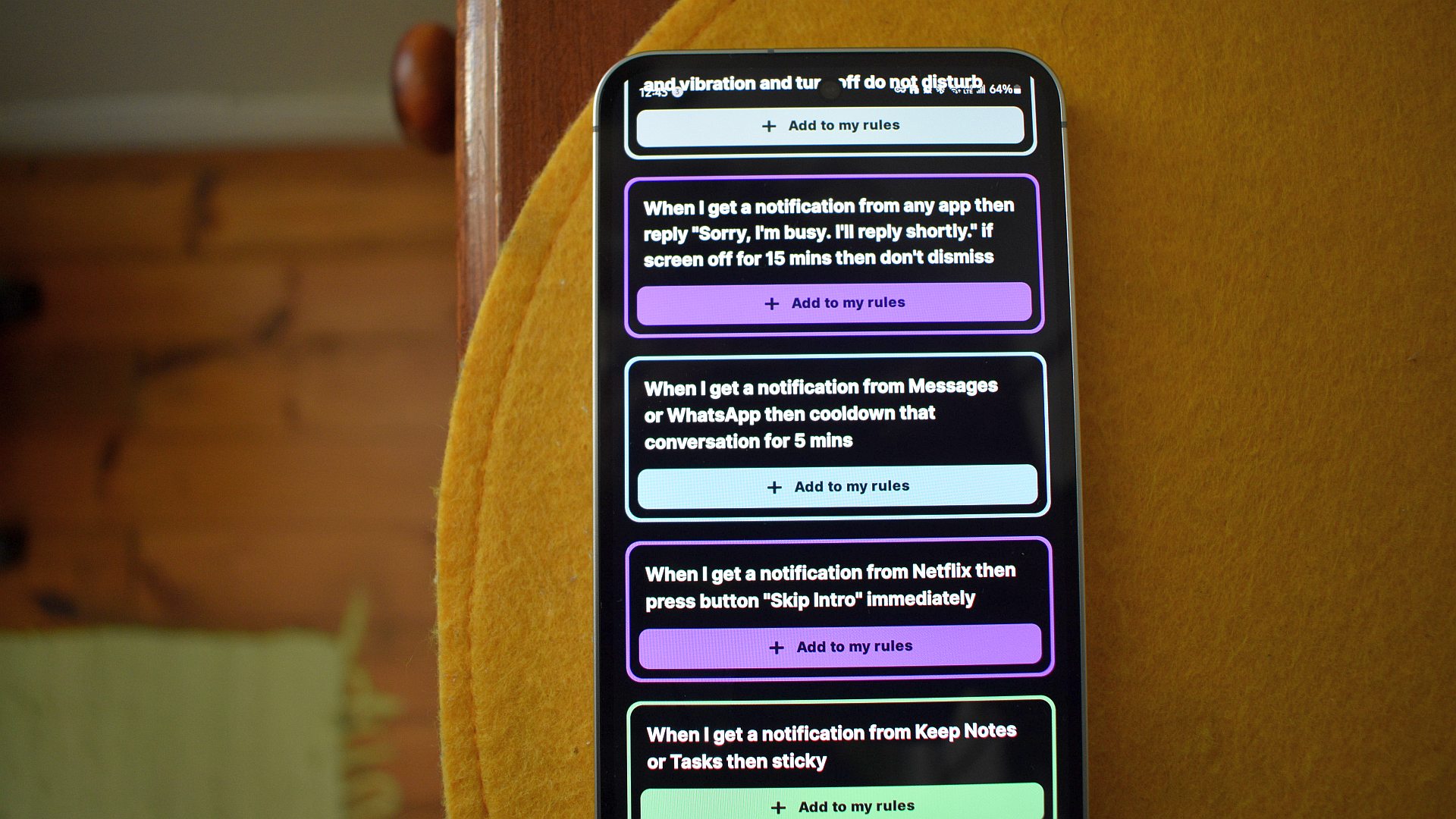
Hidden Depths and Features: Beyond its core search functionality, Key Launcher Pro conceals a suite of powerful features. "Super Shortcuts" allow users to assign custom actions or app launches to specific keys or key combinations, further enhancing efficiency. The integration of a dedicated "Focus Mode" helps users minimize distractions by temporarily disabling certain apps or notifications. Additionally, a dedicated widget screen provides quick access to widgets without cluttering the main home screen. While the core functionality is available for trial, unlocking the full suite of advanced features through the Pro version offers a significant enhancement to the user experience.
Octopi Launcher Pro: Tailored Experiences for Foldable Devices
Addressing the Foldable Challenge: The advent of foldable smartphones has introduced new paradigms in mobile computing, presenting unique challenges for app and interface design. Octopi Launcher Pro has emerged as a specialized solution, meticulously crafted to optimize the user experience on multi-screen devices. Unlike traditional launchers designed for single displays, Octopi excels at creating distinct and tailored layouts for each screen and orientation of a foldable phone.
Granular Control Over Multi-Screen Interfaces: Octopi’s primary innovation lies in its ability to assign custom configurations of apps and widgets to individual screens and orientations. This empowers users to design highly personalized device interfaces. For instance, a user might configure the inner display for immersive media consumption, the outer cover display for quick communication and notifications, and specific screen layouts for different app combinations (e.g., a split-screen setup for note-taking and web browsing). The potential for creating dedicated workflows for various tasks is virtually limitless, transforming the foldable device into a highly adaptable personal computing tool.
Supporting Innovation in Mobile Form Factors: The continuous development and active maintenance of Octopi Launcher Pro by its developer demonstrate a commitment to supporting the evolving landscape of mobile hardware. Its existence is crucial for users who wish to maximize the potential of their foldable devices, offering a level of customization that goes beyond what most manufacturers provide. The investment in Octopi Pro is not just for its features but also to support the ongoing innovation in this niche but rapidly growing segment of the smartphone market.
KWGT Pro: The Ultimate Widget Customization Canvas
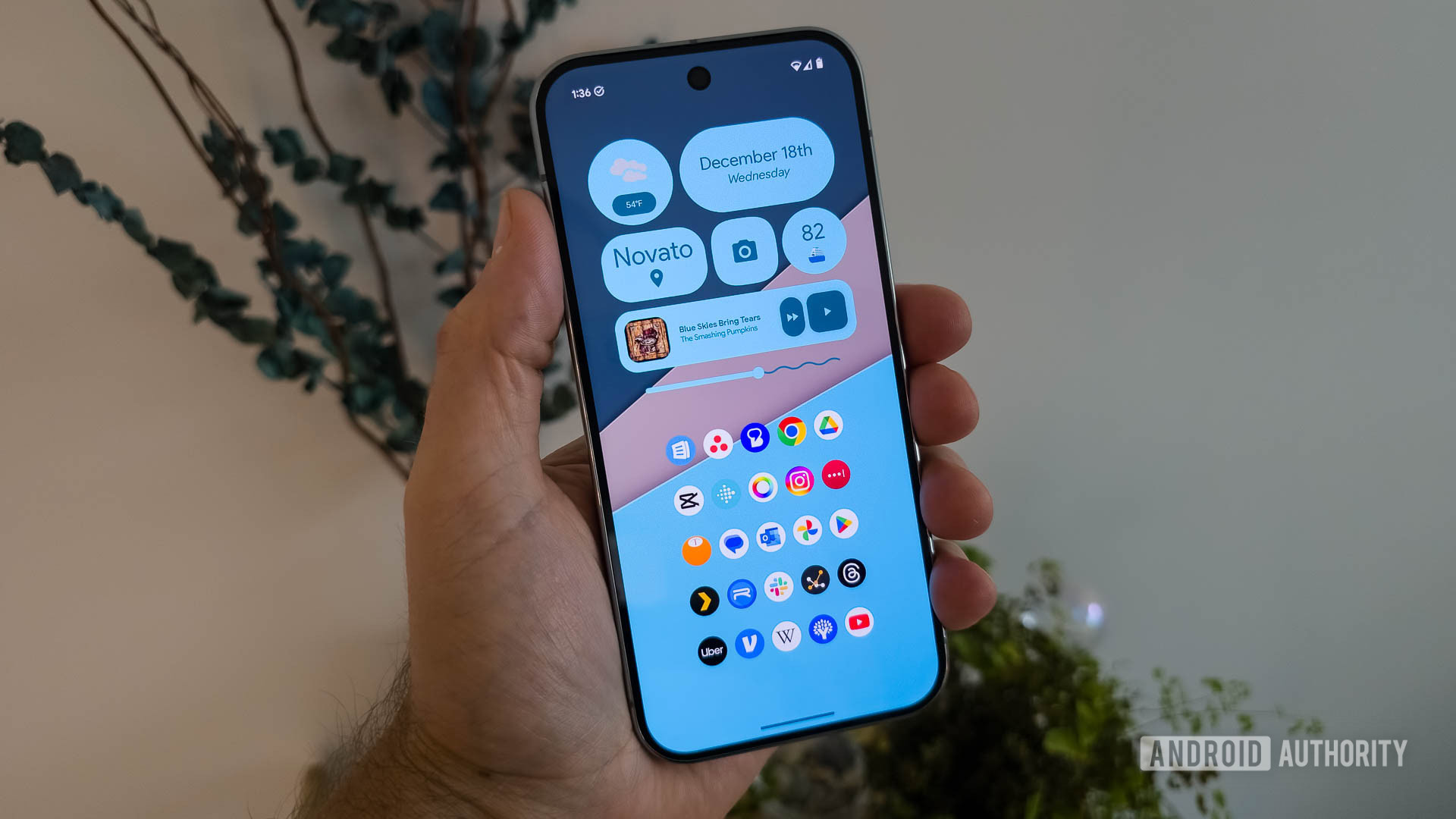
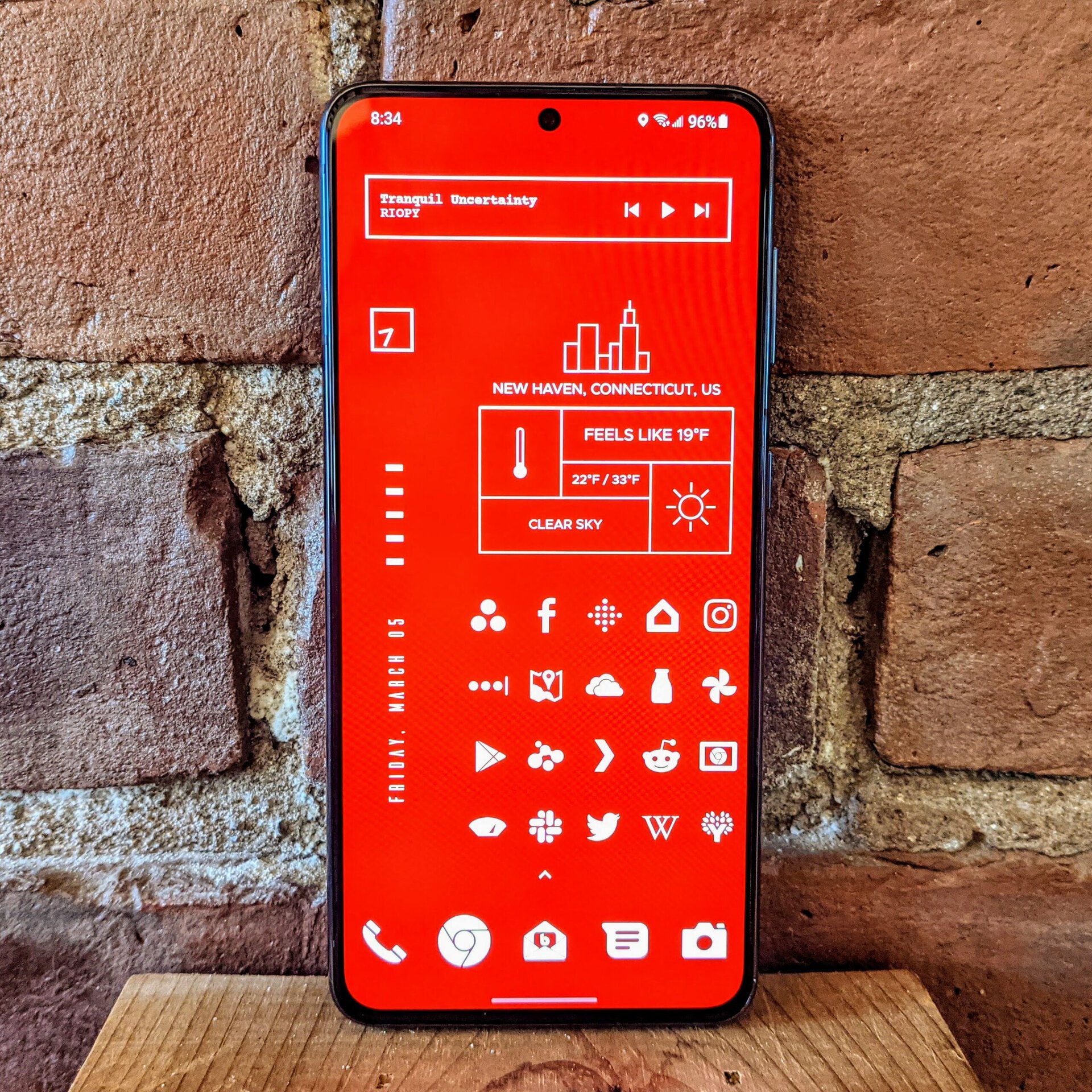
A Legacy of Customization: With over a decade in the Android ecosystem, KWGT (Kustom Widget Maker) stands as a testament to the enduring appeal of deep device customization. While native widget support has become more prevalent in Android applications, KWGT remains a powerful and flexible tool for those who desire complete control over their home screen’s visual identity and functionality.
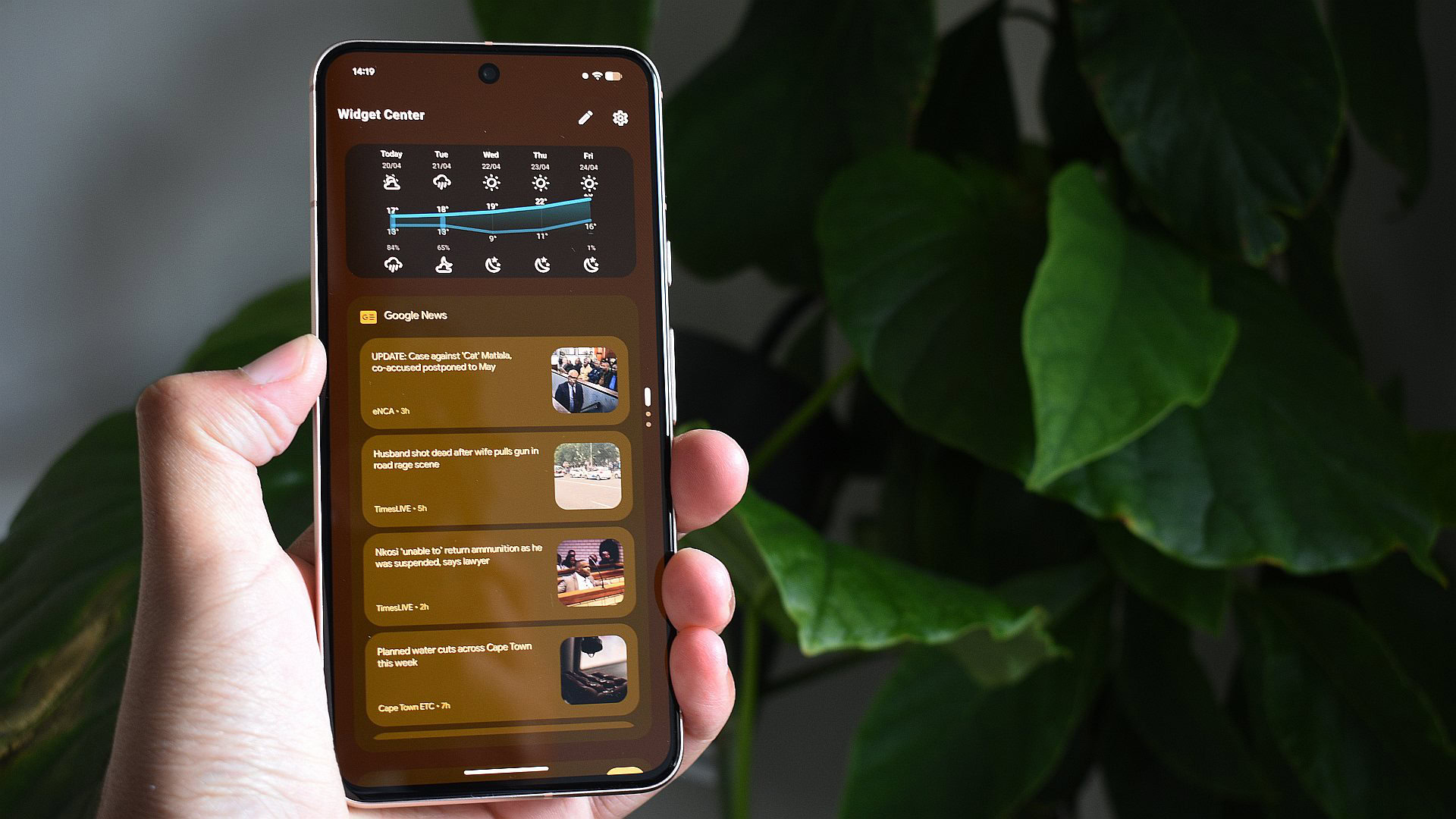
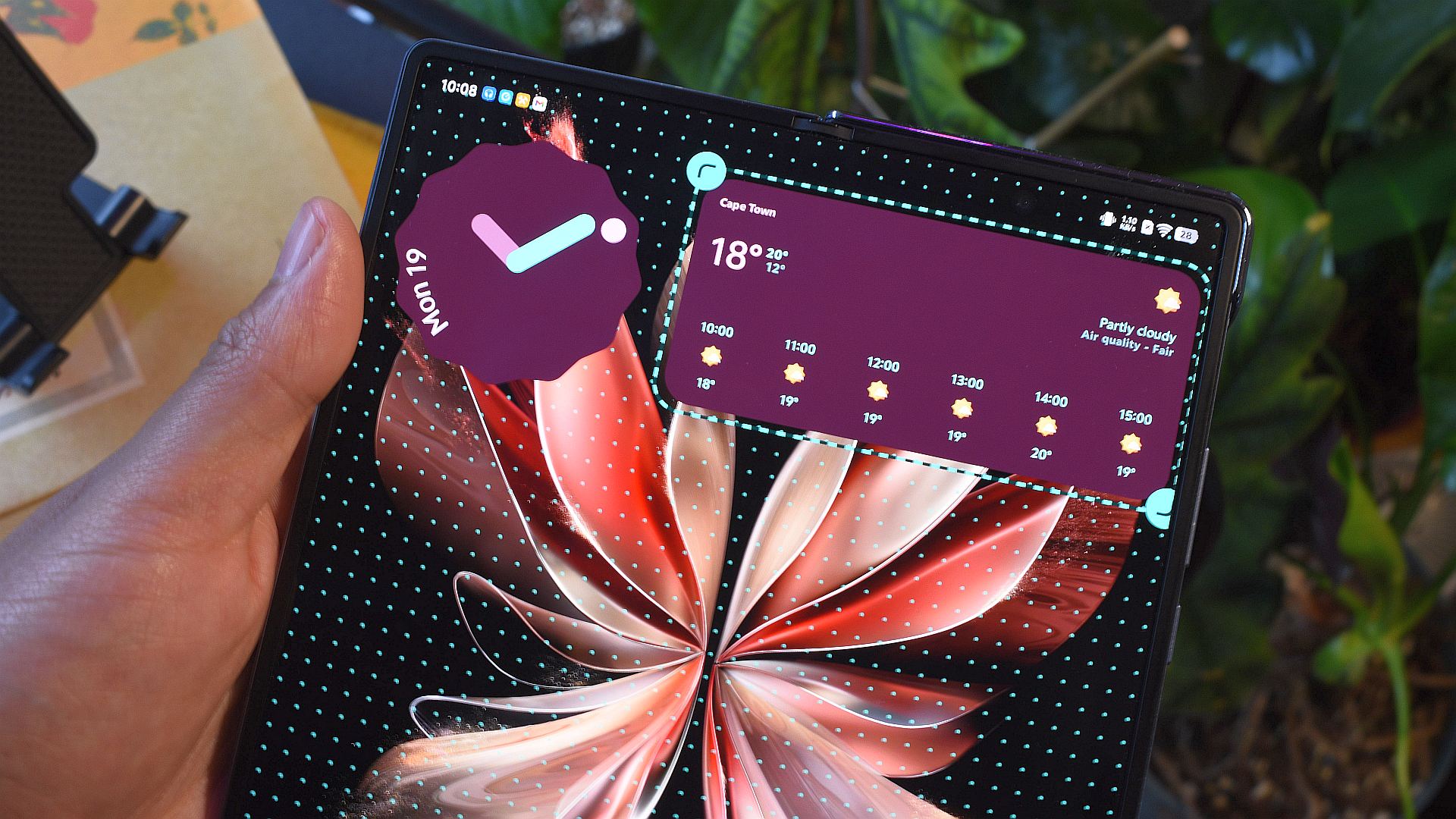
Empowering User Creativity: At its core, KWGT is a widget creation engine that allows users to design virtually any widget imaginable. Through a powerful editor, users can combine text, shapes, images, and dynamic data points to create visually unique and functional widgets. This has led to the creation of elaborate widgets that integrate information from various apps, provide custom shortcuts, or display personalized information. The ability to import and export widget designs further fosters a vibrant community where users can share their creations, allowing others to adopt and adapt them for their own devices.
Unlocking Advanced Capabilities: KWGT Pro is not a standalone application but rather an unlocker for the base KWGT app. This Pro version grants access to premium features, most notably the ability to import and use third-party widget packs created by other users. This vastly expands the customization possibilities, offering a curated selection of professionally designed widgets that can instantly transform a device’s aesthetic. To utilize KWGT Pro, users must first install the free KWGT application, establishing a clear pathway for users to explore the tool before committing to the premium unlock.
Tropical Hurricane Tracker: Real-Time Weather Intelligence
Staying Ahead of Severe Weather: For individuals residing in or traveling to regions prone to tropical cyclones, timely and accurate weather information is paramount. Tropical Hurricane Tracker provides a critical service by delivering real-time updates on tropical weather systems directly to the user’s device. The app aggregates data from official sources such as the National Oceanic and Atmospheric Administration (NOAA) and the National Weather Service (NWS), ensuring that users receive the most up-to-date warnings, advisories, and forecasts.
Comprehensive Coverage and Timeliness: The app’s strength lies in its near-instantaneous delivery of information as soon as it is released by meteorological agencies. This immediacy is crucial for making informed decisions during severe weather events. Furthermore, Tropical Hurricane Tracker extends its coverage beyond a single geographic basin, providing valuable data for users worldwide. This comprehensive approach makes it an essential tool for anyone concerned about tropical storm activity, regardless of their location.
Supporting Developers Through Premium Access: While the app is available for free with advertisements, the developer encourages users to support its continued development and maintenance by purchasing the ad-free version. This option not only removes intrusive advertisements but also directly contributes to the resources required to keep the app’s data feeds current and reliable. In the context of public safety, the small investment in an ad-free experience is a worthwhile consideration.
PeakFinder: Identifying the World’s Mountains
A Geographer’s Delight: PeakFinder offers a niche yet remarkably useful function for outdoor enthusiasts and anyone with an interest in topography. This application leverages a device’s camera, location services, and an offline database to identify and label mountains and peaks visible on the horizon. It provides a visually appealing and highly accurate representation of the surrounding landscape.
Innovative Use of Technology: The app’s mechanism involves superimposing an overlay onto the camera feed, displaying the names and elevations of visible peaks. This process is surprisingly accurate, even in remote or unfamiliar terrain. The use of an offline database ensures that PeakFinder functions even without an active internet connection, making it an ideal companion for hiking and exploring in areas with limited cellular service. The visual output is presented in a stylized, sketch-like aesthetic, which enhances its appeal and readability.
A Valuable Tool for Exploration: While its primary use case is specific to mountainous regions, PeakFinder serves as an excellent example of how specialized applications can enrich the user experience. For hikers, climbers, or simply those who appreciate natural landscapes, the ability to identify and learn about the peaks they see adds a new dimension to their explorations. The one-time purchase of the app ensures access to this unique functionality and supports its ongoing database updates.
Hermit Premium: Revolutionizing Web Browsing
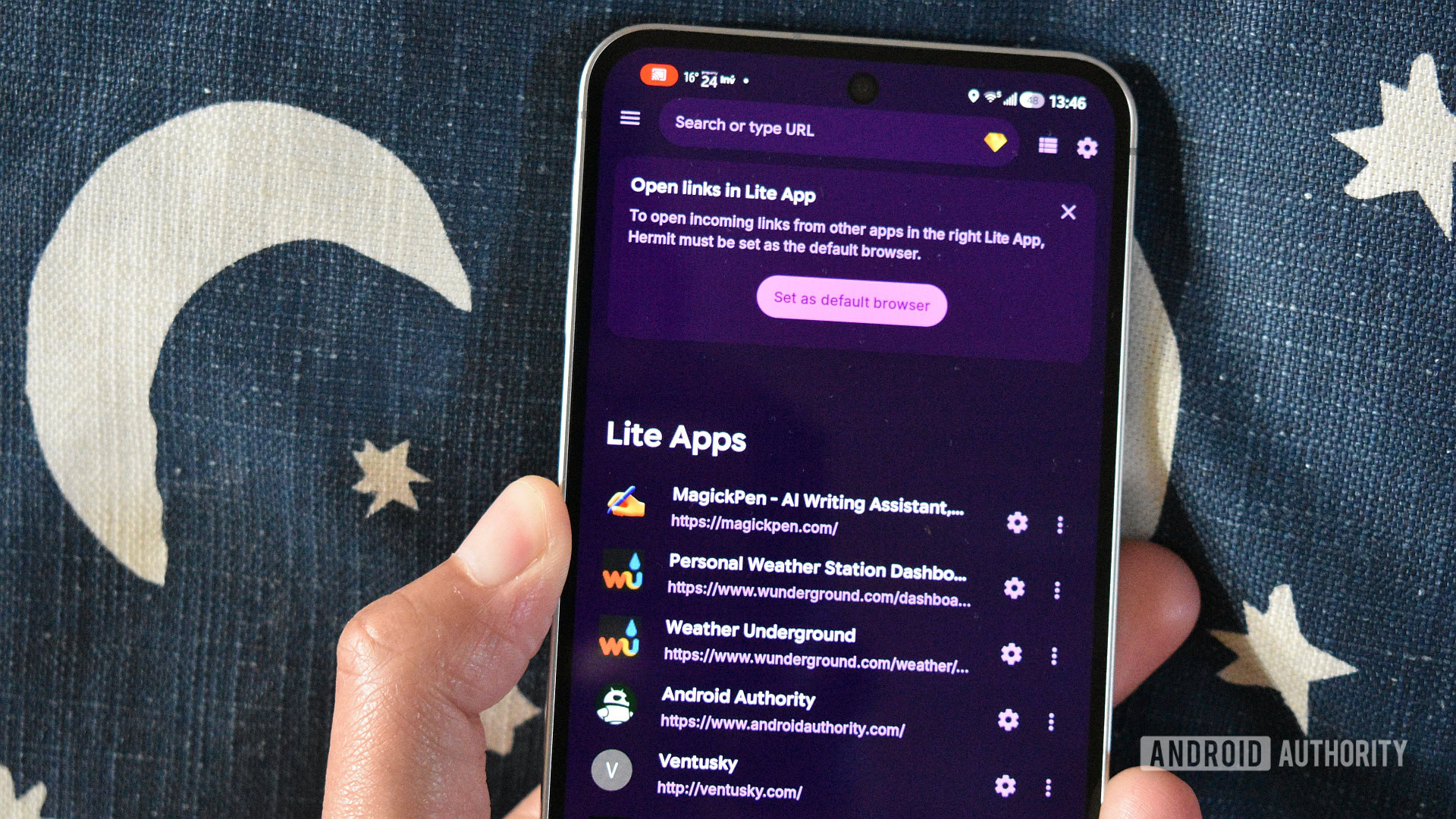
Web Pages as Standalone Apps: Hermit offers a novel approach to web browsing by transforming web pages into self-contained "web apps." This innovative method allows users to access the functionality of a website as if it were a native application, without the associated privacy concerns or data collection often found in official mobile apps.
Enhanced Privacy and Functionality: The primary benefit of Hermit lies in its ability to create sandboxed environments for specific websites. This is particularly useful for platforms like social media networks or news aggregators that employ extensive user tracking. By using Hermit to access these services, users can enjoy a similar feature set to their native apps while significantly reducing their digital footprint. The app also facilitates the creation of web apps for services that may not have dedicated mobile applications, such as certain productivity tools or niche information sites.

Premium Features for Power Users: The premium version of Hermit unlocks a suite of advanced features that further enhance its utility. This includes an editable ad blocker, enabling users to customize their browsing experience by removing unwanted advertisements. Support for multiple profiles allows for even greater separation of web activities, and the integration of userscripts provides advanced customization and automation capabilities. These premium features make Hermit a powerful and privacy-conscious alternative to traditional mobile browsers and web-based applications.
Moon+ Reader Pro: A Comprehensive Reading Experience
Tailored Reading Environments: For avid readers, Moon+ Reader Pro offers an unparalleled level of customization for digital books. The app provides extensive options for adjusting reading modes, font styles, text sizes, and background themes, allowing users to create a reading environment that perfectly suits their preferences. This meticulous attention to detail extends to the home screen bookshelf design, enabling users to organize and display their digital library in a visually appealing manner.
Annotation and Productivity Tools: Beyond basic reading, Moon+ Reader Pro excels in its annotation and highlighting features, making it an invaluable tool for students, researchers, and anyone who engages deeply with text. The ability to easily mark up passages, add notes, and export annotations streamlines the process of information extraction and review. Furthermore, the integrated blue light filter is a critical feature for reducing eye strain during extended reading sessions, particularly for those who spend significant time in front of screens.
Advanced Functionality in the Pro Version: The Pro version of Moon+ Reader significantly expands upon the free version’s capabilities. It introduces dedicated PDF editing tools, offering a more robust solution for managing and annotating portable document formats. Support for online and Calibre libraries provides seamless integration with popular e-book management systems. These advanced features solidify Moon+ Reader Pro’s position as a top-tier application for serious digital readers.

SuperDisplay: Bridging the Gap Between Devices
Transforming Tablets into Secondary Monitors: SuperDisplay is a premium application that fundamentally alters how users interact with their computing devices by enabling tablets to function as high-performance secondary displays for PCs and Macs. While the concept of using tablets as external monitors is not new, SuperDisplay distinguishes itself through its exceptionally low latency and seamless connectivity.
Low-Latency and Versatile Connectivity: The app’s standout feature is its remarkably low latency, which creates an experience that closely mimics using a dedicated monitor. This responsiveness is crucial for tasks requiring precise input, such as digital art or video editing. SuperDisplay offers flexibility in its connection methods, supporting both wired USB connections for maximum stability and Wi-Fi for wireless convenience. The ease of setup and reliable performance make it an attractive solution for professionals and power users seeking to expand their screen real estate.
A Significant Investment with High Returns: SuperDisplay represents the most expensive application on this list, a factor that necessitates careful consideration. However, for users who can leverage its capabilities to enhance their productivity and workflow, the investment is often justified. The ability to transform an existing tablet into a functional secondary display can eliminate the need for purchasing additional hardware, offering a cost-effective solution for many. Its impact on user productivity and workflow makes it a highly regarded purchase for those who benefit from its advanced functionality.
Tasker: The Pinnacle of Android Automation
Unlocking the Power of Automation: Tasker has long been recognized as a cornerstone of Android customization, empowering users to automate virtually any task on their devices. Long before built-in automation features became common in manufacturer interfaces, Tasker provided a robust platform for creating complex routines and workflows.
A Steep Learning Curve, Immense Rewards: The initial barrier to entry for Tasker is its steep learning curve. The application’s extensive feature set and flexible logic engine require a commitment to learning its intricacies. However, for users who invest the time, the rewards are substantial. Tasker allows for the creation of intricate automations triggered by a vast array of conditions, including location, time, application status, and device events. Its compatibility with numerous third-party applications further expands its potential, enabling seamless integration with other services and functionalities.
Community Support and Ongoing Development: The active and supportive Tasker community plays a vital role in its continued success. Users readily share profiles, plugins, and tutorials, making the learning process more accessible. The developer’s consistent updates and commitment to maintaining the app’s compatibility with the latest Android versions ensure its relevance and power. Despite its advanced capabilities, Tasker remains relatively affordable, and a week-long trial period allows potential users to explore its features before making a purchase.
In conclusion, while free applications serve a crucial role in the Android ecosystem, the value of well-crafted, paid applications cannot be overstated. The applications highlighted above represent a diverse range of functionalities, from astronomical exploration and notification management to advanced customization and productivity enhancements. Each, in its own way, justifies its cost by delivering a superior user experience, innovative features, and a commitment to ongoing development that elevates the capabilities of the Android platform. The decision to invest in these applications is a testament to the appreciation for quality, functionality, and the enduring power of a well-designed digital tool.