admin
admin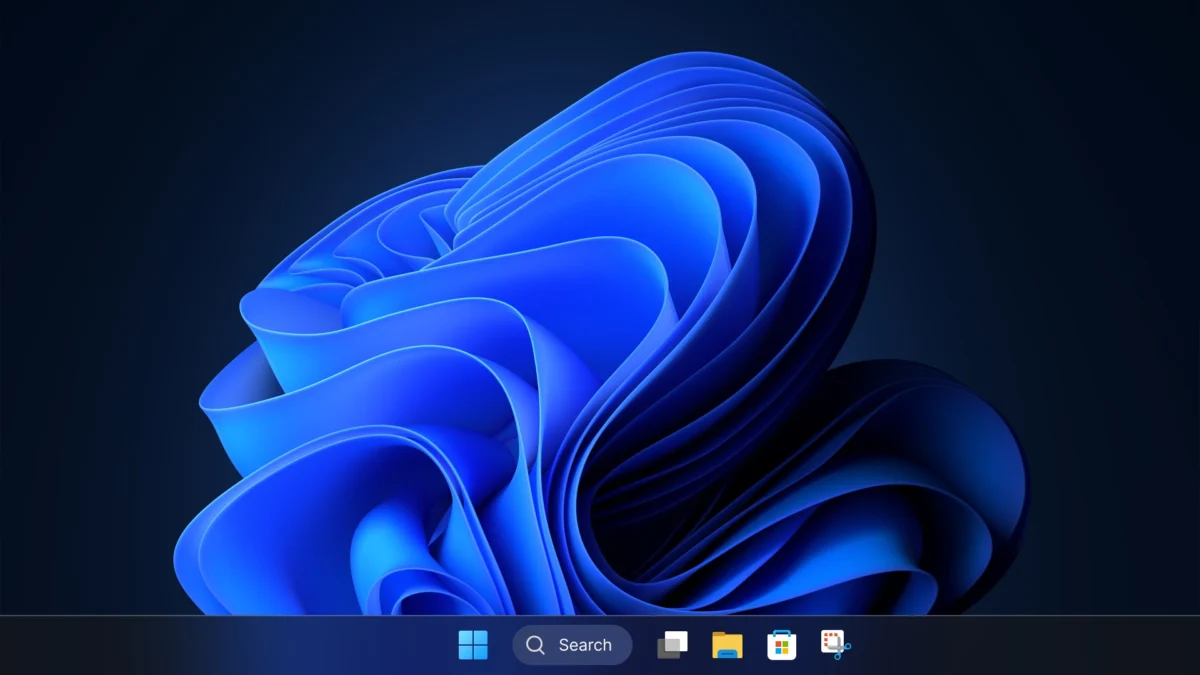
The visual landscape of Windows 11 is often described as a study in contrasts, where the sleek, translucent "Mica" design language of the modern desktop frequently gives way to menus and utilities that have remained largely untouched for decades. While the operating system has undergone a significant facelift since its 2021 launch, core components such as the Control Panel, Registry Editor, and various administrative tools continue to reflect the aesthetics of the Windows 7, Windows XP, and even Windows 95 eras. This persistent fragmentation has been a point of contention for users seeking a cohesive user experience, but according to Marcus Ash, Microsoft’s Corporate Vice President of Design and Research, the slow pace of modernization is a deliberate strategy rooted in the preservation of system stability and professional workflows.
The Challenge of Balancing Modernization and Stability
Speaking in a recent interview on the Windows Central Podcast, Marcus Ash provided a rare glimpse into the internal decision-making processes at Microsoft regarding the evolution of the Windows user interface (UI). He acknowledged that while the company is "pushing really hard" to modernize the OS, the transition is fraught with technical complexities that go beyond simple aesthetic updates. The primary hurdle, according to Ash, is Microsoft’s long-standing commitment to backward compatibility—a cornerstone of the Windows ecosystem that allows decades-old software and hardware drivers to continue functioning on modern hardware.
The Control Panel serves as the primary example of this "tricky" balancing act. Originally introduced in early versions of Windows, the Control Panel houses thousands of applets and settings that interact directly with low-level system drivers and legacy Win32 applications. Ash explained that if a customer relies on a specific driver or a specialized enterprise tool that depends on the legacy structure of the Control Panel, a sudden shift to a modern interface could break that functionality. "We just have to be careful about not breaking that compatibility promise," Ash stated, emphasizing that the "Settings" app only replaces Control Panel features once Microsoft is certain the transition is seamless.

A Timeline of Windows UI Evolution
To understand why Windows 11 remains a hybrid of old and new, it is necessary to examine the chronology of Microsoft’s UI philosophy over the last decade. The shift toward modernization began in earnest with Windows 8 in 2012, which introduced the "Metro" design language and the first iteration of the "Settings" app. This was a radical departure from the desktop-centric design of Windows 7, but it created a dual-interface problem that has persisted for over 12 years.
- 2012 (Windows 8): Introduction of the "PC Settings" app, marking the beginning of the end for the Control Panel. However, most advanced settings remained in the legacy interface.
- 2015 (Windows 10): Microsoft introduced "Fluent Design" and moved more items into the Settings app. File Explorer received minor updates, but the core architecture remained Win32-based.
- 2021 (Windows 11): The "Mica" material effect and centered taskbar arrived. Microsoft began a more aggressive push to redesign the context menus and the File Explorer, yet the Registry Editor and Control Panel remained visually static.
- 2023–2024: Recent updates have seen the migration of "Advanced Network Settings" and "Programs and Features" to the modern Settings app, though the legacy shells still exist as backups.
This timeline demonstrates that Microsoft’s approach is one of gradual attrition rather than a "clean break" strategy, which is often seen in competing operating systems like macOS.
The Role of Telemetry and User Journey Mapping
Microsoft does not choose which tools to modernize based solely on visual appeal; rather, the process is driven by data. Marcus Ash revealed that the company relies heavily on telemetry—anonymized data reflecting how users interact with the OS—to prioritize development efforts. By analyzing "user journeys," Microsoft identifies which paths are most frequently traveled and where the friction between modern and legacy UI causes the most frustration.
"We look left-to-right and say, okay, for this particular dialogue, where did the user start and where does the user end?" Ash explained. This holistic view ensures that when a tool like File Explorer is updated, the entire workflow—from opening a folder to managing file properties—is considered. This methodology explains why some obscure parts of the OS remain in their 1990s state: if telemetry shows that only a tiny fraction of power users or system administrators access a specific legacy tool, the ROI (return on investment) for a full visual overhaul is lower compared to high-traffic areas like the Taskbar or Start Menu.

Modernizing the Registry Editor: The Final Frontier
Perhaps the most surprising revelation from Ash was the mention of the Registry Editor. As one of the most powerful and dangerous tools in the Windows arsenal, the Registry Editor is used by power users to tweak system behavior, enable hidden features, and troubleshoot deep-seated software issues. Its interface has remained virtually unchanged since Windows 95.
Ash confirmed that Microsoft is beginning to investigate how to "attack this problem" of modernizing the Registry Editor without compromising its core functionality. The challenge here is twofold: the tool must remain lightweight and responsive, and it must be accessible even when the system is in a degraded state. By modernizing the frameworks behind these legacy apps, Microsoft aims to bring them into the 21st century while ensuring they remain the reliable "hammers" that IT professionals expect.
Broader Implications: Hardware Optimization and Enterprise Stability
The discussion regarding UI modernization coincides with Microsoft’s broader goals for Windows 11 performance. Pavan Davuluri, Microsoft’s President of Windows and Devices, recently confirmed that the company is working on optimizing Windows 11 for systems with 8GB of RAM. This is a critical move as the industry shifts toward "AI PCs" that require significant resources for local processing. By streamlining the OS and modernizing legacy code, Microsoft can potentially reduce the memory footprint of background processes, making the system more efficient for the millions of users still on entry-level hardware.
From an enterprise perspective, the slow transition is often viewed as a benefit rather than a drawback. Large corporations often use custom scripts and automation tools that "scrape" or interact with specific UI elements in the legacy Control Panel. A sudden change in the UI hierarchy could lead to millions of dollars in lost productivity and IT support costs. Microsoft’s "compatibility promise" is the reason why Windows maintains over 70% of the global desktop market share; businesses value the assurance that an update won’t break their mission-critical infrastructure.

Analysis: The Future of a Unified Windows
While the "Frankenstein" nature of Windows 11 can be jarring for enthusiasts, it is the result of a calculated engineering trade-off. Microsoft is attempting to do something incredibly difficult: maintain a bridge to forty years of computing history while building a platform for the future of AI and touch-centric computing.
The insights provided by Marcus Ash suggest that the "death" of the Control Panel is inevitable, but it will not be a sudden execution. Instead, it will be a slow fading away as its functions are absorbed into the modern Settings framework. For the Registry Editor and File Explorer, the goal is "modernization of frameworks"—essentially keeping the soul of the app while giving it a new body that supports dark mode, high-DPI scaling, and modern accessibility features.
As Windows 11 continues to evolve through its annual feature updates, users can expect to see more of these "user journeys" modernized. The focus remains on ensuring that the OS is "enjoyable to use" without alienating the power users and enterprise clients who form the backbone of the Windows user base. For now, the legacy tools serve as a reminder of the OS’s heritage and a testament to the staggering complexity of maintaining the world’s most widely used desktop environment.
Summary of Key Takeaways
- Compatibility is King: The main reason for legacy UI is to ensure that old drivers and enterprise software do not break.
- Data-Driven Design: Microsoft uses telemetry to map "user journeys" and prioritize which UI elements need the most immediate attention.
- Registry Editor Evolution: Even the most technical tools are being looked at for future modernization.
- Performance Matters: UI modernization is being paired with backend optimization, such as improving performance for 8GB RAM systems.
- A Gradual Transition: Microsoft prefers a slow, stable migration of features from Control Panel to Settings over a rapid, potentially disruptive overhaul.
As Microsoft moves toward the next era of Windows, likely involving even deeper AI integration, the tension between the old and the new will continue to be a defining characteristic of the platform. However, with executives like Marcus Ash and Pavan Davuluri emphasizing a "compatibility-first" approach, the transition appears to be in capable, if cautious, hands.