George Chandra Eka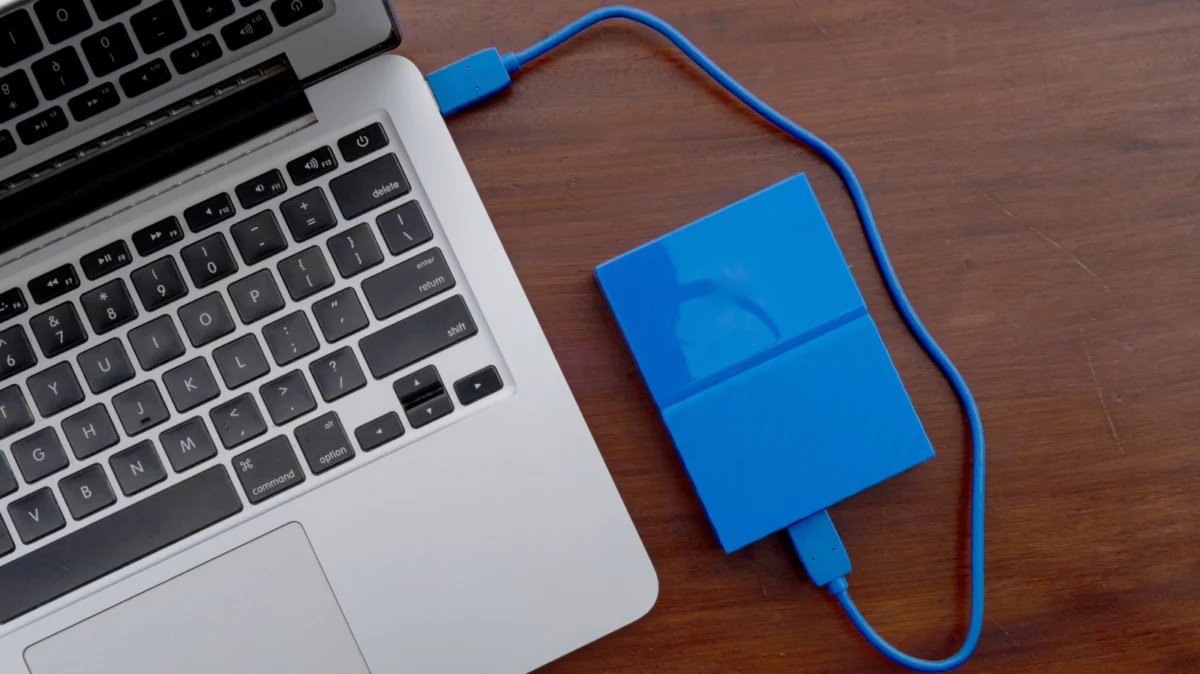
The landscape of external data storage has diversified significantly, presenting consumers with a fundamental choice between two dominant technologies: Hard Disk Drives (HDDs) and Solid-State Drives (SSDs). While both serve the crucial purpose of expanding digital storage beyond a device’s internal capacity, their underlying mechanisms, performance characteristics, and cost structures differ dramatically, making the selection a nuanced decision based on specific user needs and applications. External drives have become indispensable for a variety of tasks, from augmenting the often-limited storage of modern laptops to facilitating data portability, creating robust backup archives, and even extending the capabilities of gaming consoles and smart routers.
The Evolution of External Storage: A Historical Perspective
The concept of external storage predates the digital age, with early forms relying on magnetic tapes and punch cards. However, the modern external drive era truly began with the miniaturization and standardization of hard disk drives. HDDs, first introduced commercially by IBM in 1956, revolutionized data storage by offering non-volatile, rewritable capacity at a relatively low cost. Their operational principle relies on spinning platters coated with magnetic material, read and written by a mechanical arm with a read/write head. For decades, HDDs were the sole viable option for mass storage, both internal and external.
The advent of Solid-State Drives marked a paradigm shift in the early 21st century. Leveraging NAND flash memory, SSDs eliminated the mechanical components inherent in HDDs, offering a completely electronic storage solution. Early SSDs were prohibitively expensive and had limited capacities, confining them primarily to niche, high-performance applications. However, relentless technological advancements, coupled with economies of scale in manufacturing, have steadily driven down costs and increased capacities, bringing SSDs into the mainstream consumer market. This evolution set the stage for the current external storage dichotomy, where users must weigh the proven affordability and capacity of HDDs against the superior speed, durability, and compact form factor of SSDs.
Dissecting the Advantages and Disadvantages of External SSDs
External Solid-State Drives embody the cutting edge of portable storage, primarily distinguished by their exceptional speed. Unlike HDDs, which require mechanical movement to access data, SSDs utilize flash storage, allowing for instantaneous random access and significantly faster sequential read and write operations. For an internal system drive, this translates to rapid operating system boot times and swift application loading. In the context of an external drive, the speed advantage is most pronounced during large file transfers, real-time media editing, and direct application execution from the drive. Typical external SSDs, especially those leveraging USB 3.2 Gen 2 or Thunderbolt connections, can achieve sequential read/write speeds upwards of 500 MB/s to over 2,000 MB/s, a stark contrast to their mechanical counterparts. This performance boost is critical for professionals working with gigabytes of high-resolution photos or 4K/8K video footage daily, or for gamers seeking to reduce load times for graphically intensive titles.
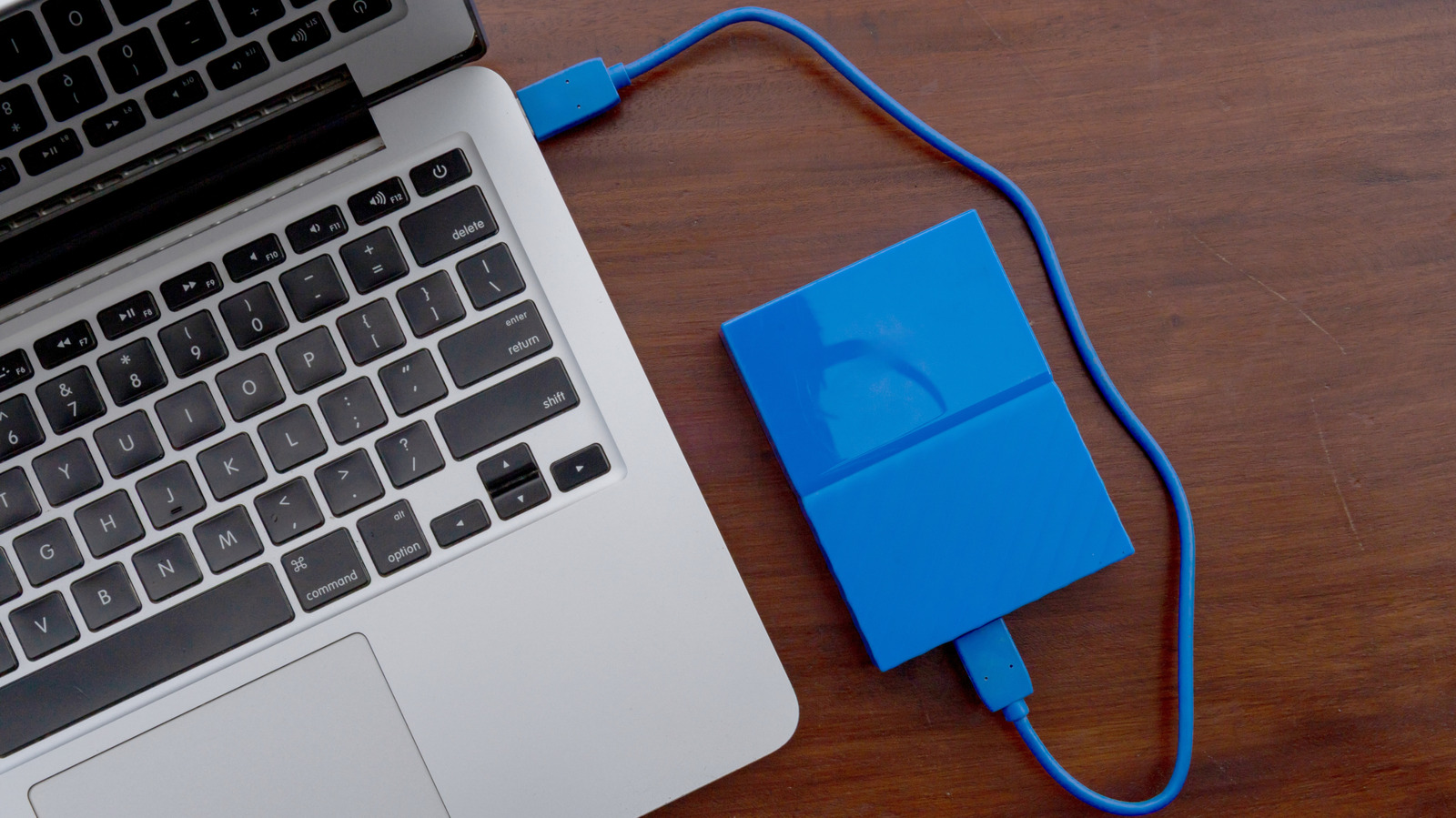
Beyond raw speed, the absence of moving parts grants SSDs a significant advantage in durability. They are inherently more resistant to physical shock, drops, and vibrations, making them ideal for users who frequently transport their data. This robustness is particularly appealing for students, field professionals, or anyone prone to accidental bumps and drops. Furthermore, their simpler internal architecture contributes to a more compact and lightweight design, making them effortless to carry in a backpack, pocket, or even attached to a keychain. This miniaturization has enabled the development of highly portable, credit-card-sized SSDs with multi-terabyte capacities.
Another notable benefit is their silent operation. Without spinning platters or moving read/write heads, SSDs produce no audible noise, a welcome attribute in quiet working environments. Their electronic nature also translates to lower power consumption compared to HDDs. This energy efficiency is a crucial factor for laptop users who rely on battery power, as an external SSD will exert less drain on the laptop’s battery, extending mobile productivity without the need for a separate power bank.
However, the primary drawback of external SSDs remains their cost-per-gigabyte. Despite significant price reductions over the years, SSDs are still substantially more expensive than HDDs for equivalent storage capacities. For instance, while a 1TB external SSD might cost around $100-$150 depending on brand and interface, a 4TB external HDD can often be found for a similar price point. This cost disparity becomes even more pronounced at higher capacities; obtaining an 8TB or 16TB external SSD can be prohibitively expensive for many consumers, whereas HDDs offer these massive storage options at a fraction of the price. This economic factor necessitates careful consideration of the trade-off between speed/durability and raw storage volume.
Understanding the Merits and Limitations of External HDDs
External Hard Disk Drives continue to hold a significant market share, primarily due to their unparalleled cost-effectiveness for mass storage. For users requiring vast amounts of data storage without the premium price tag of SSDs, HDDs are the unequivocal choice. They offer capacities ranging from several terabytes to over 20 terabytes in a single drive, making them ideal for comprehensive data archives, extensive media libraries, and large-scale backups where sheer volume is paramount. This economic advantage ensures HDDs remain a staple for long-term, bulk data storage solutions, especially when considering the current inflationary trends in RAM and flash storage prices that further emphasize the value proposition of HDDs.
Conversely, HDDs consistently fall short in areas where SSDs excel. Their mechanical nature dictates a much slower performance profile. An average external HDD typically achieves sequential read and write speeds in the range of 100-150 MB/s. While this performance is serviceable for many routine tasks such as storing documents, photos, or standard-definition videos, it pales in comparison to SSD speeds. Tasks involving the transfer of dozens of gigabytes, editing high-bitrate video, or loading large game files will experience noticeable delays and bottlenecks. The latency associated with the mechanical movement of the read/write head across spinning platters contributes to slower random access times, which can be particularly detrimental for operating systems or applications that frequently access small, disparate files.
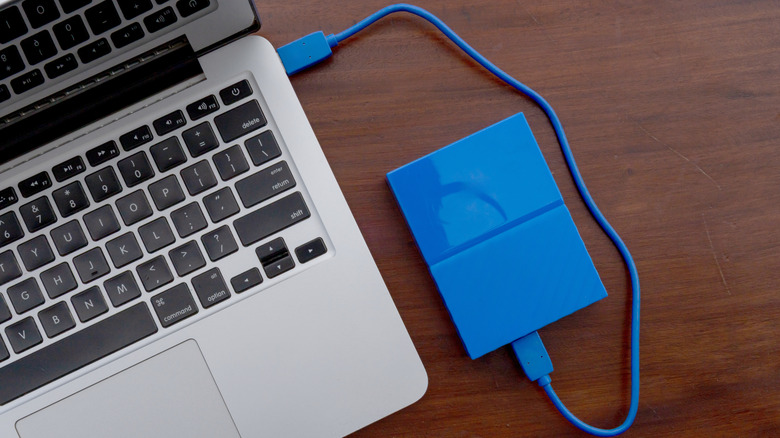
The mechanical components also make HDDs susceptible to physical vulnerabilities. They are sensitive to drops, impacts, and strong vibrations, which can cause irreparable damage to the platters or read/write heads, leading to data loss. Extreme temperatures can also affect their reliability. This fragility makes them less suitable for highly mobile use cases or environments where physical handling might be rough.
Furthermore, the internal motors and spinning platters generate audible noise during operation, especially when actively reading or writing data. This can be a minor annoyance in quiet settings. The mechanical processes also demand more power than SSDs, making them less energy-efficient. While typically not a major concern for desktop-attached drives, it can slightly impact the battery life of a laptop when used for extended periods away from a power source. Their physical construction also generally results in a larger and heavier form factor compared to their SSD counterparts, limiting their ultimate portability.
Making an Informed Decision: Tailoring Storage to Your Needs
The decision between an external HDD and an SSD hinges entirely on the intended use case, budgetary constraints, and performance expectations. A thoughtful assessment of these factors will guide users toward the optimal storage solution.
Scenario-Based Recommendations:
- Archival and Bulk Storage: For users who need to store massive amounts of data—such as extensive photo and video collections, comprehensive system backups, or large media libraries—and do not require frequent, rapid access, an external HDD is the most cost-effective solution. Its high capacity-to-price ratio allows for significant data hoarding without breaking the bank. These drives are ideal for static storage, typically kept stationary, perhaps permanently connected to a desktop computer or network-attached storage (NAS) system.
- Performance-Critical Workflows: Professionals in creative fields, such as video editors, graphic designers, and photographers, will find the speed of an external SSD indispensable. When transferring multi-gigabyte project files, scrubbing through 4K or 8K video timelines, or opening large image files, the superior read/write speeds of an SSD significantly accelerate workflows, boosting productivity and minimizing wait times. Similarly, gamers who wish to expand their game library and enjoy faster load times for current-generation titles (especially those requiring SSD speeds for optimal performance) will benefit immensely from an external SSD.
- Portability and Durability: For users who frequently travel with their data, an external SSD offers unmatched peace of mind. Its resistance to physical shock ensures data integrity even during accidental drops or rough handling. The compact, lightweight design further enhances portability, making it easy to slip into a bag or pocket without adding noticeable bulk. Students, mobile professionals, and field researchers often prioritize these attributes.
- Everyday General Use: For general users who occasionally transfer files, store documents, or create periodic backups, either drive type can suffice. However, if budget allows, an SSD will provide a snappier experience for even mundane tasks. If the priority is maximum storage for the lowest cost, an HDD remains a strong contender.
Beyond the Drive Type: Connectivity and Compatibility
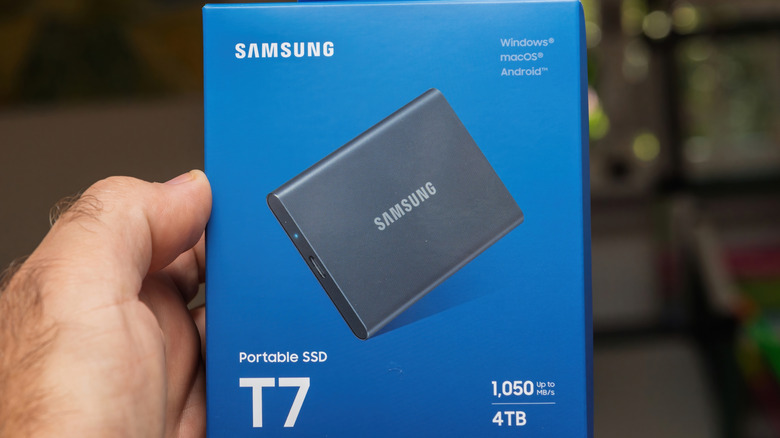
The performance of any external drive, regardless of whether it’s an HDD or SSD, is also heavily influenced by its connection interface and the host device’s capabilities. Both types typically connect via USB, but the specific USB standard plays a critical role in realizing the drive’s full potential.
-
USB Standards:
- USB 2.0: With a theoretical maximum speed of 480 Mbps (60 MB/s), USB 2.0 is a significant bottleneck for any modern drive. Plugging an SSD into a USB 2.0 port will negate virtually all its speed advantages.
- USB 3.0 (now USB 3.2 Gen 1): Offers a theoretical speed of 5 Gbps (625 MB/s). This is sufficient to allow many external SATA-based SSDs to perform near their maximum, and provides ample bandwidth for HDDs.
- USB 3.1 Gen 2 (now USB 3.2 Gen 2): Provides 10 Gbps (1.25 GB/s). This standard unlocks higher performance for faster SSDs, particularly those utilizing NVMe controllers encased in a USB enclosure.
- USB 3.2 Gen 2×2: A newer standard offering 20 Gbps (2.5 GB/s), designed for extremely fast NVMe SSDs. Requires compatible ports on the host device.
- Thunderbolt 3/4 and USB4: These high-performance interfaces, often using the USB-C connector, offer speeds of 40 Gbps (5 GB/s), allowing top-tier NVMe SSDs to achieve speeds comparable to internal drives. Checking both the drive’s and your computer’s USB port specifications is paramount to avoid performance bottlenecks.
-
File Systems: Compatibility across different operating systems (Windows, macOS, Linux, Android) often depends on the drive’s file system. Common choices include FAT32 (universal but limited file size), exFAT (universal with larger file support), NTFS (Windows-native, read-only on macOS without third-party tools), HFS+ (older macOS), and APFS (modern macOS). Formatting the drive appropriately ensures seamless integration with your devices.
-
Device Versatility: External drives extend functionality beyond traditional computers. Modern gaming consoles like the PlayStation 5 and Xbox Series X/S can use external drives to store current-generation games, though only SSDs can often run these directly, while HDDs typically serve as cold storage. Routers equipped with USB ports can transform an external drive into a simple network-attached storage (NAS) device, enabling file sharing across a home network. Furthermore, many Android smartphones and tablets can connect to external drives via USB On-The-Go (OTG) adapters, facilitating media consumption or data transfer without cloud reliance.
The Future of External Storage: Trends and Outlook
Industry analysts generally forecast a continued bifurcation in the external storage market. Solid-state drives are expected to increasingly dominate the performance-oriented and highly portable segments, driven by ongoing advancements in NAND flash technology and further cost reductions. As NAND densities increase and manufacturing processes mature, the cost-per-gigabyte gap with HDDs is likely to narrow, making high-capacity SSDs more accessible.
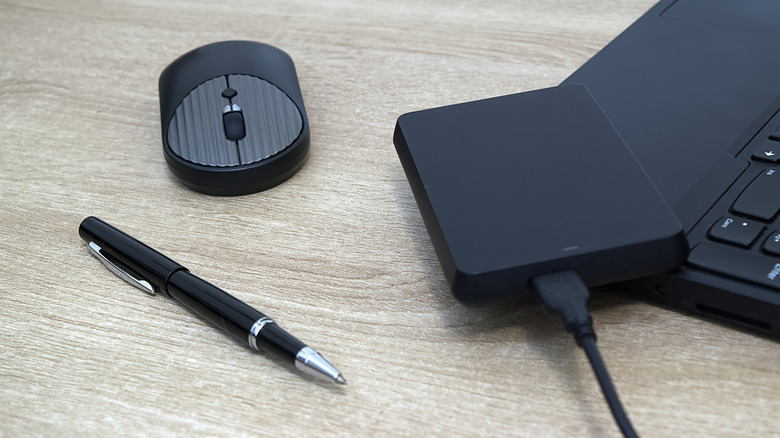
Conversely, hard disk drives are anticipated to maintain their stronghold in the realm of archival and bulk storage, where their cost advantage for multi-terabyte capacities remains unchallenged. Innovations in HDD technology, such as Heat-Assisted Magnetic Recording (HAMR) and Microwave-Assisted Magnetic Recording (MAMR), are pushing the boundaries of capacity even further, with drives reaching 20TB, 30TB, and beyond. This ensures HDDs will continue to be the workhorses for data centers, cloud storage providers, and consumers with vast digital libraries.
Ultimately, the choice between an external HDD and an SSD is not about one being inherently "better" than the other, but rather about selecting the most appropriate tool for a specific job. Understanding the fundamental differences in their technology, performance, durability, and cost allows users to make an informed decision that aligns with their individual needs, workflows, and budget. For maximum versatility, some users may find value in owning both types, leveraging an SSD for critical, frequently accessed data and an HDD for large-scale, long-term archival storage.