
 George Chandra Eka
Smart speakers, once a novelty, have become indispensable fixtures in millions of households globally, seamlessly integrating into daily routines to manage tasks, play music, provide information, and control smart home devices. While these intelligent assistants have undeniably grown more sophisticated in comprehending human speech, the occasional misinterpretation remains a frustrating reality for many users. This persistent challenge, despite significant advancements in artificial intelligence and natural language processing, often transforms a moment of convenience into one of minor annoyance. Understanding the root causes of these misunderstandings and implementing targeted solutions is crucial for unlocking the full potential of these devices and ensuring a smoother, more intuitive smart home experience. This article delves into the intricacies of why your smart speaker might be struggling to understand you and provides a comprehensive guide to enhancing its accuracy.
The Evolution of Voice AI: A Brief History and Current Landscape
The journey of voice recognition technology has been long and complex, evolving from rudimentary command-and-control systems in the mid-20th century to the sophisticated, cloud-powered conversational AI we interact with today. Early pioneers like IBM’s Shoebox in 1962, capable of understanding 16 words, laid the groundwork. Decades later, with the advent of more powerful computing and advanced algorithms, products like Dragon NaturallySpeaking in the 1990s brought speech-to-text to personal computers. However, it was the introduction of Apple’s Siri in 2011, followed swiftly by Amazon’s Alexa in 2014 with the Echo speaker, and Google Assistant with Google Home in 2016, that truly democratized voice AI, embedding it into everyday consumer electronics. Apple later joined the smart speaker market with the HomePod in 2018, emphasizing audio quality and ecosystem integration.
The rapid adoption of smart speakers underscores their perceived value. According to recent data from Statista, the global smart speaker market is projected to reach approximately $15.6 billion by 2027, with ownership rates steadily climbing across North America and Europe. This growth is fueled by continuous innovation in far-field microphone technology, which allows devices to hear commands from across a room, and significant leaps in Natural Language Processing (NLP) and Machine Learning (ML). These technologies enable speakers to convert spoken words into text, interpret intent, and generate appropriate responses. Industry leaders like Amazon, Google, and Apple consistently emphasize their commitment to refining voice recognition algorithms through continuous data analysis and machine learning advancements, often updating their models hourly based on vast datasets of anonymized user interactions. Despite these monumental efforts, the complexities of human language and diverse acoustic environments present formidable, ongoing challenges.
Deciphering the Disconnect: Common Reasons for Misunderstandings
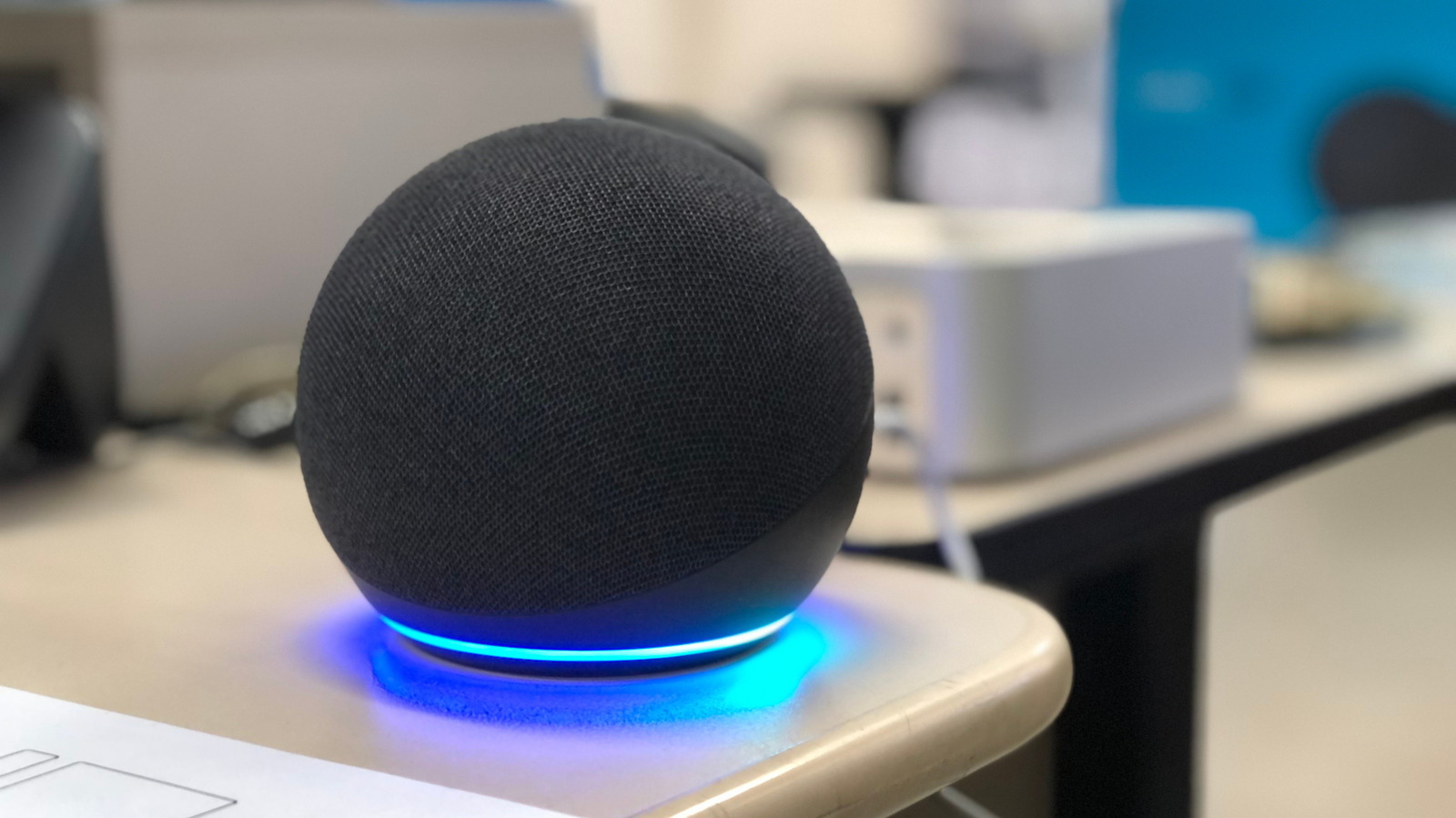
While voice assistants boast impressive accuracy rates, often cited as upwards of 95% in controlled environments, real-world conditions introduce numerous variables that can degrade performance. A recent survey by J.D. Power indicated that voice recognition errors remain a top frustration for a significant percentage of smart speaker owners, highlighting that even minor misinterpretations can erode user trust and satisfaction. Several factors contribute to these persistent misunderstandings:
- Acoustic Environment and Background Noise: This is perhaps the most prevalent culprit. Smart speakers rely on an array of microphones to pick up your voice and filter out ambient noise. However, loud televisions, music playing from other speakers (including the smart speaker itself), multiple people talking simultaneously, or even household appliances like dishwashers and fans can create significant interference. Echoes in rooms with hard surfaces (bare walls, tile floors) can also distort sound waves, making it difficult for the speaker’s digital signal processing to isolate your voice.
- Physical Obstructions and Speaker Placement: A layer of dust or grime over the microphone grille can significantly dampen sound input. More fundamentally, the physical placement of the speaker within a room plays a critical role. Placing a smart speaker too close to a wall or in a corner can cause sound reflections that confuse its microphone array, while placing it too far from the primary user area can result in weak or muffled voice input. Similarly, positioning it directly next to another noise source, like a large fan or traditional stereo speakers, is counterproductive.
- User-Centric Issues: Speech Clarity and Accent: While modern voice assistants are trained on diverse datasets, individual variations in speech patterns can still pose challenges. Mumbling, speaking too quickly or too softly, or having a heavy accent or dialect not extensively represented in the training data can lead to misinterpretations. Furthermore, providing overly complex or ambiguous commands, or issuing requests for actions the speaker is not equipped to perform, will naturally result in failure.
- Multi-Device Conflicts and Wake Word Ambiguity: In smart homes with multiple smart speakers, a common issue arises when more than one device hears the wake word (e.g., "Alexa," "Hey Google," "Siri") and attempts to respond. This can lead to a confusing chorus of responses or, worse, the wrong device executing a command intended for another. The sensitivity of microphones across different units can vary, or they might simply be too close to each other.
- Network and Software Glitches: Smart speakers are heavily reliant on cloud processing. When you speak a command, the audio is sent over your home Wi-Fi network to the company’s servers, processed, and the response is sent back. A weak or unstable Wi-Fi connection can cause delays, data loss, or incomplete command processing, leading to errors. Outdated firmware on the device itself can also contain bugs that affect voice recognition performance, which manufacturers continuously address through software updates.
Universal Strategies for Optimizing Smart Speaker Comprehension
Fortunately, many of the issues leading to misunderstandings can be resolved with relatively simple, universal adjustments applicable across most smart speaker brands. These strategies focus on optimizing the acoustic environment, refining user interaction, and ensuring device health.
- Optimal Placement for Clear Acoustics: The location of your smart speaker is paramount. Aim for a central location within the room where you most frequently interact with it, ideally on a stable, flat surface away from walls and corners. Keeping it at least one foot away from walls helps mitigate sound reflections that can interfere with the microphone array’s ability to localize your voice. Avoid placing it near large appliances (refrigerators, washing machines), fans, air conditioning units, or other audio systems that generate constant background noise. If possible, consider the room’s acoustics; soft furnishings, rugs, and curtains can help absorb sound and reduce echoes, creating a clearer audio environment for your speaker.
- Regular Maintenance and Environmental Upkeep: A simple, yet often overlooked, step is to ensure your smart speaker is clean. Over time, dust, pet hair, or other household debris can accumulate on the speaker grille, particularly over the microphone openings, effectively muffling incoming sound. Use a dry, soft cloth or a microfiber towel to gently wipe down the unit. Avoid using harsh chemicals or abrasive materials that could damage the device. Regularly cleaning the area around the speaker also helps maintain an optimal environment.
- Mastering Your Voice and Command Structure: While smart speakers are designed for natural conversation, adopting clear and concise speech habits can significantly improve accuracy. Speak clearly, at a moderate pace, and at a consistent volume. Avoid mumbling or shouting. Formulate your commands simply and directly. For instance, instead of "Could you perhaps put on some upbeat music for me?" try "Play pop music." Ensure the command you’re issuing is something the speaker is actually capable of executing, and check the specific phrasing or "skills" required for complex tasks.
- Managing Multi-Speaker Setups: When you have multiple smart speakers in your home, preventing them from simultaneously responding can be tricky.
- Physical Separation: The most straightforward solution is to increase the physical distance between devices.
- Wake Word Customization (Alexa): For Amazon Echo devices, you can change the wake word for individual speakers. For example, one Echo could respond to "Alexa," while another in a different room responds to "Echo" or "Computer." This significantly reduces the chance of unintended activation.
- Sensitivity Adjustment (if available): Some platforms or third-party apps might offer options to adjust microphone sensitivity. Lowering the sensitivity on a problematic speaker can prevent it from "hearing" commands intended for a closer device.
- Unique Naming for Smart Home Devices and Rooms: When integrating smart home gadgets (lights, thermostats, plugs), assign them distinct and unambiguous names. Instead of "Living Room Light 1" and "Living Room Light 2," consider "Overhead Light" and "Floor Lamp." Similarly, clearly label rooms in your smart home app (e.g., "Master Bedroom" instead of "Bedroom"). This clarity helps your smart speaker differentiate between devices and locations, minimizing confusion when you issue commands like "Turn on the kitchen lights."
- Ensuring Network Stability: A stable and robust Wi-Fi connection is fundamental for optimal smart speaker performance. Ensure your router is adequately positioned to provide strong signal strength to all your smart speakers. If you experience frequent disconnections or delays, consider upgrading your router, using Wi-Fi extenders or a mesh Wi-Fi system, or troubleshooting your internet service. A weak signal can lead to dropped commands or slow response times, giving the impression that the speaker isn’t understanding you.
Platform-Specific Personalization: Training Your Voice Assistant
Beyond universal fixes, leading smart speaker platforms offer personalized settings to fine-tune voice recognition based on individual user profiles. Training your speaker to recognize your unique voice is one of the most effective ways to improve accuracy, especially in multi-user households.
-
Amazon Alexa: Cultivating a Voice ID:
Amazon’s Alexa allows users to create a "Voice ID," which helps Alexa recognize individual voices and tailor responses. This personalization extends to things like news updates, music preferences, and even distinguishing between family members for shopping lists or calendar entries. To set up Voice ID: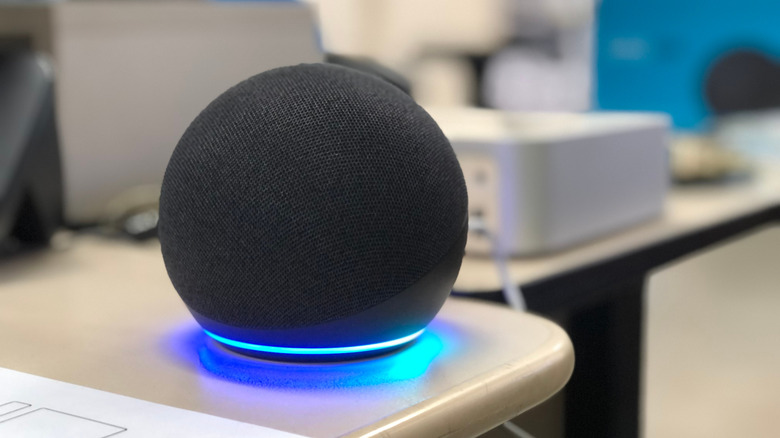
- Open the Alexa app on your smartphone or tablet.
- Navigate to More > Settings > Account Management > Your Profile > Voice ID.
- The app will then guide you through a series of spoken phrases designed to create a unique voiceprint. Once set up, Alexa will be better equipped to understand your specific accent, intonation, and speech patterns across all your connected Echo devices. This also enhances security, as Alexa can differentiate who is issuing a command.
-
Google Assistant: Harnessing Voice Match:
Google Assistant’s "Voice Match" feature is particularly powerful for households with multiple users, allowing up to six distinct voices per home. Voice Match enables the Assistant to recognize who is speaking and provide personalized results from their Google account, such as their calendar, contacts, and personalized search results.- Open the Google Home app.
- Tap on your profile icon (top right).
- Go to Assistant settings > Voice Match.
- Follow the prompts to record your voice. You’ll be asked to say a few phrases like "Hey Google" and "Ok Google" multiple times.
Once enabled, Google Assistant can distinguish between family members, ensuring that when you ask, "What’s on my calendar today?" it provides your schedule, not someone else’s.
-
Apple HomePod: Enabling "Recognize My Voice" and Siri Cloud Sync:
Apple’s HomePod, powered by Siri, also offers voice recognition capabilities to personalize interactions within the Apple ecosystem. For a seamless experience across all your Apple devices, including your HomePod:- Open the Home app on your iOS device.
- Tap the More button (three dots) in the top right corner to access Home Settings.
- Select your user profile and turn on Recognize My Voice. This allows HomePod to tailor responses based on who is speaking, such as playing personalized music from Apple Music or reading your messages.
- For an even smoother experience and to ensure Siri on your HomePod leverages your personal language model, it’s also crucial to ensure Siri data is synced via iCloud. On your iPhone:
- Go to Settings.
- Tap your name at the top of the page.
- Go to iCloud.
- Tap Show All (or Apps Using iCloud), then enable Siri. This ensures your personalized Siri data, including your voice model, is consistent across all your Apple devices. Apple emphasizes privacy in its approach, processing much of the Siri data on-device and using anonymized, opt-in data for cloud-based improvements.
Advanced Troubleshooting and When to Seek Further Help
If universal and platform-specific fixes haven’t resolved your smart speaker’s comprehension issues, it might be time for more advanced troubleshooting steps.
- The Power of a Simple Restart: Much like a computer or smartphone, a smart speaker can sometimes benefit from a simple restart. Unplug the device from its power source, wait for at least 60 seconds (this allows internal capacitors to fully discharge and memory to clear), and then plug it back in. This often resolves minor software glitches, refreshes network connections, and clears temporary errors that might be affecting voice recognition.
- Firmware Updates: Manufacturers continuously release software (firmware) updates for their smart speakers, often including improvements to voice recognition algorithms, bug fixes, and new features. Most smart speakers update automatically, but it’s worth checking your device’s app (Alexa, Google Home, Home) for any pending updates or options to manually initiate one. Ensuring your device is running the latest software can significantly improve its performance and accuracy.
- Factory Reset: The Last Resort: A factory reset should only be considered if all other troubleshooting steps have failed. This action will erase all your personal settings, stored data, and reconfigure the device to its original factory state, requiring you to set it up again from scratch. While drastic, it can resolve deeply embedded software issues that are otherwise intractable. Each brand has a slightly different method for factory resetting, usually involving a combination of button presses or specific commands through the companion app. Consult your device’s manual or the manufacturer’s support website for precise instructions.
- Customer Support: If after attempting all these steps your smart speaker still consistently misunderstands you, it may indicate a hardware fault. In such cases, contacting the manufacturer’s customer support (Amazon, Google, Apple) is the next logical step. They can provide more specialized diagnostics, offer repair options, or guide you through warranty claims if applicable.
The Broader Implications: Seamless Interaction and the Future of Smart Living
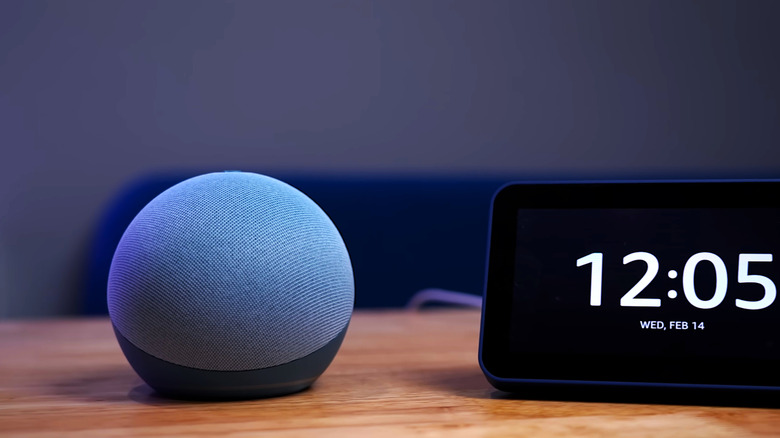
The continuous quest for improved smart speaker comprehension has far-reaching implications beyond simply avoiding frustration. Enhanced accuracy directly translates to a more seamless and enjoyable user experience, which is critical for the sustained adoption and integration of smart home technologies. When voice commands are reliably understood, users are more likely to engage with their devices, expanding their use cases and deepening their reliance on these assistants for daily tasks.
From an accessibility standpoint, reliable voice recognition is transformative. For individuals with mobility impairments, visual disabilities, or other physical limitations, voice control can be the primary means of interacting with technology and controlling their environment. Every improvement in accuracy makes smart speakers more inclusive and empowering.
The future of voice AI promises even more sophisticated interactions. Researchers are working on improving context awareness, allowing assistants to understand follow-up questions without needing constant repetition of the wake word, and to infer intent even when commands are vague. Advancements in proactive assistance, where the AI anticipates needs, and multimodal interaction, combining voice with gestures or visual cues, are also on the horizon. Experts in natural language processing acknowledge the formidable challenges of creating truly intuitive and universally understanding AI, citing the complexities of human language and varied acoustic environments, yet progress remains relentless.
However, this personalization and increasing sophistication also raise important considerations regarding data privacy. As smart speakers learn more about individual users and their habits, the balance between convenience, personalization, and safeguarding personal data becomes a critical area of ongoing development and public discourse. Manufacturers are increasingly transparent about how voice data is collected, processed, and anonymized, offering users more control over their privacy settings.
In conclusion, while smart speakers have become incredibly adept at processing human speech, the journey to perfect comprehension is ongoing. By understanding the common pitfalls and diligently applying a combination of environmental optimization, user interaction adjustments, and platform-specific personalization, users can significantly enhance their smart speaker’s accuracy. These efforts not only lead to a more gratifying personal experience but also contribute to the collective data that fuels the next generation of voice AI, propelling us closer to a truly intuitive and responsive smart home.







