
 George Chandra Eka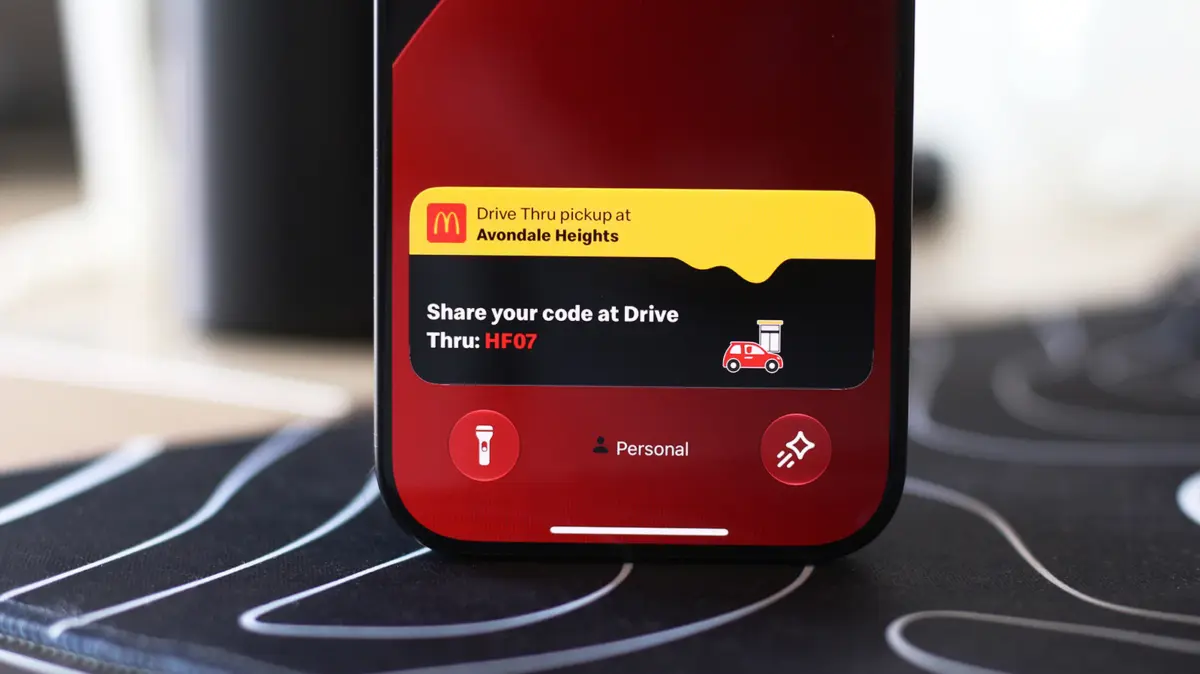
Apple’s innovative Live Activities feature, seamlessly integrated with the Dynamic Island on compatible iPhones and extending its utility to CarPlay, represents a significant evolution in how users interact with real-time information, minimizing the need to constantly switch between applications for crucial updates. This advancement underscores Apple’s ongoing commitment to user-centric design, transforming what was once a hardware necessity into a dynamic, interactive software experience that enhances efficiency, convenience, and safety across multiple user environments.
The Evolution of Interactive Displays: From Notch to Dynamic Island
The journey towards the Dynamic Island and Live Activities is rooted in the broader evolution of smartphone display technology and Apple’s distinct design philosophy. For years, manufacturers grappled with the challenge of integrating front-facing cameras and various sensors into an increasingly bezel-less display. While many Android manufacturers adopted discrete "hole-punch" cutouts, Apple, beginning with the iPhone X in 2017, embraced a larger "notch" to house its sophisticated Face ID system, which required more components than a simple camera. This design choice, while initially polarizing, became a hallmark of iPhone aesthetics for several generations.
However, with the introduction of the iPhone 14 Pro series in September 2022, Apple dramatically re-envisioned this hardware constraint. Instead of merely containing the front camera, infrared camera, dot projector, and flood illuminator necessary for Face ID, the company transformed the physical pill-shaped cutout into the "Dynamic Island." This ingenious software-hardware integration allows the cutout to visually expand and contract, morphing into various shapes to display system alerts, background activities, and ongoing interactions. It effectively turned a static, previously ‘dead’ space into a vibrant, functional hub, blending the lines between physical hardware and digital interface in a manner unprecedented in the smartphone industry. This shift represented not just a cosmetic change but a fundamental rethinking of how users receive contextual information without interrupting their primary tasks.
Live Activities: Real-time Information at a Glance
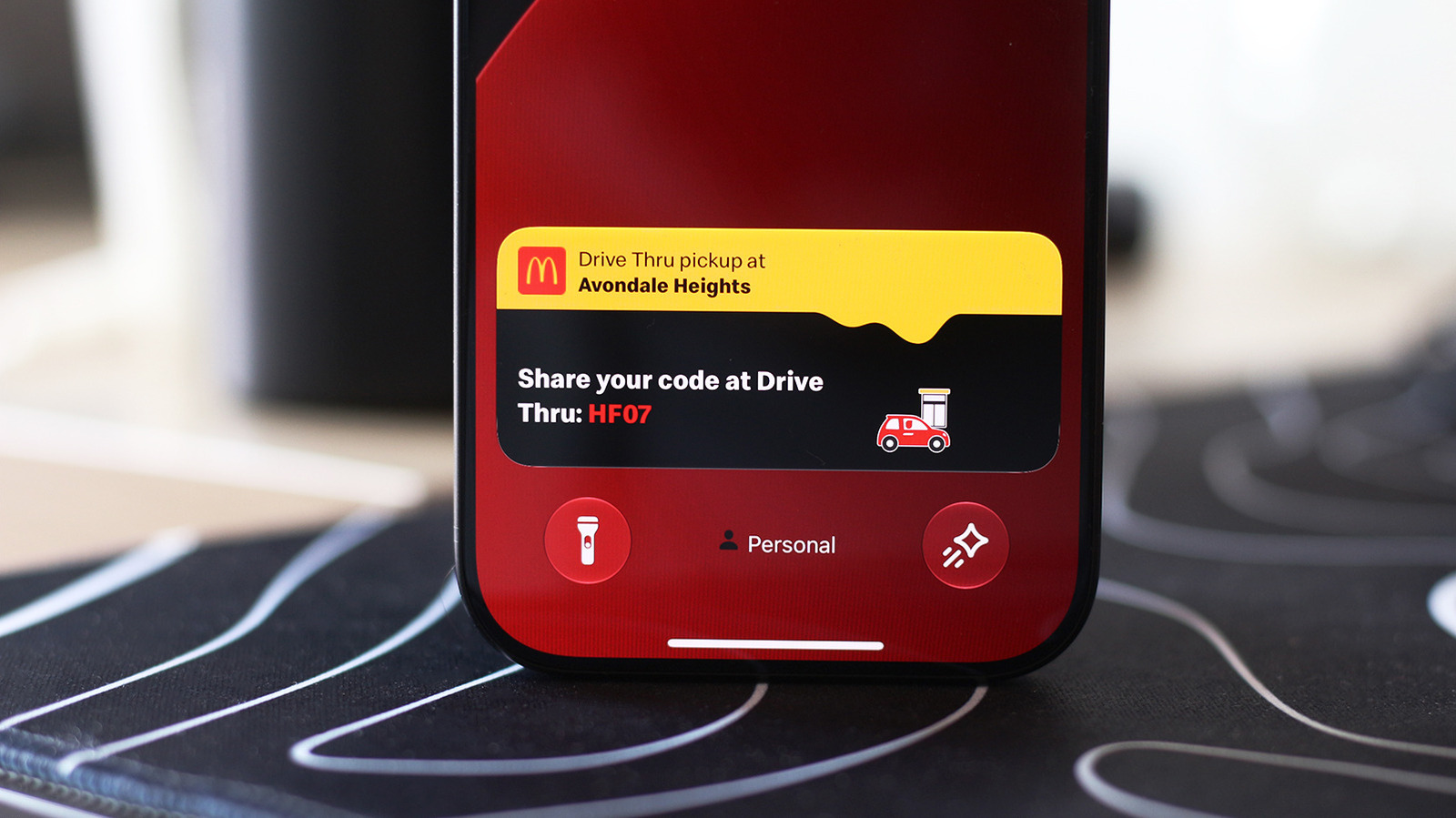
Central to the Dynamic Island’s utility, and a powerful feature in its own right, is Live Activities. Introduced with iOS 16.1 in October 2022, Live Activities provide real-time updates from apps directly on the iPhone’s Lock Screen and within the Dynamic Island when the device is unlocked. This eliminates the user’s need to repeatedly open an application to check on a status, offering a streamlined and glanceable experience.
The scope of Live Activities is broad and impactful. For instance, users can track the progress of a food delivery order, monitor the live score of a sports game, keep an eye on a ride-share’s arrival time, or follow the countdown of a timer directly from their Lock Screen. When an iPhone is unlocked, these activities intelligently migrate to the Dynamic Island, subtly displaying critical information without consuming large portions of the screen. This dynamic presentation is designed to keep users informed without creating unnecessary distractions, a core tenet of modern user interface design.
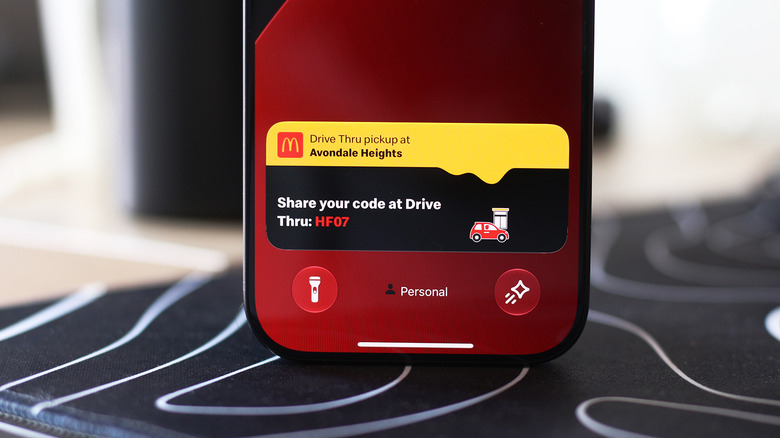
Beyond first-party applications, a vast array of third-party developers have embraced Live Activities, integrating them into their apps to enhance user engagement and convenience. Food delivery services like DoorDash and Uber Eats, flight tracking apps, public transport trackers, and even fitness applications now leverage Live Activities to provide continuous, context-aware updates. This widespread adoption underscores the feature’s versatility and its ability to address a common user pain point: the constant need to check an app for status changes. The immediate, persistent, and interactive nature of Live Activities stands in contrast to traditional static notifications, which, once dismissed, require manual re-engagement with the app.
Enabling and Optimizing Live Activities on iPhone
While Live Activities are designed to be enabled by default for compatible applications, users may occasionally find them inactive due to specific settings or app configurations. Ensuring these features are active is a straightforward process, empowering users to customize their real-time information flow.
To verify and enable Live Activities for individual applications, users navigate to Settings > Apps on their iPhone. Within this menu, selecting a specific application will reveal a suite of settings, including a dedicated "Live Activities" toggle. It is crucial to ensure this slider is in the "on" position. In some instances, a lack of expected updates might also stem from disabled general notifications for the app; therefore, confirming that notifications are also enabled can resolve common issues. This granular control allows users to selectively manage which apps can utilize Live Activities, preventing information overload from less critical sources.
Furthermore, Live Activities also manifest prominently on the Lock Screen when the device is not actively in use, providing critical updates without requiring a full unlock. To ensure this functionality is active, users must access Settings > Face ID & Passcode, enter their passcode for security verification, and then scroll to the "Allow Access When Locked" section. Here, confirming that the "Live Activities" option is toggled on guarantees that these real-time updates are visible even when the iPhone is locked, maintaining a consistent flow of information. This dual presence on both the Dynamic Island and the Lock Screen ensures maximum visibility and accessibility for timely updates, regardless of the device’s active state.
Seamless Integration with CarPlay: Enhancing In-Car Experience
The utility of Live Activities extends beyond the personal device, finding a critical application in the automotive environment through Apple CarPlay. Designed to offer a safer and more intuitive way to use iPhone features while driving, CarPlay seamlessly integrates Live Activities onto its dashboard, providing drivers with essential real-time updates without causing undue distraction.
When connected to CarPlay, Live Activities from the paired iPhone are automatically displayed on the CarPlay Dashboard, which typically presents a split-screen view showing navigation, media playback, and other widgets. This strategic placement ensures that critical information, such as the status of a food delivery, updates for an upcoming flight, or a sports score, is readily available at a glance without forcing the driver to navigate away from essential driving information like maps. Should a driver be utilizing an app that occupies the entire CarPlay screen, Live Activities intelligently appear as subtle notifications at the bottom of the display, maintaining visibility without obscuring primary content.
Recognizing that in-car information flow needs to be highly customizable for safety, CarPlay offers controls for Live Activities. If these real-time updates become distracting, drivers have the option to turn the feature off directly within CarPlay settings or disable Live Activities for specific "noisy" applications via their iPhone settings, as outlined previously. To confirm or enable Live Activities within CarPlay, users access the Settings app on the CarPlay interface, scroll down, and ensure the "Live Activities" toggle is enabled. Additionally, confirming that "Suggestions in CarPlay" (or "Suggestions in Dashboard") is turned on can further optimize the display of these dynamic updates. In scenarios where Live Activities still do not appear, drivers might consider temporarily deactivating "Driving Focus" on their iPhone, as this mode is designed to minimize distractions and may inadvertently suppress certain notifications.
The integration of Live Activities into CarPlay aligns perfectly with Apple’s broader strategy for in-car technology, which prioritizes driver safety and reduced cognitive load. By making real-time information glanceable and contextually relevant, CarPlay minimizes the need for drivers to interact directly with their phones, thus reducing potential distractions and contributing to a safer driving experience. This extends to other CarPlay customization options, such as adding widgets for quick controls and information, further enhancing the personalized and efficient in-car user experience.
Developer Adoption and Ecosystem Impact
The introduction of Dynamic Island and Live Activities presented both a challenge and an opportunity for the iOS developer community. Initially, developers needed to adapt their applications to leverage the new APIs introduced with iOS 16.1. This involved designing custom user interfaces that could fluidly integrate with the Dynamic Island’s dynamic resizing capabilities and ensuring that real-time data feeds were optimized for the persistent, low-power display of Live Activities.
The response from developers has been largely positive and swift. Major applications across various categories — including sports, travel, food delivery, and productivity — quickly rolled out updates to incorporate Live Activities. This rapid adoption is indicative of the perceived value of the feature, both in terms of enhancing user experience and potentially increasing app engagement by keeping users connected to their services without requiring them to be actively "in" the app. For developers, Live Activities offer a new avenue for maintaining brand presence and delivering timely value to users, moving beyond the traditional notification banner.
However, developer considerations extend to optimization. Ensuring that Live Activities are battery-efficient, do not consume excessive data, and maintain a high level of responsiveness is crucial. Apple provides guidelines and tools to help developers achieve this balance, emphasizing the importance of delivering essential information concisely. The ecosystem’s embrace of these features highlights Apple’s ability to drive innovation not just through hardware, but by creating compelling software paradigms that developers are eager to integrate, ultimately enriching the overall iOS experience.
User Reception and Industry Implications
The reception of Dynamic Island and Live Activities among users has been largely favorable, with many praising the innovative approach to blending hardware and software. Users frequently cite the convenience of tracking deliveries or sports scores without unlocking their phone or switching apps as a significant improvement in their daily digital interactions. The Dynamic Island, in particular, has been lauded for transforming a necessary cutout into a clever and useful interface element, often referred to as a "magical" experience.
From an industry perspective, Apple’s implementation sets a new bar for interactive notifications and contextual information display. While Android phones have long offered customizable widgets and always-on displays, the Dynamic Island’s unique, fluid animation and deep system integration provide a distinctive user experience. It differentiates Apple’s flagship devices in a competitive market, showcasing how thoughtful design can transform perceived limitations into powerful features. Competitors are undoubtedly observing this trend, potentially influencing future smartphone designs and operating system features focused on more interactive, glanceable information.
Furthermore, the emphasis on minimizing app-switching and providing "at-a-glance" information aligns with broader trends in digital well-being and reducing digital overload. By streamlining access to essential updates, Live Activities implicitly contribute to a less fragmented and potentially less distracting user experience, allowing individuals to stay informed without being constantly pulled into full application interfaces.
The Road Ahead: Future of Dynamic Island and Live Activities
The current implementation of Dynamic Island and Live Activities represents just the beginning of their potential. Future iterations of iOS and iPhone hardware are likely to see further enhancements and expanded capabilities for these features. Reports and rumors, such as the mention of a "smaller Dynamic Island for the iPhone 18 Pro series," suggest that Apple continues to refine the physical integration, potentially paving the way for even more screen real estate while retaining the dynamic software overlay.
Software updates will undoubtedly bring more sophisticated interactions, deeper integration with system functions, and potentially new types of data that can be displayed. Imagine Live Activities for smart home controls, real-time stock market fluctuations, or even more nuanced health monitoring data directly on the Lock Screen or Dynamic Island. As augmented reality (AR) technologies evolve, the Dynamic Island could also serve as a foundational element for displaying AR-driven contextual information, blending digital overlays with the physical world in novel ways.
The expansion of CarPlay into more deeply integrated vehicle systems, as hinted by recent announcements about a "next generation" CarPlay that can control more vehicle functions, also suggests a future where Live Activities play an even more critical role in the connected car experience. Real-time vehicle diagnostics, charging status for electric vehicles, or detailed journey information could all be delivered through enhanced Live Activities, further solidifying the iPhone’s role as the central hub of a user’s digital life, extending seamlessly from their pocket to their car dashboard.
In conclusion, Apple’s Live Activities, powered by the ingenious Dynamic Island and extended to the crucial CarPlay environment, represent a significant leap forward in how digital information is delivered and consumed. By transforming a hardware necessity into a fluid, interactive software experience, Apple has not only enhanced user convenience and safety but also set a new standard for glanceable, real-time updates in the ever-evolving landscape of personal technology. This innovative approach underscores a future where information is not just accessible, but intelligently presented, adapting to the user’s context and needs.







