admin
admin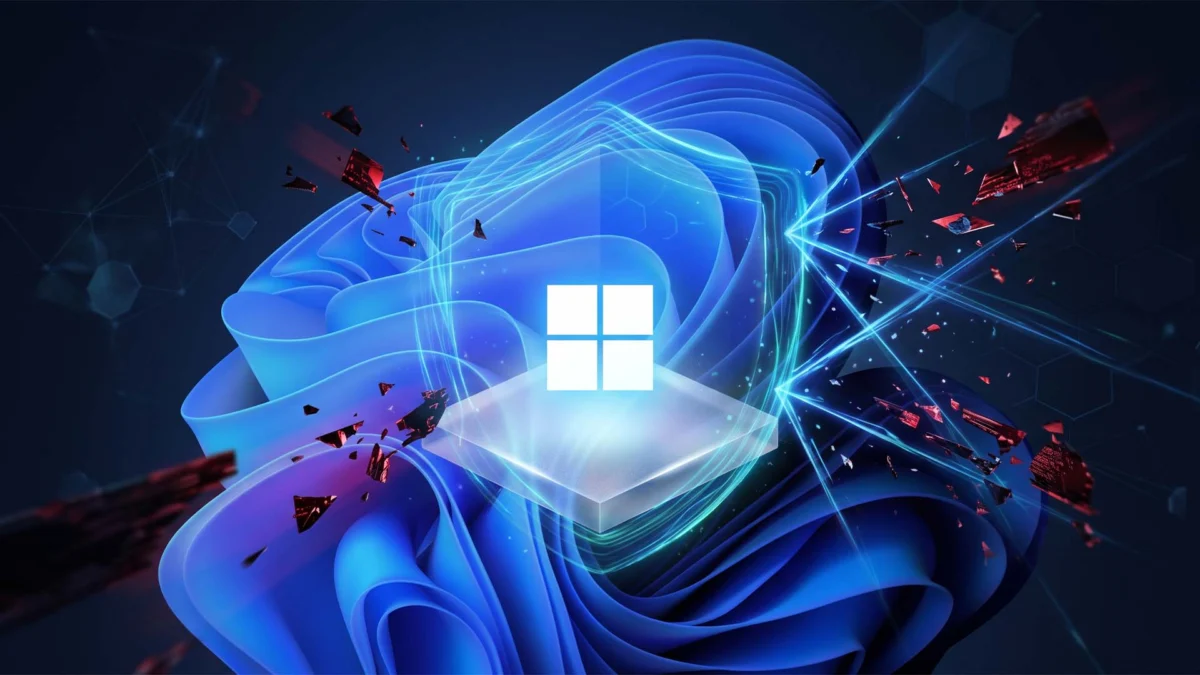
Microsoft is preparing to implement a significant shift in its Windows 11 security posture by automatically enabling Memory Integrity, a key component of Virtualization-Based Security (VBS), for a broader range of users. According to reports regarding an upcoming patch scheduled for October 13, the tech giant aims to bolster the operating system’s defenses against sophisticated kernel-level attacks. While the move is designed to provide a "secure by default" experience for the average consumer, it has sparked concerns among the enthusiast community, particularly gamers and laptop users who rely on hardware undervolting to manage thermals and performance.
This update represents a continuation of the security-first philosophy Microsoft established with the launch of Windows 11 in late 2021. By mandating features such as Trusted Platform Module (TPM) 2.0 and Secure Boot, the company signaled its intent to move away from legacy vulnerabilities. The auto-enabling of Memory Integrity is the next logical step in this evolution, though it introduces a complex trade-off between system hardening and user-level hardware control.
Understanding Memory Integrity and Virtualization-Based Security
Memory Integrity, also known as Hypervisor-Protected Code Integrity (HVCI), is a feature within the Core Isolation suite of Windows 11. It utilizes hardware virtualization features to create an isolated environment—effectively a "secure bubble"—that sits apart from the standard operating system. This environment is managed by a hypervisor, which ensures that only verified, digitally signed code can be executed in kernel mode.
The primary objective of Memory Integrity is to prevent malware from hijacking high-privilege processes. In a traditional environment, if an attacker gains kernel-level access, they can take complete control of the system, bypass antivirus software, and install persistent rootkits. By moving the code integrity checks into a virtualization-based container, Windows 11 makes it significantly harder for malicious actors to inject unauthorized code into the system’s most sensitive areas.
This security layer is particularly effective against "Bring Your Own Vulnerable Driver" (BYOVD) attacks. In these scenarios, attackers use a legitimate but flawed third-party driver to gain kernel access. Memory Integrity mitigates this by strictly enforcing code signing requirements and preventing the execution of unsigned or untrusted drivers within the kernel space.
The Performance Implications for Gaming and Productivity
While the security benefits of Memory Integrity are well-documented, the feature is not without its overhead. Because the system must constantly verify code within a virtualized environment, there is a measurable impact on CPU performance. This impact is most noticeable in high-frequency tasks, such as gaming and intensive computational work.

Historical data from various hardware testing outlets suggests that enabling VBS and Memory Integrity can result in performance fluctuations ranging from 5% to as much as 25% in certain scenarios. These losses are often attributed to the increased latency introduced by the hypervisor layer. For users with high-end, multi-core processors, the impact may be negligible in daily tasks. However, for gamers seeking to maximize frame rates or users operating on mid-range hardware, the performance delta can be the difference between a smooth experience and noticeable stuttering.
Microsoft’s push to enable this feature coincides with other performance-oriented updates, such as plans to improve memory efficiency for systems with 8GB of RAM. This suggests a dual-track strategy: optimizing the OS for lower-end hardware while simultaneously imposing stricter security requirements that may consume some of those recovered resources.
The Conflict with Undervolting and Thermal Management
One of the most significant points of contention regarding the auto-enabling of Memory Integrity is its impact on hardware undervolting. Undervolting is a process where users manually reduce the voltage supplied to their CPU to lower operating temperatures and reduce power consumption without sacrificing clock speeds. This is a vital practice for gaming laptop owners, as these machines often struggle with thermal throttling—a condition where the CPU slows itself down to prevent heat damage.
Popular utilities such as ThrottleStop and Intel’s Extreme Tuning Utility (XTU) are frequently used to achieve these results. However, these tools often require direct access to hardware registers that the Windows hypervisor protects or blocks when Memory Integrity is active. Furthermore, the "Plundervolt" vulnerability (CVE-2019-11157) demonstrated that manipulating CPU voltages could be used to compromise the integrity of secure enclaves. In response, Microsoft and hardware manufacturers have increasingly restricted software-based voltage control when virtualization security features are enabled.
For many users, enabling Memory Integrity requires a system reset or changes to the BIOS/UEFI settings to ensure virtualization features are correctly configured. If a user has disabled virtualization to facilitate undervolting, the upcoming update may force a reconfiguration that nullifies these settings. This leaves laptop users in a difficult position: accept higher temperatures and potential thermal throttling in exchange for increased security, or manually intervene to disable a core security feature of the OS.
Chronology of Windows 11 Security Requirements
The path to auto-enabling Memory Integrity has been several years in the making. Understanding the timeline helps clarify Microsoft’s long-term objectives:
- October 2021: Windows 11 launches with strict hardware requirements, including TPM 2.0 and modern CPU support (Intel 8th Gen/AMD Zen 2 and newer). While VBS and Memory Integrity were intended to be standard, they were not universally forced on all upgraded systems.
- Late 2022: Microsoft begins enabling Memory Integrity by default on new installations and specific hardware configurations to test stability and performance impacts.
- 2023 – Early 2024: Incremental updates introduce "Security Processor" alerts, prompting users to enable Core Isolation features if they were previously turned off.
- October 13 (Projected): The scheduled rollout of a patch designed to auto-enable Memory Integrity across a wider install base of Windows 11 PCs, signaling a shift from "optional" to "mandatory" for the standard user experience.
Official Responses and Industry Context
While Microsoft has not issued a specific rebuttal to the concerns of the undervolting community, its documentation consistently emphasizes that "Security is the top priority." The company’s stance is that the threat landscape has shifted so dramatically that kernel-level protection is no longer a luxury but a necessity for all users.

Cybersecurity analysts generally support Microsoft’s direction. The rise of ransomware and state-sponsored espionage has led to an increase in attacks targeting the firmware and kernel layers. Organizations like the Cybersecurity and Infrastructure Security Agency (CISA) have long advocated for "Secure by Design" principles, which align with Microsoft’s current trajectory.
However, hardware enthusiasts argue that the "one-size-fits-all" approach ignores the nuance of specialized use cases. They suggest that while the average office worker or casual web browser should certainly have these features enabled, power users should retain the ability to opt-out without being bombarded by system warnings or having their settings overwritten by automated updates.
Broader Impact and Future Implications
The decision to auto-enable Memory Integrity will likely have several long-term effects on the Windows ecosystem:
- Driver Development: Third-party hardware manufacturers will be under increased pressure to ensure their drivers are fully compatible with HVCI. Legacy hardware that lacks updated, signed drivers may become obsolete or require users to compromise their system security to keep them functional.
- Hardware Evolution: Future CPU designs from Intel and AMD are expected to incorporate more hardware-level acceleration for virtualization tasks, potentially reducing the performance penalty associated with Memory Integrity to near-zero levels.
- User Agency vs. Managed Security: This move highlights the narrowing gap between consumer Windows and a "managed" environment. As Windows becomes more secure, it also becomes less customizable at a low level, mirroring the security models found in mobile operating systems like iOS and Android.
- Gaming Optimization: Game developers may need to account for the virtualization overhead in their minimum and recommended system requirements. We may see more titles optimized for "VBS-enabled" environments as it becomes the standard configuration for the majority of the Windows user base.
For users who prioritize performance and hardware control over the highest levels of kernel protection, the recommendation remains to stay informed about their system settings. While Microsoft provides the tools to disable Memory Integrity through the Windows Security app (under Device Security > Core Isolation), doing so leaves the system more vulnerable to advanced threats.
As the October 13 update approaches, users are encouraged to back up their BIOS profiles and document their undervolting settings. If the update does reset these configurations, users will need to decide whether to re-apply their tweaks—thereby disabling a key security feature—or adapt to the new "secure by default" reality of Windows 11. This development marks a pivotal moment in the ongoing tension between maximum hardware performance and the increasingly urgent need for robust digital security.