admin
admin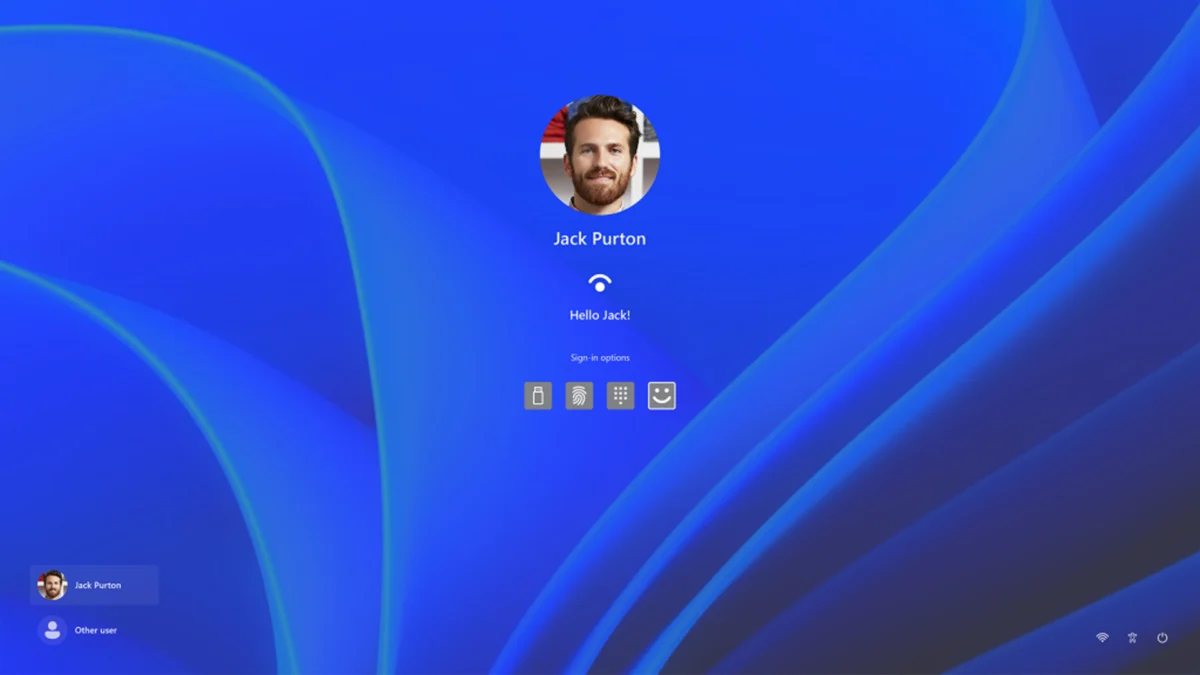
The complexity of modern operating systems often leads to unforeseen software anomalies that can disrupt the user experience in profound ways. Recently, a peculiar incident involving Windows 11 surfaced within the technical community, highlighting a scenario where a user’s local account vanished from the login screen despite the underlying data remaining intact. This phenomenon, while not widespread, represents a significant hurdle for those affected, as it effectively locks users out of their primary workspace. By leveraging specific modifications within the Windows Registry, users have identified a path to restoration that avoids the need for a full system reinstallation.
The issue first gained traction when a Reddit user, operating under the handle PackageTop9774, documented a situation where their local account suddenly failed to appear on the Windows 11 sign-in page. Upon further investigation through alternative administrative means, the user discovered that the account had not been deleted. The profile folder and all associated files remained present in the "C:Users" directory, suggesting that the problem was not one of data loss, but rather a failure of the operating system’s graphical user interface (GUI) to recognize and display the account as a valid login option.
Understanding the Role of the Windows Registry in Account Management
To comprehend the nature of this fix, it is essential to understand the Windows Registry. The Registry serves as a centralized, hierarchical database that stores low-level settings for the Microsoft Windows operating system and for applications that opt to use the registry. It contains information, settings, options, and other values for programs and hardware installed on all versions of Microsoft Windows.
When a user account is created, Windows assigns it a unique identifier and records its visibility status within the registry. Under normal circumstances, these values are managed automatically by the system. However, software updates, third-party application interference, or sudden system shutdowns can lead to "bit rot" or incorrect value assignments. In the case of the disappearing account, the system likely misclassified the user profile as a "special account" or a hidden service account, thereby excluding it from the primary login screen.
Technical Analysis of the Registry Fixes
The resolution of this issue involves two distinct registry modifications. Technical experts and power users emphasize that while these fixes are effective, they carry inherent risks. Improperly editing the registry can lead to system instability or a total failure to boot. Therefore, creating a system restore point or a full registry backup is a prerequisite for any manual intervention.
The first fix targets the "SpecialAccounts" key. This area of the registry is typically used by developers and system administrators to hide accounts that perform background tasks, such as those used by database software or backup utilities. The path is as follows:
HKEY_LOCAL_MACHINESOFTWAREMicrosoftWindows NTCurrentVersionWinlogonSpecialAccountsUserList

In the reported case, the affected user found a DWORD value corresponding to their username set to "0." In registry logic, a value of "0" generally denotes "Disabled" or "Hidden," while "1" denotes "Enabled" or "Visible." By manually changing this value to "1," the user signals to the Winlogon process that the account should be rendered on the login screen.
The second fix addresses a policy-level setting known as "HideFastUserSwitching." This feature is designed to allow multiple users to stay logged into a machine simultaneously, switching between sessions without closing applications. The registry path for this setting is:
HKEY_LOCAL_MACHINESOFTWAREMicrosoftWindowsCurrentVersionPoliciesSystem
If the "HideFastUserSwitching" key is set to "1," the Windows login UI may suppress the "Other User" list or fail to show available local accounts when one user is already logged in or if the system defaults to a specific state. Reverting this value to "0" ensures that the operating system provides a full list of available profiles during the authentication phase.
Navigating Administrative Barriers
A significant challenge in implementing these fixes is that the user is often locked out of the very account they need to use to perform the repair. If the missing account is the only administrative account on the machine, the user must rely on the Windows Recovery Environment (WinRE) or a secondary administrative account to access the Registry Editor.
The Redditor in question utilized a sophisticated workaround to gain access. By navigating to the "C:Windows" directory and locating "regedit.exe," they employed a "Shift + Right Click" command to select "Run as different user." This allowed them to authenticate using credentials associated with a Microsoft account that still held administrative privileges, even if that account’s profile was not currently visible in the standard login UI. This method bypasses the corrupted GUI elements and provides a direct line to the system’s configuration database.
Chronology of User Account Vulnerabilities in Windows 11
The occurrence of disappearing accounts is part of a broader timeline of login-related issues observed since the launch of Windows 11 in late 2021. While Microsoft has prioritized security and a streamlined user interface, the transition from legacy account management to a cloud-integrated model has not been without friction.
- October 2021: Windows 11 launches with a heavy emphasis on Microsoft Account (MSA) integration, making local account creation more difficult for Home edition users.
- Early 2022: Reports surface of "Black Screen of Death" issues following login, often linked to corrupted user profile services.
- Mid-2023: Updates to the Windows Hello authentication framework lead to temporary lockouts for users utilizing biometric data, forcing a reliance on PINs and secondary passwords.
- Late 2024: The "SpecialAccounts" registry glitch gains visibility, suggesting that certain system updates or third-party "debloating" scripts may be inadvertently hiding legitimate user profiles.
Broader Implications for System Stability and Security
This incident underscores a growing trend in modern computing where the complexity of the "abstraction layer"—the software that sits between the user and the hardware—can lead to opaque errors. For the average user, an account disappearing from the login screen is indistinguishable from a catastrophic hard drive failure or a successful hacking attempt.

From a security perspective, the ability to hide accounts via the registry is a double-edged sword. While useful for securing service accounts, it can also be exploited by malicious actors to create "ghost accounts" that do not appear in the standard UI but retain administrative access to the system. Conversely, when the system hides a legitimate user, it creates a "denial of service" scenario for the owner of the device.
Industry analysts suggest that as Windows 11 matures, Microsoft may need to implement more robust self-healing mechanisms for user profiles. Currently, if the "User Profile Service" fails, the system provides little recourse other than entering Safe Mode or using the Command Prompt to manually manipulate system files.
Comparative Industry Standards and Best Practices
In comparison to other operating systems like macOS or Linux distributions, Windows relies more heavily on a centralized registry. macOS uses "Property List" (.plist) files distributed across the system, while Linux utilizes configuration files typically found in the "/etc" directory. The centralized nature of the Windows Registry means that a single bit-flip in a crucial hive can have cascading effects across the entire OS.
To mitigate the risk of account loss, IT professionals recommend the following best practices:
- Maintain a Secondary Admin Account: Always have a "Break Glass" local administrative account that is not used for daily tasks.
- Cloud Syncing: Ensure that critical documents are synced to OneDrive or another cloud provider, so that if a profile becomes inaccessible, the data remains reachable via other devices.
- Regular Backups: Use tools like Windows Backup or third-party imaging software to create snapshots of the system state.
Conclusion and Future Outlook
The discovery of the "SpecialAccounts" and "HideFastUserSwitching" registry fixes provides a vital lifeline for Windows 11 users facing login anomalies. While the occurrence remains relatively rare, the documentation of such fixes by the user community highlights the importance of peer-to-peer support in the digital age. As Microsoft continues to iterate on Windows 11, the hope is that the underlying logic governing account visibility becomes more resilient to the minor software glitches that currently necessitate manual registry editing.
For now, users are advised to approach the registry with caution. The fix discovered by the Reddit community is a testament to the ingenuity of power users, but it also serves as a reminder of the delicate balance that maintains the functionality of modern desktop environments. As Windows moves toward a future of even greater cloud dependency, the stability of the local login process remains the fundamental gateway to personal computing.