
 George Chandra Eka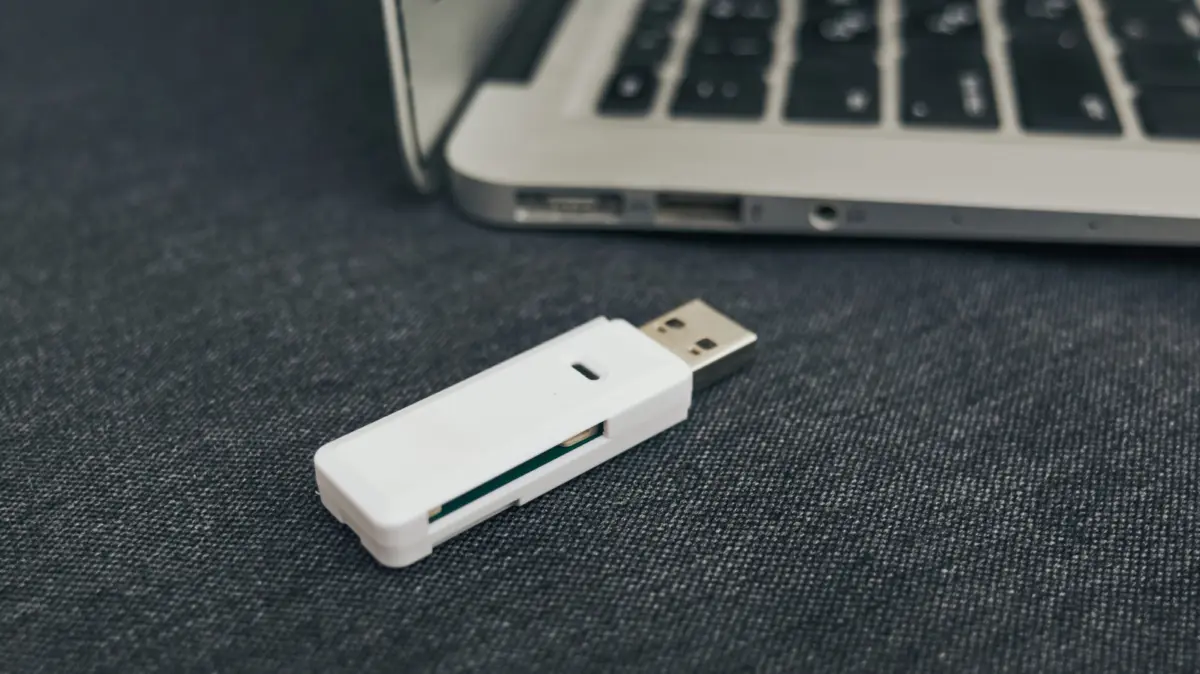
The imperative to secure digital assets stored on older USB thumb drives has never been more pressing. While once ubiquitous and revolutionary for their portability, these compact storage devices are increasingly becoming conduits for potential data loss due to inherent physical vulnerabilities, technological limitations, and the natural progression of storage media. In an era dominated by cloud solutions and high-capacity external drives, the humble thumb drive, particularly older models, presents a unique and often underestimated risk to valuable information. Factors such as physical damage, data corruption, and the simple passage of time coalesce to create a compelling argument for immediate and comprehensive backup strategies, or even a complete migration of data to more resilient platforms.
The Evolving Landscape of Digital Data Storage: A Brief Chronology
The journey of digital data storage has been marked by continuous innovation, driven by demands for greater capacity, speed, and reliability. This evolution provides crucial context for understanding the current status and risks associated with USB thumb drives.
In the nascent days of personal computing, storage was often bulky and limited. Floppy disks, particularly the 5.25-inch and later 3.5-inch varieties, dominated the landscape from the 1970s through the 1990s. While revolutionary for their time, they offered minuscule capacities (e.g., 1.44 MB for a 3.5-inch diskette) and were notoriously fragile, susceptible to magnetic interference, dust, and physical damage. The mid-1990s saw the rise of optical media like CD-ROMs (700 MB) and later DVD-ROMs (4.7 GB), offering greater capacity and durability for distribution, but lacking convenient rewrite capabilities for everyday personal data transfer. Proprietary solutions like Iomega Zip drives (100 MB to 750 MB) attempted to bridge the gap, but their cost and proprietary nature limited widespread adoption.
The early 2000s heralded the advent of the USB flash drive, initially marketed under various names like "pen drive" or "key drive." These devices, leveraging NAND flash memory, offered unprecedented advantages: significantly higher capacities than floppies, much faster transfer speeds, solid-state reliability (no moving parts), and universal compatibility via the USB standard. Early models typically started with capacities around 8 MB or 16 MB, rapidly scaling to gigabytes within a few years. Their compact size and plug-and-play functionality made them an instant hit for transferring documents, photos, and small media files between computers, effectively rendering floppy disks and Zip drives obsolete for most users.
However, the late 2000s and 2010s ushered in the cloud computing revolution. Services such as Dropbox (launched 2008), Google Drive (2012), iCloud (2011), and Microsoft OneDrive (originally SkyDrive, 2007) fundamentally transformed how data was stored and shared. These platforms offered seamless accessibility from multiple devices, robust collaboration features, and scalable storage often backed by sophisticated redundancy measures in massive data centers. For many users, the convenience of automatic synchronization and off-site backup surpassed the need for physical media for everyday file transfers. Concurrently, advancements in external storage led to high-capacity external hard disk drives (HDDs) and, more recently, lightning-fast external solid-state drives (SSDs). These offered superior capacity-to-cost ratios for bulk storage or significantly enhanced performance for professional use cases, further marginalizing the general-purpose role of smaller USB drives. Technologies like Apple’s AirDrop, Wi-Fi Direct, and increasingly fast local area networks also simplified peer-to-peer file transfers, removing another key use case for physical media.
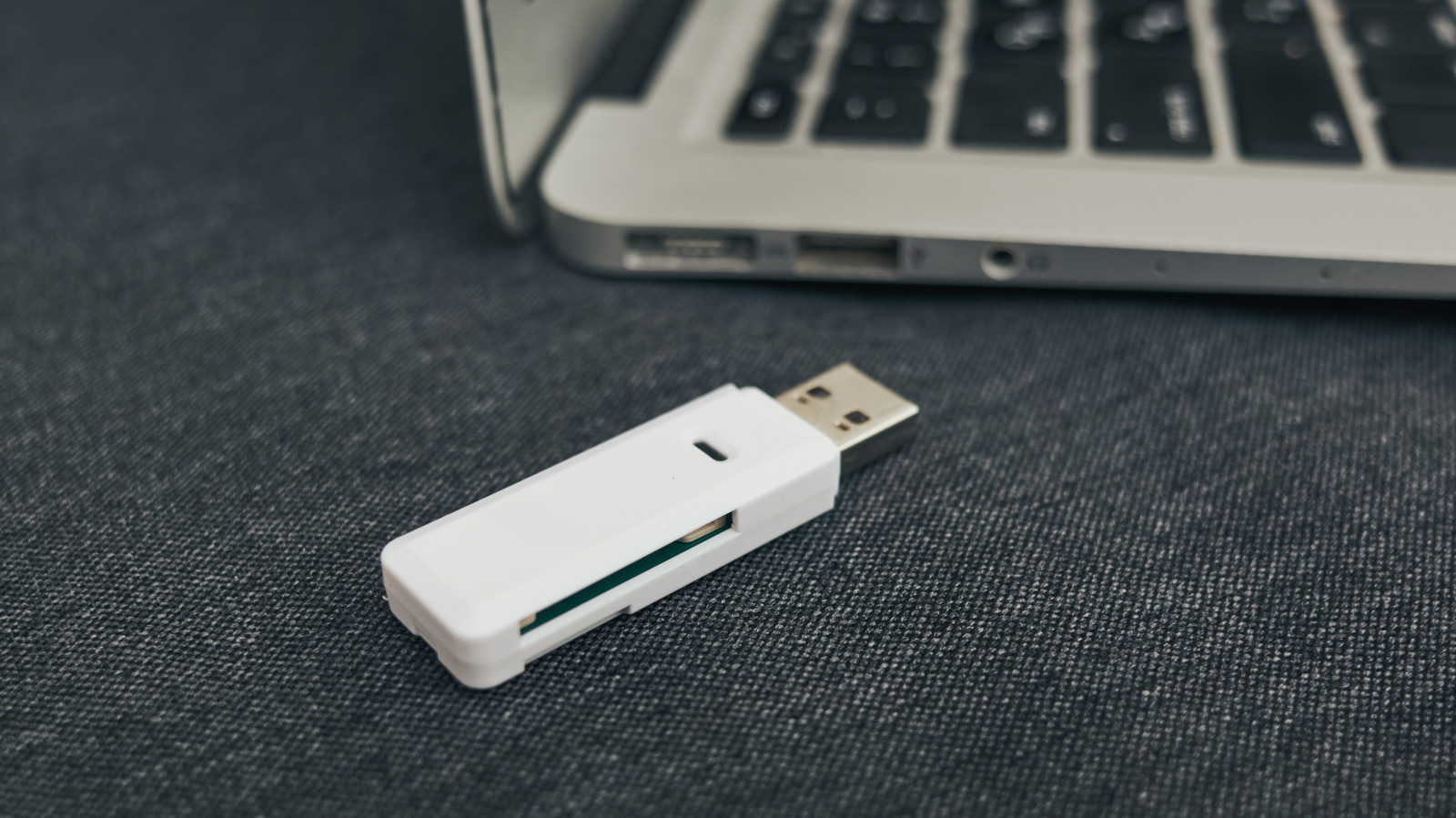
This chronological shift underscores a critical point: while USB thumb drives were once cutting-edge, their utility has been largely absorbed by more advanced and reliable solutions. This decline in prominence often leads to neglect, where older drives containing potentially valuable data are forgotten, exacerbating the inherent risks they possess.
The Inherent Vulnerabilities of Flash Memory: Beyond the Physical
The perceived simplicity and durability of USB thumb drives belie a complex array of vulnerabilities that can lead to catastrophic data loss. These risks extend beyond mere physical damage to fundamental limitations of the underlying flash memory technology and the integrity of their electronic components.
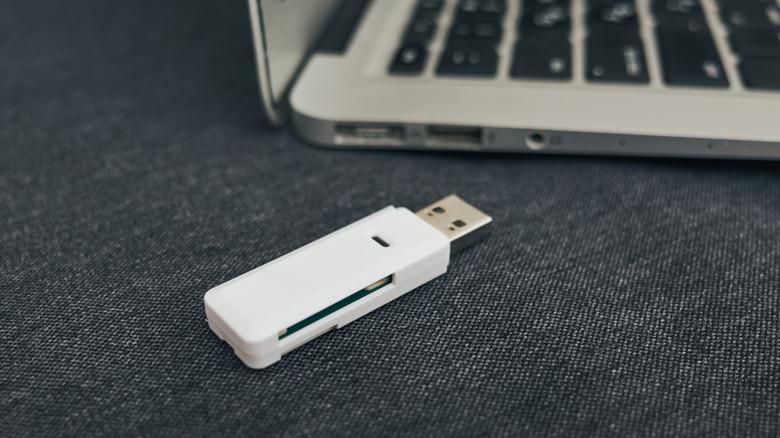
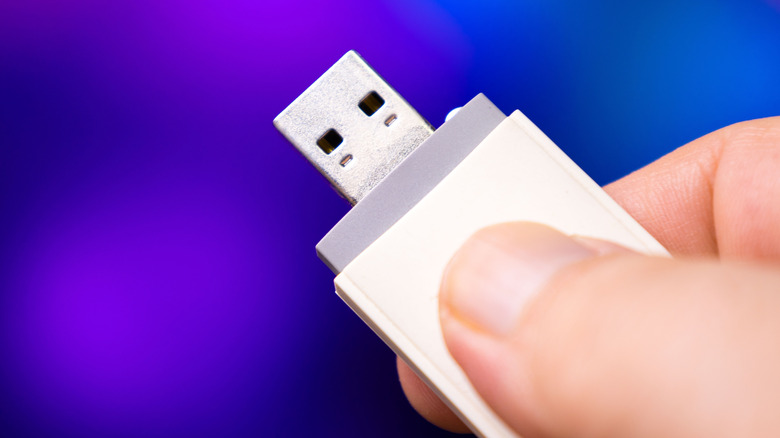
Foremost among these is the physical fragility of such small devices. A thumb drive’s diminutive size, while an asset for portability, also makes it highly susceptible to loss or destruction. They can be easily misplaced, left behind in public places, or accidentally damaged through common mishaps like being stepped on, run through a washing machine, or snapped while still plugged into a port. Connectors can bend or break, circuit boards can crack, and exposure to liquids can cause immediate and irreversible damage. Unlike larger external drives, they often lack robust casings or shock absorption, leaving their internal components vulnerable.
Beyond external threats, the internal workings of flash memory, specifically NAND flash, possess an inherent limitation: a finite number of write cycles. Each memory cell in a NAND flash chip can only endure a certain number of program/erase (P/E) cycles before it begins to degrade and can no longer reliably store data. For consumer-grade USB thumb drives, this typically ranges from 10,000 to 100,000 P/E cycles. While this might seem like a large number, frequent copying, deleting, and overwriting of files, especially if a drive is used regularly for active work, can exhaust these cycles surprisingly quickly. Once a cell fails, it can lead to bad blocks, rendering portions of the drive unusable or, worse, causing data corruption. Sophisticated wear-leveling algorithms in SSDs attempt to distribute writes evenly across all cells to extend lifespan, but many simpler USB thumb drives employ less advanced controllers and often use cheaper, less durable forms of NAND flash (like TLC or QLC, which have fewer P/E cycles than SLC or MLC), accelerating this degradation. Furthermore, unlike SSDs, most thumb drives do not support TRIM commands, which help manage invalid data blocks and maintain performance and longevity.
A less consistent but equally insidious threat is bit rot, or data decay. Flash memory stores data by trapping electrons in "floating gates" within memory cells. Over time, these electrons can leak out, leading to a loss of charge. This charge leakage can cause the stored bit to "flip" from a 0 to a 1 or vice-versa. While a single bit flip might seem insignificant, it can corrupt individual files, making them unreadable or altering their content. This phenomenon is exacerbated by environmental factors such as high temperatures and humidity, which can accelerate electron leakage. Even cosmic rays, high-energy particles from space, can cause bit flips, though the statistical probability for a single event is low (estimated around one bit flip per gigabyte per month at sea level). However, over a long enough timeline and across vast quantities of stored data, these rare events accumulate, transforming statistical improbability into a certainty of corruption. Data retention for unpowered flash drives can vary, but generally, manufacturers specify retention times in the range of 10 years, assuming ideal conditions. Beyond this, the integrity of the data becomes increasingly questionable.
Finally, the component reliability of a thumb drive extends beyond the flash memory itself. The device relies on several critical components, including the USB connector, the controller chip (which manages data flow and wear leveling), and the solder joints connecting everything. Any of these components can fail due to manufacturing defects, mechanical stress from repeated insertion and removal, electrical surges, or environmental factors. A corroded USB connector, a faulty controller chip, or a cold solder joint can render the entire drive inaccessible, even if the NAND flash cells themselves are still intact. The quality of these components can vary significantly between manufacturers, with cheaper drives often employing lower-grade parts that are more prone to premature failure. Humidity, as mentioned, can also lead to mold growth or corrosion on internal circuitry, further compromising functionality.
The Criticality of Data and the Human Element
The true impact of thumb drive failure lies in the nature of the data they often hold. These small devices frequently become repositories for highly personal, irreplaceable, or professionally critical information. This includes cherished family photos and videos spanning years, important academic papers, legal documents, financial records, creative projects, legacy software installations, and unique data sets. The loss of such data is not merely an inconvenience; it can be emotionally devastating and practically crippling. Personal memories, once gone, are often irrecoverable, and professional data loss can lead to significant financial repercussions, project delays, or legal liabilities.
A major contributing factor to this vulnerability is the "human element." Many users underestimate the transient nature of digital storage and the various threats it faces. Procrastination plays a significant role; the task of backing up is often deferred until it’s too late. The "out of sight, out of mind" mentality means that data stored on old, forgotten thumb drives is particularly susceptible to neglect. Users might assume that because a drive has no moving parts, it is inherently robust and permanent, a misconception that often leads to complacency. Data recovery specialists consistently report USB thumb drives as a common source of data loss incidents, often due to physical damage or logical corruption that could have been mitigated with proper backup practices. Tech industry experts and cybersecurity professionals universally advocate for redundant backup strategies, recognizing the inherent fragility of any single storage medium. The shift towards cloud and networked storage solutions by industry leaders implicitly acknowledges the limitations of portable physical media for long-term archival.
Implementing Robust Backup Strategies: The 3-2-1 Rule and Beyond
Given the array of risks, adopting a robust and systematic approach to data backup is not merely advisable but essential. The gold standard for data protection, particularly for critical information, is the 3-2-1 backup rule. This principle dictates that you should have:
- Three copies of your data: This includes your primary data and two backups.
- On two different media types: For example, your computer’s internal drive, an external SSD or HDD, and cloud storage. This diversifies the risk, as different media types have different failure modes.
- With one copy off-site: This protects against localized disasters like fire, flood, theft, or a localized power outage that could affect all local backups. This off-site copy is typically achieved through cloud storage or a physically separate location.
For data deemed less critical but still valuable, a simplified approach might suffice, but redundancy remains key. Simply copying files to your computer’s internal drive is better than nothing, but still leaves data vulnerable if the computer itself fails.
Local Backup Options:
- External Hard Drives (HDDs): These offer the most cost-effective solution for backing up large volumes of data. Modern HDDs come in capacities ranging from terabytes to tens of terabytes, making them suitable for extensive archives. While slower and more susceptible to physical shock than SSDs due to their moving parts, they are excellent for "cold storage" (infrequent access) and provide a tangible, local copy.
- External Solid State Drives (SSDs): For faster backups and greater durability, external SSDs are an excellent choice. They are more resistant to impacts and vibrations, consume less power, and offer significantly higher read/write speeds. While their cost per gigabyte is higher than HDDs, they are becoming increasingly affordable and are ideal for active backups or for data that needs quick retrieval.
- Network Attached Storage (NAS) Devices: A NAS is a dedicated file storage server connected to your network. It allows multiple devices to access and store data centrally. Many NAS systems support RAID (Redundant Array of Independent Disks) configurations, which provide data redundancy by distributing data across multiple drives, ensuring that if one drive fails, your data remains accessible. A NAS can serve as a powerful local backup hub, often with built-in features for automated backups and even synchronization with cloud services.
Cloud Backup Options:
- Subscription Services: Popular cloud storage providers like Google Drive, Dropbox, iCloud, Microsoft OneDrive, Backblaze, and Carbonite offer convenient, automated, and off-site backup solutions. They typically provide a certain amount of free storage, with larger capacities available through paid subscriptions.
- Advantages of Cloud:
- Accessibility: Data can be accessed from any device with an internet connection.
- Off-site Storage: Naturally fulfills the "one copy off-site" requirement of the 3-2-1 rule, protecting against local disasters.
- Automation: Many services offer automatic synchronization and versioning, simplifying the backup process.
- Disadvantages of Cloud:
- Subscription Fees: Can accumulate over time, especially for large storage needs.
- Internet Dependency: Access to data is reliant on a stable internet connection.
- Privacy Concerns: While providers typically employ strong encryption, users must trust the company’s security practices and terms of service. Cases of data breaches or governmental access requests highlight the importance of understanding these risks.
- Vendor Lock-in and Service Longevity: Reliance on a single provider can create challenges if you wish to switch or if the service is discontinued.
The optimal strategy often involves a hybrid approach, combining local and cloud backups. This offers the best of both worlds: quick access and control over local copies, alongside the disaster recovery benefits and accessibility of off-site cloud storage.
Finally, it is crucial to consider migration rather than just backing up. For truly old thumb drives, the prudent course of action is to transfer all valuable data to a more modern, reliable storage solution, then verify the integrity of the migrated data. Regular checks of backup integrity are also recommended, as bit rot can affect any storage medium over time.
Broader Implications and Future Outlook
The vulnerability of aging USB thumb drives serves as a microcosm for the larger challenge of digital preservation in the modern age. As technology rapidly advances, older storage media, file formats, and operating systems become obsolete, creating a potential "digital dark age" where future generations may struggle to access information created today. The rapid degradation potential of thumb drives highlights the ongoing need for active data management and migration strategies across all digital assets.
This situation also underscores a critical aspect of consumer responsibility. While technology provides tools for data creation and storage, the onus is on the user to understand the limitations and implement safeguards. Education about data lifecycle management, the importance of redundancy, and the risks associated with various storage media is paramount.
Looking ahead, the storage industry continues to innovate, exploring new forms of non-volatile memory and even exotic solutions like DNA storage, which promises ultra-high density and longevity. However, the fundamental laws of physics dictate that no storage medium is truly eternal or impervious to decay and failure. Therefore, the principles of redundant backups, regular data integrity checks, and proactive migration will remain cornerstones of responsible data stewardship, ensuring that our valuable digital memories and information are preserved for the long term. The time to act on those old thumb drives, before their inherent limitations lead to irreversible loss, is now.







