admin
admin
The release of Apple’s latest M5 Max-powered MacBook Pro has been met with a mixture of performance acclaim and emerging reports regarding significant thermal management challenges. While the transition to Apple Silicon has generally been praised for efficiency, the sheer power density of the M5 Max chipset appears to be testing the physical limits of the MacBook Pro’s current industrial design. Recent accounts from the user community, specifically highlighted by a series of reports on social media platforms like Reddit, suggest that the thermal output of these high-end machines is reaching levels capable of causing physical deformation to the chassis and keyboard assembly. One prominent case involved a user whose "delete" key—located in close proximity to the primary exhaust vent—warped and became lodged within the chassis due to excessive heat. This incident has sparked a broader conversation regarding Apple’s thermal architecture, quality control in custom configurations, and the steep financial burden placed on users for repairs when machines fall outside the standard warranty period.
The Thermal Threshold of the M5 Max Architecture
The M5 Max represents the pinnacle of Apple’s current semiconductor engineering, utilizing a refined "Fusion Architecture" designed to optimize data transfer between the CPU, GPU, and Unified Memory. While internal testing and early benchmarks indicated that the M5 Max possesses slightly better thermal efficiency compared to its predecessor, the M4 Max, these improvements appear to be marginal when the system is subjected to sustained, high-intensity workloads. In professional environments involving 8K video rendering, complex 3D modeling, or large-scale AI training, the M5 Max has been observed crossing the 100°C threshold within seconds of peak load.
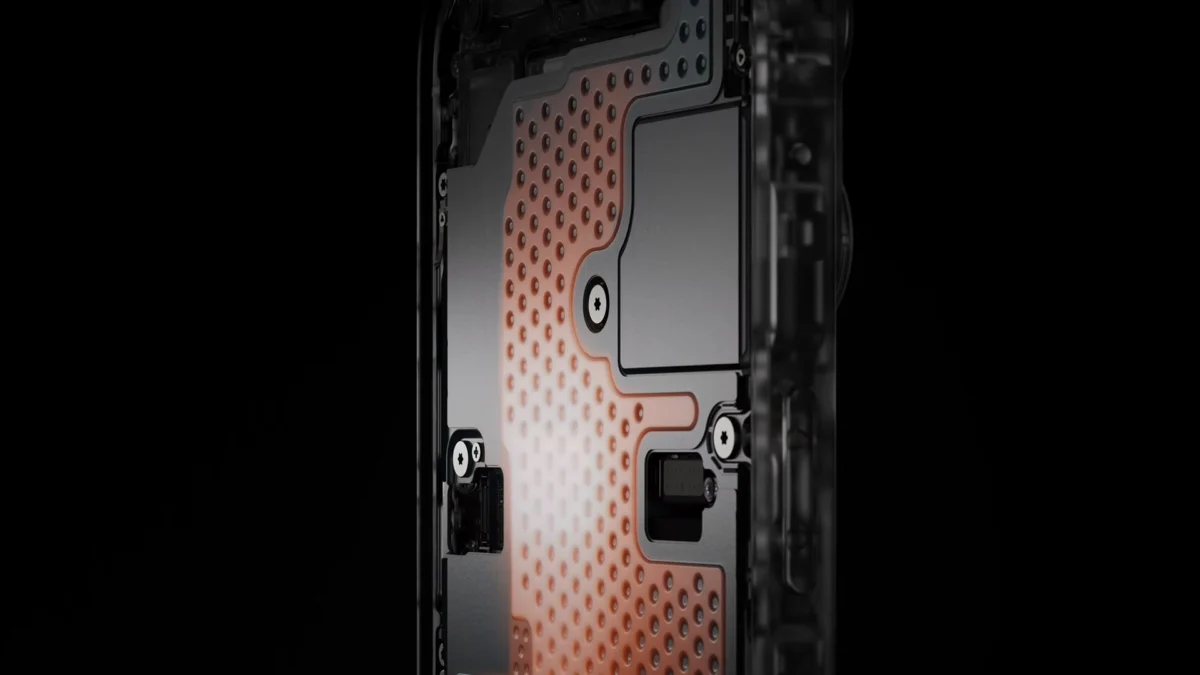
The MacBook Pro’s cooling system, which relies on two low-profile fans and a single heatpipe, has remained largely unchanged for several hardware generations. This design was originally optimized for chips with lower Total Design Power (TDP). As Apple continues to push the performance envelope with the "Max" variants of its silicon, critics argue that the passive and active cooling components are no longer sufficient to dissipate the heat generated by the increased transistor count and higher clock speeds. The 100°C ceiling is not merely a number on a diagnostic tool; it represents a physical state where the internal components transfer significant radiant heat to the aluminum enclosure and the plastic components of the keyboard.
Case Study: The Warped Delete Key and $895 Repair Estimates
A specific incident reported by a Redditor using the handle "rinsewin" has become a focal point for these thermal concerns. The user documented a recurring issue where the "delete" key on their M5 Max MacBook Pro became stuck inside the chassis. Upon investigation, it was suggested that the heat being expelled from the rear exhaust vent, which sits directly beneath the upper row of keys, was intense enough to cause the plastic membrane or the keycap itself to warp. The delete key is particularly vulnerable due to its corner position near the hinge, where the highest concentration of hot air exits the system.
The financial implications of this failure are significant. The user reported that Apple’s retail outlets quoted a repair bill of approximately $895 for the issue. In modern MacBook Pro designs, the keyboard is often integrated into the "top case," which includes the battery, trackpad, and speakers. Replacing a single damaged key caused by thermal deformation frequently necessitates the replacement of the entire top case assembly, leading to repair costs that can exceed 25% of the machine’s original purchase price. While "rinsewin" was covered under warranty, the incident highlights a potential "ticking time bomb" for professional users who intend to keep their machines beyond the standard one-year coverage or the expiration of AppleCare+.
Allegations of Quality Control Issues in Custom Configurations
Adding another layer of complexity to the situation are unconfirmed reports regarding the origin and quality control (QC) of specific MacBook Pro units. Some users and analysts, including individuals on technical forums, have posited that custom-configured M5 Max models—often featuring upgraded RAM and storage—may be experiencing higher failure rates. There is a growing narrative suggesting that units shipping directly from assembly hubs in China may be suffering from inconsistent QC during periods of high demand.
User "ImpressiveHair3798" noted that reports of thermal-related defects appear to be on the rise among those who ordered non-base models. The theory suggests that the integration of additional components, such as high-capacity NAND flash and expanded memory modules, further restricts airflow within the already cramped interior of the 14-inch and 16-inch chassis. If the thermal paste application or the seating of the heatpipe is even slightly off-specification, the M5 Max’s high heat output can quickly exacerbate these minor manufacturing variances into major hardware failures.

Secondary Thermal Impacts: SSDs and Display Discoloration
The keyboard is not the only component under threat from the M5 Max’s heat. Recent technical deep dives have revealed that the PCIe NVMe Gen 5 SSDs utilized in these machines are also running exceptionally hot. During intensive AI workloads, which require constant data shuffling between the storage and the Unified Memory, NAND flash temperatures have been recorded reaching 100°C. High temperatures are a known enemy of flash memory longevity, potentially leading to premature drive failure or data corruption if the thermal throttling mechanisms fail to kick in fast enough.
Furthermore, there have been isolated reports of display discoloration near the bottom of the mini-LED panels. While it is difficult to definitively link this to the M5 Max’s heat without a formal teardown and thermal imaging during failure, the proximity of the display’s ribbon cables and driver circuitry to the exhaust vents makes heat a primary suspect. The transition to mini-LED technology already involves a high density of backlighting elements that generate their own heat; adding the radiant heat from a 100°C processor creates a challenging environment for sensitive display electronics.
Historical Context and the Need for a Design Overhaul
Apple has a storied history with thermal management challenges. The 2018 MacBook Pro with the Intel Core i9 processor famously suffered from "throttlegate," where the machine could not maintain its base clock speeds because the chassis was too thin to dissipate the heat. While the move to Apple Silicon largely solved these issues for the M1 and M2 generations, the M5 Max suggests that Apple has once again reached a point where its silicon performance has outpaced its industrial design.
For years, the MacBook Pro has utilized a cooling architecture that prioritizes thinness and silence over raw thermal headroom. The current fan curves are often programmed to remain at low RPMs until the chip reaches critical temperatures to maintain the "premium" quiet experience. However, for power users, this philosophy may be backfiring. Rumors have begun to circulate within the supply chain that Apple is finally acknowledging these limitations. Reports suggest that the upcoming M6 MacBook Pro redesign will incorporate a vapor chamber cooling system—a technology already common in high-end PC gaming laptops—to more effectively spread heat across a larger surface area before it is exhausted by the fans.
Professional Implications and Mitigation Strategies
For the creative professionals and engineers who rely on the MacBook Pro, these thermal reports are a cause for concern. A machine that costs upwards of $3,500 is expected to handle sustained loads without physical degradation. The prospect of an $895 repair bill for a warped keycap suggests a fragility that is at odds with the "Pro" branding.
Until a hardware redesign is implemented, technical experts recommend several mitigation strategies for M5 Max owners. First, using third-party software to manually increase fan speeds during heavy workloads can prevent the internal temperature from reaching the 100°C danger zone. Second, maintaining a clean workspace is vital; dust accumulation in the fine mesh of the intake and exhaust vents can significantly degrade cooling performance. Finally, users are encouraged to utilize external cooling pads or stands that allow for better ambient airflow around the aluminum bottom case, which acts as a secondary heat sink.
Conclusion: A Turning Point for Apple’s Hardware Engineering
The reports of warped keys and scorched SSDs on the M5 Max MacBook Pro serve as a critical reminder that software and silicon efficiency cannot entirely overcome the laws of thermodynamics. As the industry moves toward increasingly powerful AI-driven workflows, the demand for sustained high-performance computing in a portable form factor will only grow.
Apple now faces a pivotal moment. The company must decide whether to continue with its "thin-and-light" aesthetic at the cost of thermal reliability or to adopt more robust cooling solutions like vapor chambers and larger exhaust paths. For the end-user, the current situation underscores the importance of extended warranty coverage like AppleCare+ and the need for a more transparent discussion regarding the thermal limits of professional-grade hardware. As the M5 Max continues to circulate in the market, the frequency of these thermal incidents will likely determine how quickly Apple moves to refresh a design that is increasingly seen as the bottleneck to its silicon’s true potential.