
 Metty Iskandar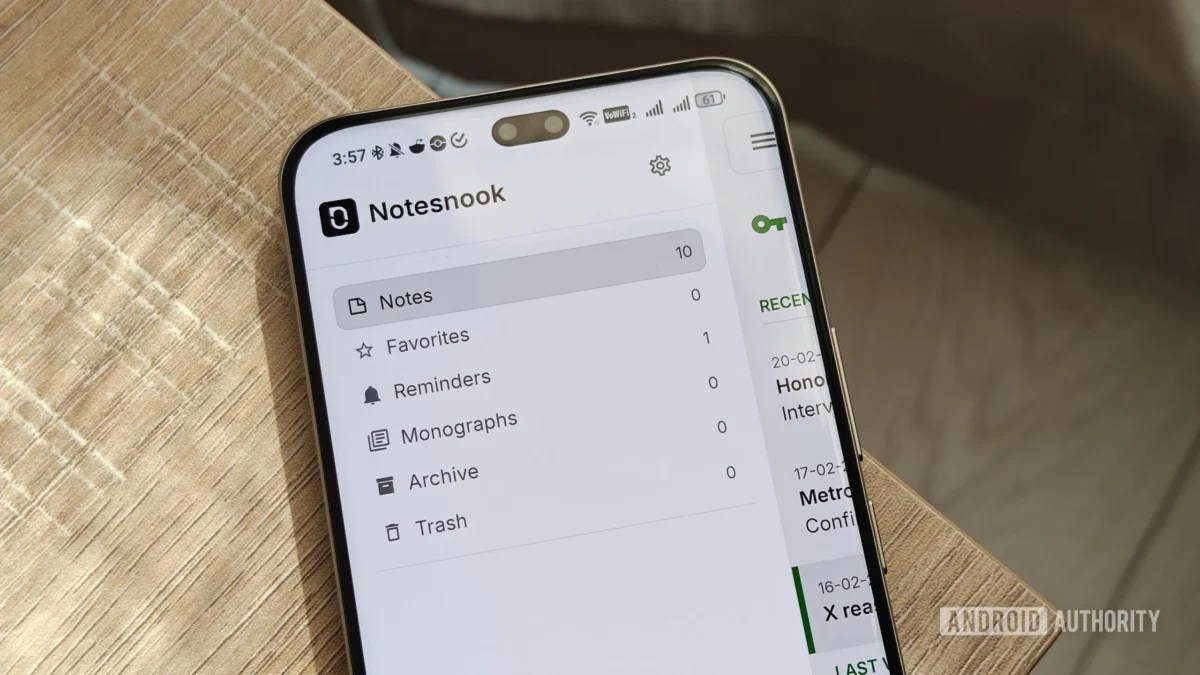
In today’s fast-paced digital landscape, the pursuit of enhanced productivity is a constant. For many, this quest involves a careful curation of digital tools that streamline workflows, organize information, and ultimately, reclaim valuable time. While premium subscriptions often promise revolutionary solutions, a wealth of powerful, free productivity applications are readily available, particularly for Android users. This article delves into a meticulously selected suite of such tools, examining how they empower individuals to conquer their daily tasks, manage complex projects, and foster a more organized digital life.
The author’s personal journey highlights a common dilemma: balancing the need for robust functionality with the desire for cost-effectiveness. The chosen applications represent a pragmatic approach, offering significant value without demanding financial commitment, or providing exceptionally generous free tiers. This collection spans note-taking, knowledge management, task management, project organization, time tracking, data management, content curation, and mobile automation, presenting a comprehensive ecosystem for enhanced personal and professional efficiency.
Notesnook: Secure and Feature-Rich Note-Taking

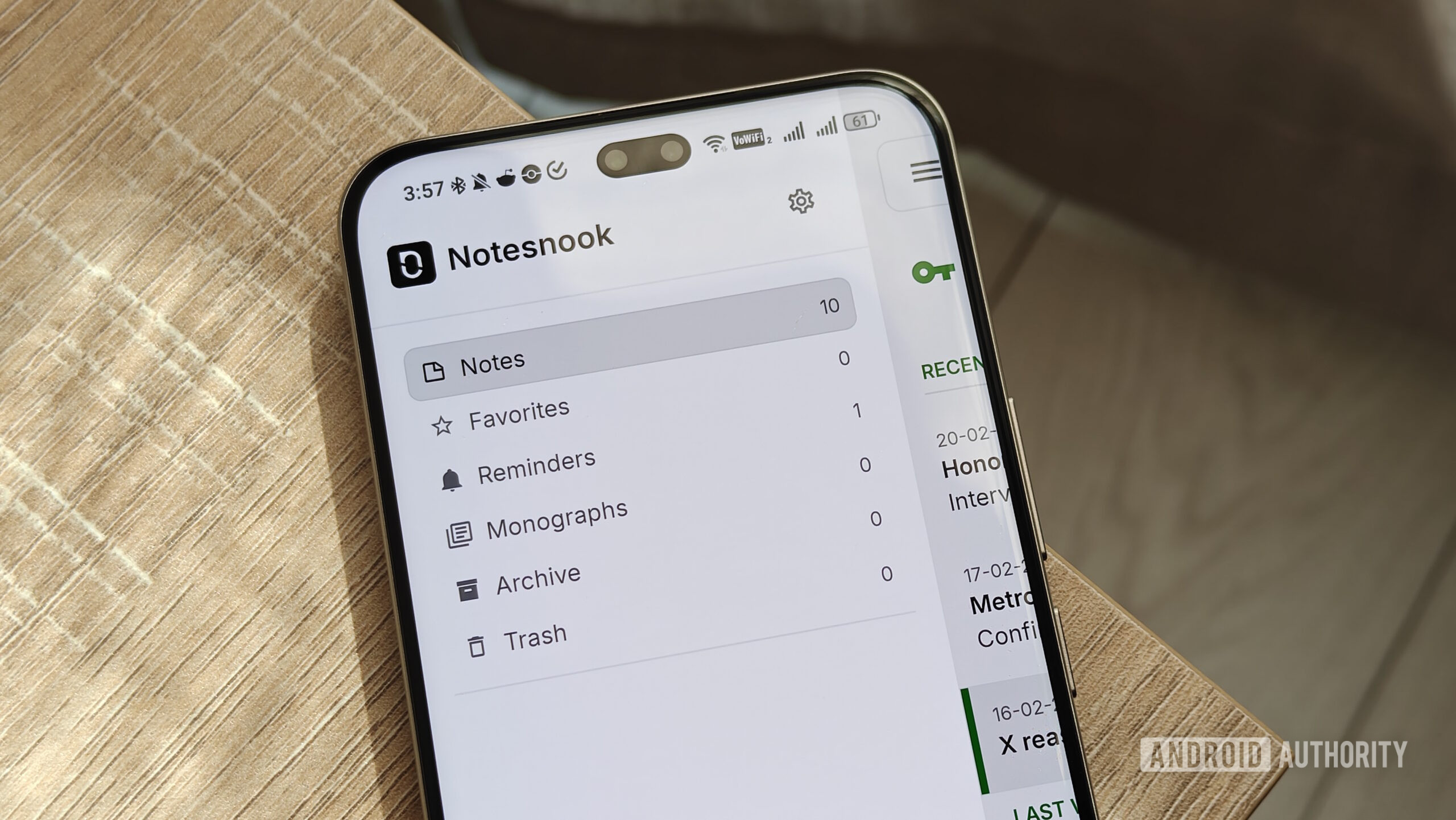
At the forefront of this productivity arsenal is Notesnook, an open-source note-taking application that prioritizes user privacy through end-to-end encryption. The author’s transition to Notesnook from Simplenote underscores a growing demand for secure digital environments, especially for sensitive information. Notesnook addresses this by providing a sanctuary for thoughts, ideas, and essential data, ensuring that personal notes remain accessible only to the user.
The free plan of Notesnook is particularly noteworthy for its comprehensive feature set. It includes a sophisticated rich-text editor, enabling users to format notes with clarity and emphasis. Support for attachments, tables, and checklists further enhances the app’s versatility, transforming simple notes into dynamic information hubs. Beyond basic note-taking, Notesnook offers robust organizational capabilities, including nested notebooks and folders, tags, and color-coding. This layered approach allows for granular categorization and efficient retrieval of information, a critical factor for individuals managing extensive personal or professional knowledge bases. The seamless synchronization across multiple devices ensures that information is always at the user’s fingertips, regardless of the platform being used.
Obsidian: Building a Personal Knowledge Vault
For those seeking to cultivate a deeply interconnected and personalized knowledge base, Obsidian emerges as a formidable contender. Unlike traditional note-taking apps that often operate in silos, Obsidian champions a "second brain" philosophy, where notes are treated as interconnected nodes within a graph. This approach facilitates the discovery of novel connections and insights, fostering a more dynamic and evolving understanding of complex subjects.
The free version of Obsidian, while powerful on its own, truly unlocks its potential through an extensive ecosystem of community-developed plugins. These plugins extend the app’s functionality in myriad ways, catering to diverse user needs. The author highlights several indispensable plugins, including:
- Bases: Enhances data management capabilities, allowing for structured data entry and retrieval.
- Graph View: Provides a visual representation of note interconnections, revealing patterns and relationships that might otherwise go unnoticed.
- Slash Commands: Streamlines command execution, enabling faster access to features and actions.
- Advanced Tables: Offers enhanced table creation and manipulation, ideal for organizing complex data.
- Excalidraw: Integrates a virtual whiteboard for sketching and visual note-taking.
- QuickAdd: Automates the creation of notes and tasks based on predefined templates and triggers.
- Templater: Provides advanced templating capabilities for generating structured notes and documents.
- Linter: Helps maintain consistency and readability within notes through automated checks and formatting.
Syncing across devices is facilitated through the free Remotely Save plugin, ensuring that the knowledge vault remains accessible and up-to-date across all platforms. Obsidian’s local-first approach, where data is stored on the user’s device, further enhances privacy and control over personal information.
TickTick: Mastering Daily Tasks and Reminders
Effective task management is a cornerstone of productivity, and TickTick stands out as a leading solution in this domain. While not entirely free, its free tier provides an impressive array of features that cater to the needs of most users. The app’s intuitive interface and robust functionality make it an indispensable tool for managing the ebb and flow of daily responsibilities.

Key features that enhance TickTick’s appeal include:
- Rich-Text Formatting and Attachments: Allows for detailed task descriptions and the inclusion of relevant files.
- Checklists and Subtasks: Facilitates the breakdown of complex tasks into manageable steps.
- Tags and Comments: Enables further categorization and detailed annotation of tasks.
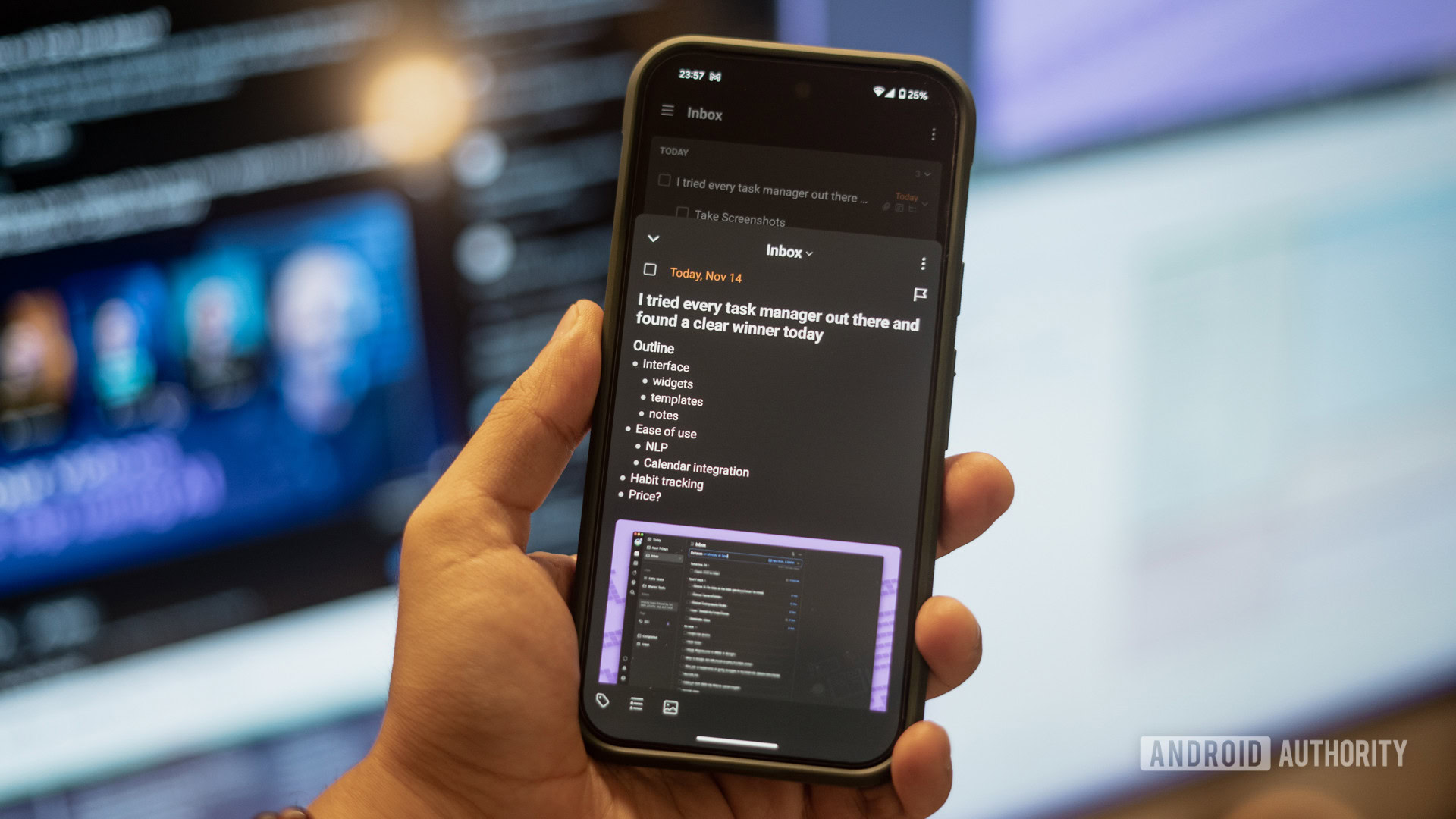
- Smart Recognition: A standout feature that automates date and time parsing from natural language input. Typing "meeting tomorrow at 8 PM" automatically schedules the task, saving valuable time and reducing cognitive load. This feature is particularly beneficial for users who frequently create tasks on the go.
- Recurrent Tasks: Essential for managing recurring responsibilities such as bill payments, insurance renewals, and invoice generation. Users can set tasks to repeat daily, weekly, monthly, or on custom schedules, ensuring that no important deadline is missed.
- Priority Levels: Allows users to assign urgency to tasks, enabling a clear focus on what requires immediate attention and what can be deferred.
The consistent reliability and comprehensive feature set of TickTick have cemented its position as a preferred choice for individuals seeking to bring order to their daily schedules.
Trello: Visualizing Project Progress with Kanban
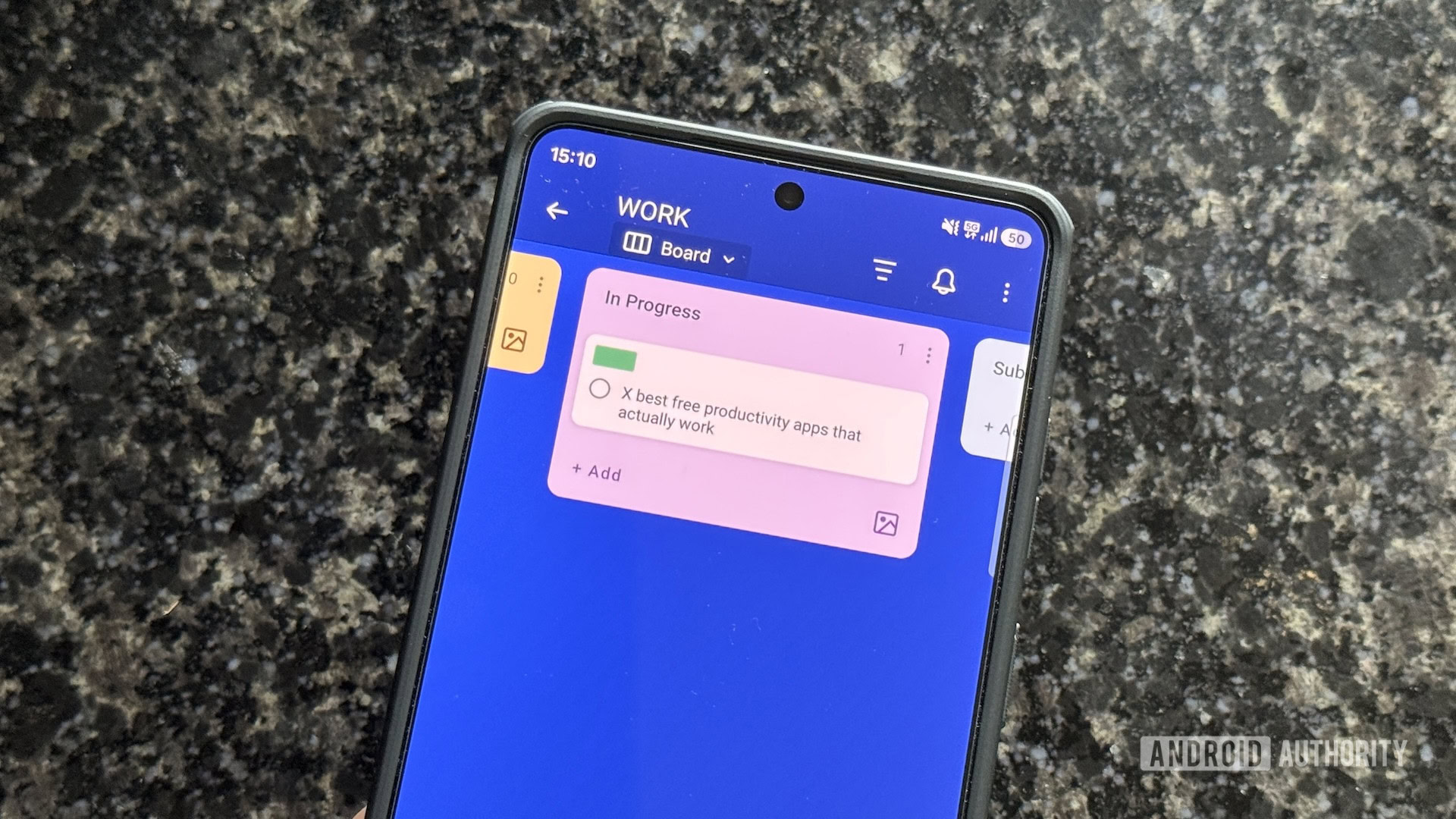
For collaborative projects or managing complex personal endeavors, Trello offers a visually intuitive approach to project management. Its Kanban-style boards, composed of lists and cards, provide a clear overview of task status and workflow progression. The app’s generous free plan makes it accessible to individuals and small teams, eliminating the need for costly project management software.
Trello’s adaptability shines through its custom fields and subtask features, allowing for tailored workflows:
- Custom Fields: The ability to add custom fields, such as dual due dates, enables nuanced tracking. For instance, a content creator can differentiate between a publication deadline and a personal "do by" date for a review, ensuring all aspects of a project are managed effectively.
- Subtasks: Breaking down larger tasks into smaller, actionable steps within Trello cards significantly enhances manageability. A review task can be segmented into "draft," "capture product shots," and "edit," providing a clear path towards completion and a tangible sense of progress.
- Filtering: The powerful filtering capabilities allow users to segment their boards by status, labels, or assignees. This is invaluable for end-of-month reviews, enabling a quick assessment of work completed for different clients or projects.
Trello’s visual paradigm simplifies the often-complex nature of project management, making it an accessible and effective tool for individuals and teams alike.
Toggl Track: Precision Time Management
Understanding where time is spent is crucial for optimizing productivity and ensuring accurate billing for freelance work. Toggl Track excels as a user-friendly time-tracking application, simplifying the process of logging work hours and project-specific time allocations. The core functionality is elegantly straightforward: start a timer when beginning a task and stop it upon completion.
The app’s value extends beyond simple time logging:
- Detailed Session Logging: Toggl Track allows users to add descriptions, project names, and tags to each time entry, creating a comprehensive record of activities. This granular data can be invaluable for performance analysis and client reporting.
- Calendar View: The calendar tab provides a visual summary of how time was allocated throughout the month, offering insights into productivity patterns and potential time sinks.
- Widgets: Handy widgets offer at-a-glance monitoring of active sessions and the ability to stop timers directly from the phone’s home screen, a convenient feature for those who frequently switch between devices or step away from their workstations.
- Auto-Tracker (Optional): While the author prefers manual control, Toggl Track offers an auto-tracker feature that records computer activity. This can be a useful tool for identifying time spent on specific applications or websites, though it requires careful consideration of privacy implications.
By providing a clear and accessible method for tracking time, Toggl Track empowers users to gain greater control over their schedules and improve their time management strategies.
Airtable: The Versatile Database for Organized Data
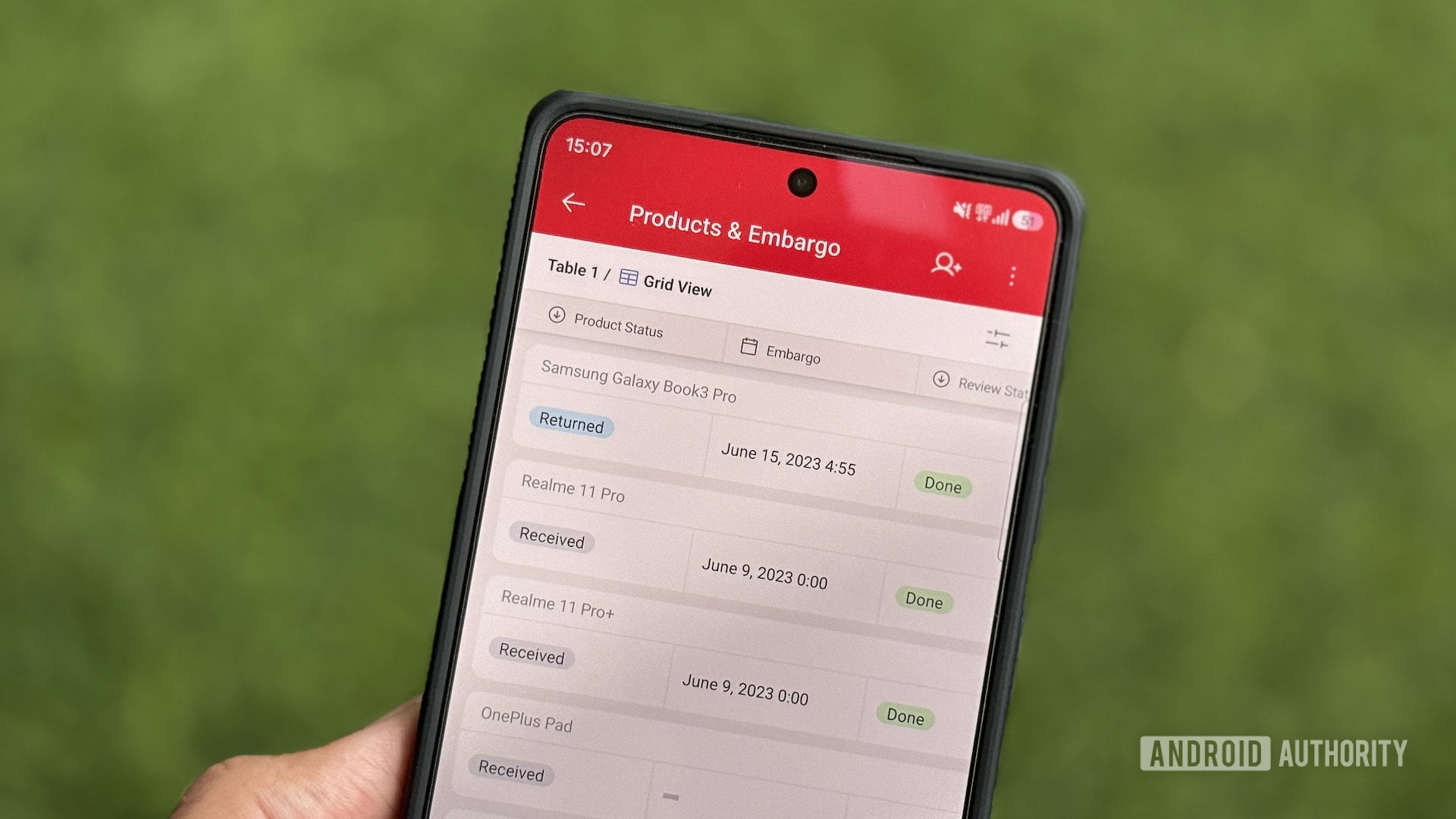
For individuals and professionals who need to manage structured data beyond simple spreadsheets, Airtable offers a powerful and flexible database solution. Its hybrid spreadsheet-database interface allows for the creation of highly organized bases, which can be viewed and analyzed in various formats.

Airtable’s utility is demonstrated through its diverse applications:
- Review Unit Tracking: The author’s initial use case for tracking review units highlights Airtable’s ability to manage inventories and status updates. This ensures a clear overview of assets and their current disposition.
- Investment Tracking: Maintaining a detailed record of investments, including rationale and historical returns, provides valuable financial insights. Airtable’s structured format facilitates this analysis.
- Office Inventory Management: For businesses or individuals with numerous physical assets, Airtable can serve as a comprehensive inventory system, simplifying the process of locating and managing items.
- Wishlist Management: Beyond practical applications, Airtable can be used to curate personal wishlists for products like watches or tech accessories, organizing desired items for future consideration.
Airtable’s ability to transform raw data into actionable insights makes it an indispensable tool for anyone needing to manage information in a structured and analytical manner.
Raindrop.io: An All-Encompassing Bookmark Manager
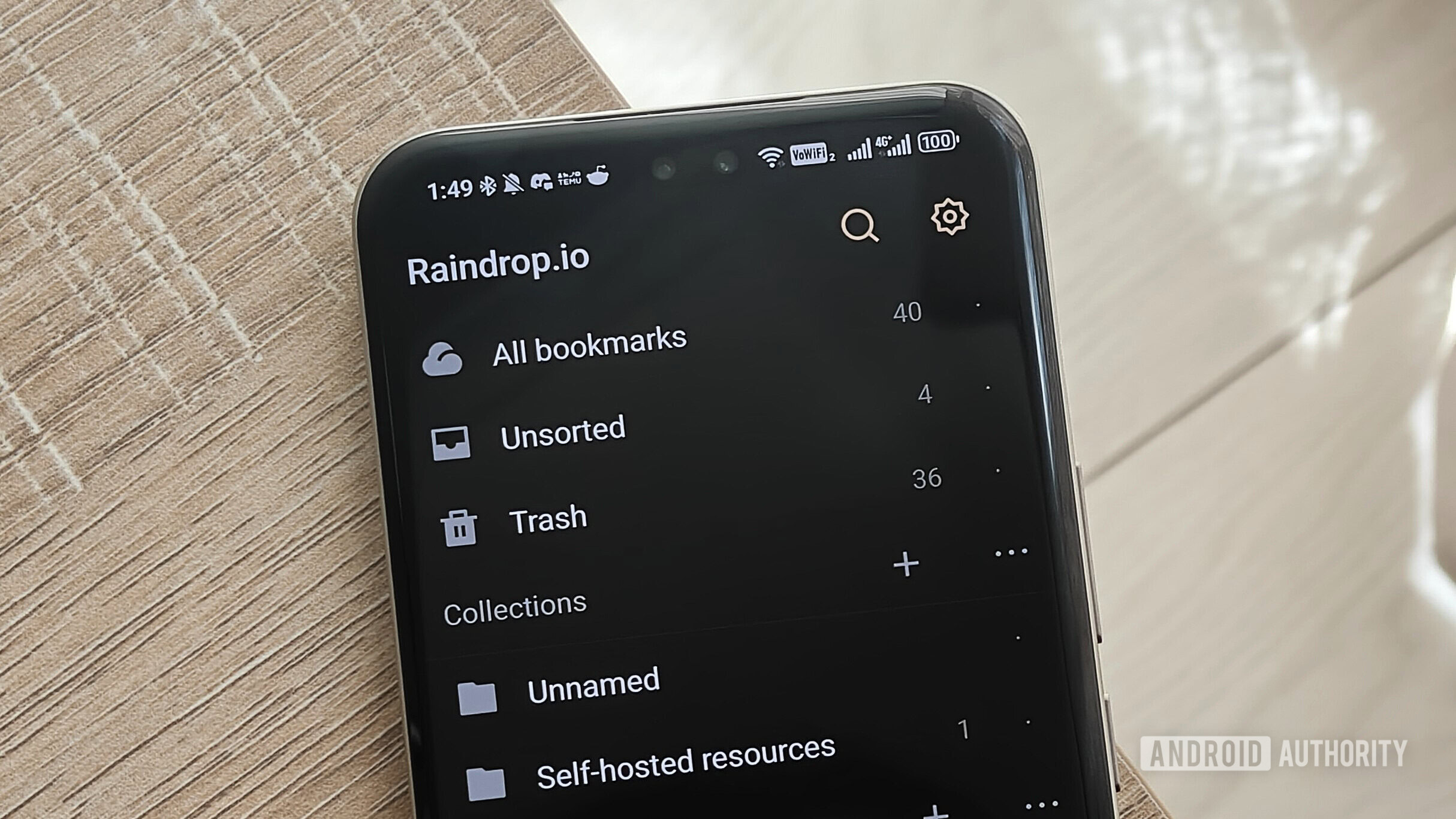
In an era of information overload, effectively managing online content is paramount. Raindrop.io has emerged as a robust solution for bookmarking, offering a centralized repository for articles, images, videos, and web pages. Its comprehensive approach simplifies content curation and retrieval.
The seamless integration of Raindrop.io into daily workflows is facilitated by:
- Cross-Platform Accessibility: Whether on a mobile device or a desktop computer, users can easily save content using the share menu or browser extensions.
- Organized Tagging and Collections: The ability to assign tags and organize saved items into collections ensures that content is easily searchable and retrievable. This hierarchical structure prevents digital clutter and promotes efficient access to saved resources.
- Powerful Search Functionality: Raindrop.io’s search capabilities are notably effective, allowing users to quickly locate specific items using keywords and search parameters. This feature is a significant time-saver, especially when dealing with a large volume of saved content.
Raindrop.io transforms the often-chaotic world of online bookmarks into a well-organized and easily navigable digital library.
MacroDroid: Automating Repetitive Mobile Tasks
For Android users, MacroDroid represents a powerful gateway to mobile automation. This app empowers users to create custom macros, which are essentially automated sequences of actions triggered by specific events. By automating repetitive tasks, MacroDroid significantly enhances efficiency and reduces the need for manual intervention.
Examples of MacroDroid’s practical applications include:
- Automated Screenshot Deletion: Setting up a macro to automatically delete screenshots after a specified period, such as 30 days, helps maintain a clean and organized device storage.
- Contextual Screen Rotation: Automating screen rotation for specific applications like YouTube or Netflix ensures a seamless viewing experience without manual adjustments.
- Smart Connectivity Automation: Creating a macro that automatically plays a favorite Spotify playlist when connecting to a car’s Bluetooth system streamlines the transition into driving.
MacroDroid’s intuitive interface, which involves selecting triggers and actions, makes it accessible even for users without extensive technical expertise. This empowers a broad range of users to customize their device’s behavior and optimize their daily interactions.
Conclusion: A Synergistic Approach to Productivity
The applications highlighted – Notesnook, Obsidian, TickTick, Trello, Toggl Track, Airtable, Raindrop.io, and MacroDroid – collectively form a powerful and synergistic ecosystem for enhanced productivity. While most are available across multiple platforms, their robust presence on Android ensures that users can leverage these tools consistently, regardless of their device. By embracing these free and feature-rich applications, individuals can effectively manage their notes, knowledge, tasks, projects, time, data, and even their device’s automation, ultimately reclaiming valuable time and achieving a greater sense of digital organization and control. The overarching implication is clear: significant gains in productivity do not necessitate substantial financial investment, but rather a thoughtful selection and strategic integration of the right digital tools.









