
 George Chandra Eka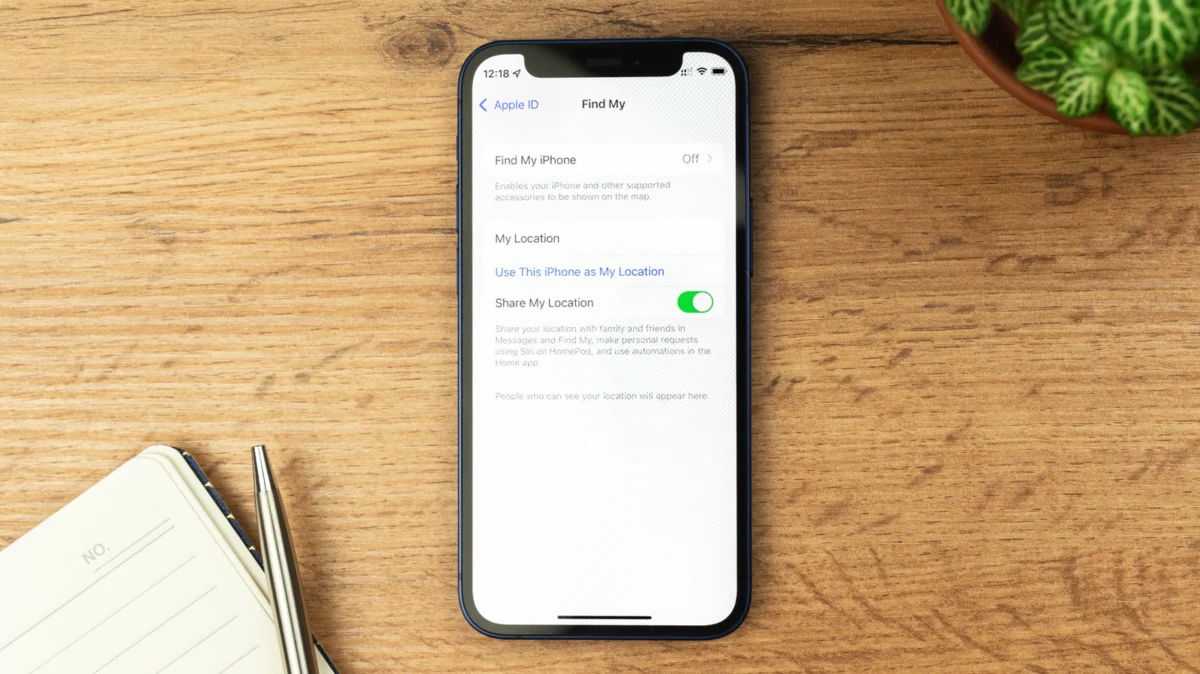
Apple’s Find My service stands as a cornerstone of device security and recovery for millions of users worldwide, offering a robust mechanism to locate lost, stolen, or misplaced iPhones, iPads, MacBooks, and other associated Apple products. While its primary function is to provide peace of mind through location tracking and theft deterrence, there are specific, critical scenarios where disabling this powerful feature becomes not only advisable but necessary, as outlined by Apple itself. Understanding the nuanced interplay between maintaining constant security and the requirements for device servicing or transfer is paramount for all Apple users.
Evolution of Location Tracking: From Simple Locator to Global Network
The concept of locating a lost personal electronic device has evolved significantly since the early days of mobile technology. Apple first introduced "Find My iPhone" in June 2010, initially as part of its MobileMe subscription service, later integrating it into iCloud. This early iteration allowed users to locate their devices on a map, play a sound, display a message, remotely lock the device, or wipe its data. It was a significant step forward, addressing a common pain point for smartphone owners.
However, a device could only be located if it was powered on and connected to the internet. This limitation left a substantial window of vulnerability, particularly for stolen devices that thieves might immediately power off or disconnect. Recognizing this gap, Apple significantly enhanced the service, rebranding it simply as "Find My" in 2019. The pivotal innovation was the creation of the Find My network, a crowdsourced system leveraging hundreds of millions of Apple devices globally. This network operates on a decentralized principle, where nearby iPhones, iPads, and Macs use Bluetooth Low Energy (LE) to detect the location of a lost or stolen item, even if it’s offline or in sleep mode. The detected location is then securely and anonymously relayed back to the owner via iCloud, without compromising the privacy of the participating devices.
Further advancements included the integration of Ultra-Wideband (UWB) technology in newer iPhone models, enabling more precise, directional finding capabilities for compatible items like AirTags. This continuous evolution underscores Apple’s commitment to fortifying device security and enhancing user recovery options, reflecting an industry trend towards more sophisticated and resilient anti-theft measures.
The Technical Backbone: How the Find My Network Operates
The Find My network represents a sophisticated blend of cryptography, Bluetooth LE, and a vast ecosystem of interconnected devices. When an Apple device with Find My enabled goes offline, it continuously broadcasts a secure, rotating Bluetooth identifier. Any other Apple device within Bluetooth range, also participating in the Find My network (which is the default setting), can pick up this identifier. These "helper" devices then encrypt the location data and securely upload it to Apple’s servers. Critically, this process is entirely anonymous and end-to-end encrypted. Neither Apple nor the helper device knows the identity of the lost device or its owner, nor can they decrypt the location data. Only the owner, using their Apple ID, can decrypt the location information. This design addresses significant privacy concerns, ensuring that a powerful tracking network does not become a tool for surveillance.
The effectiveness of this crowdsourced network is directly proportional to the density of Apple devices in a given area. In urban centers and densely populated regions, the likelihood of a lost device being detected by a helper device is exceedingly high, often providing near real-time location updates even if the device itself lacks cellular or Wi-Fi connectivity. This capability has been instrumental in recovering countless devices that would have otherwise been irretrievably lost, offering a statistical advantage to owners. While precise recovery rates are difficult to quantify publicly, anecdotal evidence and law enforcement reports frequently cite the Find My network as a crucial tool in locating stolen property, contributing to a measurable deterrent effect on opportunistic theft.
Activation Lock: Deterring Device Theft
Beyond mere location tracking, Find My is intrinsically linked to Activation Lock, a critical security feature designed to render stolen Apple devices useless to thieves. Introduced with iOS 7 in 2013, Activation Lock automatically activates when Find My is enabled on an iPhone, iPad, or iPod touch. It ties the device to the owner’s Apple ID, preventing anyone from erasing, reactivating, or using the device without entering the correct Apple ID and password.
The implications of Activation Lock are profound for the secondary market of stolen electronics. Before its implementation, a stolen iPhone could often be factory reset and resold with relative ease. Activation Lock effectively transformed stolen Apple devices into "bricks" for anyone other than the legitimate owner, drastically reducing their street value and, consequently, the incentive for theft. Law enforcement agencies and industry analysts have lauded Activation Lock as one of the most effective anti-theft measures ever implemented in consumer electronics, contributing to a significant decline in iPhone theft in many major cities following its rollout. For instance, reports from the New York Police Department and the San Francisco Police Department in the years following Activation Lock’s introduction indicated substantial drops in iPhone robberies and thefts, underscoring its tangible impact. This feature remains active even if a device is remotely erased, ensuring continued protection and the ability to track the device.
Strategic Disablement: When and Why to Turn Off Find My
Despite its indispensable role in security, there are specific, Apple-recommended scenarios where disabling Find My is necessary. These situations primarily revolve around the transfer of device ownership or professional servicing:
-
Selling, Giving Away, or Trading In a Device: When a user intends to permanently part with their Apple device, whether through sale, donation, or trade-in, Find My must be disabled. This action automatically deactivates Activation Lock, freeing the device from its association with the original owner’s Apple ID. Failure to do so would leave the device locked to the previous owner, rendering it unusable for the new owner. This step is crucial for ensuring a smooth and legitimate transfer of ownership and is typically part of a comprehensive factory reset procedure.
-
Sending a Device for Repair: Apple advises disabling Find My before sending a device in for repair or service. This allows technicians to perform diagnostics, repairs, or component replacements without encountering security hurdles imposed by Activation Lock. Accessing certain internal functions or performing a full system restore might be hampered or impossible if Activation Lock remains active. Re-enabling Find My upon return of the serviced device is a critical follow-up step to restore full security.
Apple’s recommendations emphasize a balance between robust security and practical necessity. In these specific contexts, the temporary deactivation of Find My is a deliberate action taken by the owner to facilitate a legitimate transaction or service, with the understanding that security will be reinstated afterward.
Navigating the Disablement Process
Disabling Find My can be accomplished through a couple of distinct methods, depending on the user’s intent:
-
Factory Reset for Transfer of Ownership: For users preparing to sell, give away, or trade in their device, the most straightforward and secure method is a full factory reset. Navigating to Settings > General > Transfer or Reset iPhone > Erase all Content and Settings initiates a process that prompts for the user’s Apple ID password. Confirming this password automatically disables Find My and Activation Lock as part of the complete data wipe, ensuring the device is ready for a new owner without any lingering ties to the previous one. This method is the safest for ensuring that personal data is completely removed and that the device is fully disassociated from the original Apple ID.
-
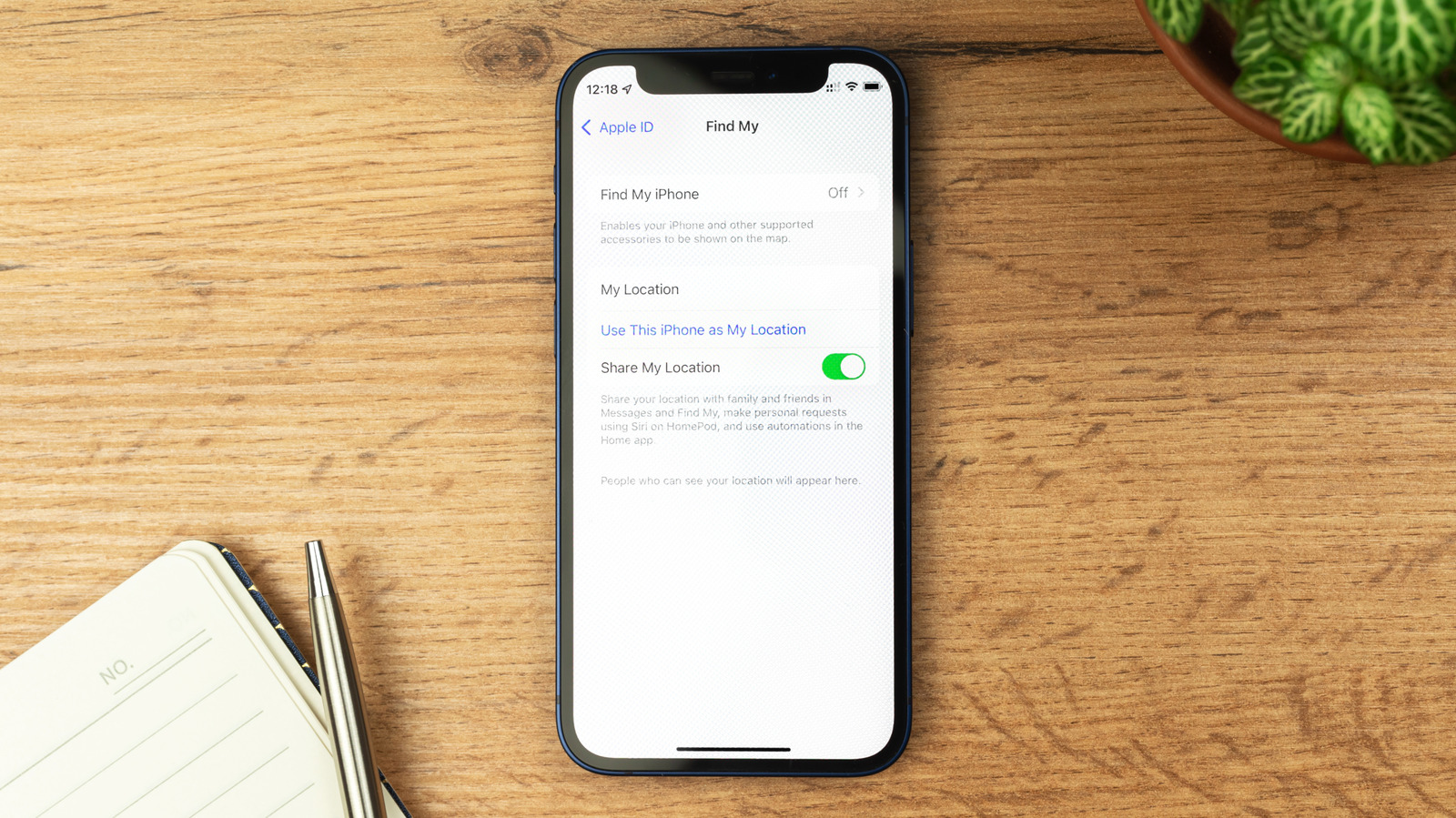
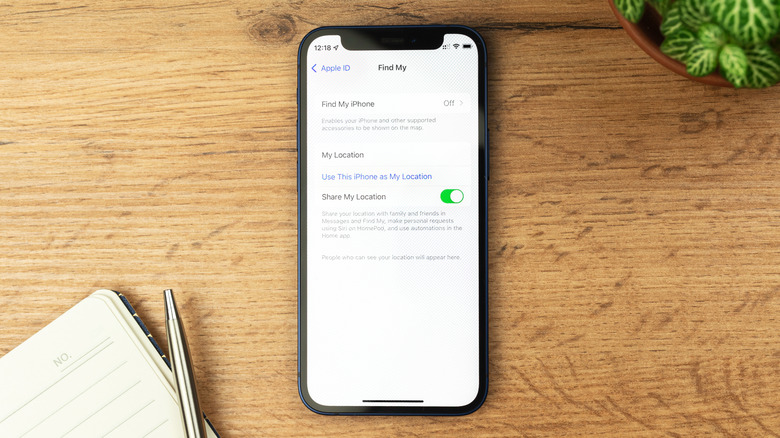
Manual Disablement for Repairs: If a full factory reset is not desired (e.g., when sending a device for repair and wishing to retain data), Find My can be manually toggled off. This involves going to Settings > [Your Name] > Find My > Find My iPhone and then switching the toggle to the off position. This action also requires the Apple ID password for verification.
Stolen Device Protection: A New Frontier in Security
With iOS 17.3, Apple introduced "Stolen Device Protection," an enhanced security feature designed to mitigate risks when an iPhone is stolen and the thief also manages to acquire the owner’s passcode. This feature adds an extra layer of biometric authentication (Face ID or Touch ID) for sensitive actions, such as viewing saved passwords, applying for an Apple Card, or turning off Find My, when the device is away from familiar locations (e.g., home or work). Furthermore, for highly sensitive actions like changing the Apple ID password or removing Activation Lock, Stolen Device Protection imposes a one-hour security delay, followed by another biometric authentication.
The introduction of Stolen Device Protection significantly impacts the manual disabling of Find My. If this feature is enabled (which it is by default on iOS 17.3 and later), the option to manually toggle off Find My will be grayed out when the device is in an unfamiliar location. To disable Find My in such circumstances, a user would first need to disable Stolen Device Protection itself, which would also be subject to the security delay if done away from a familiar location. This design choice underscores Apple’s prioritization of user data security, even at the cost of immediate convenience in specific, high-risk scenarios. Users sending their devices for repair are therefore advised to disable Stolen Device Protection (and subsequently Find My) while in a familiar and secure location to avoid these security delays.
The Critical Warning: Never Disable Find My When Stolen
A critical admonition from Apple and security experts alike is to never disable Find My if a device has been lost or stolen. This warning is particularly pertinent in the face of increasingly sophisticated phishing and social engineering scams targeting device owners. There are numerous documented instances, widely shared across online forums and consumer protection platforms, where individuals who have reported their devices as lost or stolen later receive deceptive messages. These messages, often appearing as official Apple communications or from sympathetic "finders," attempt to trick the owner into disabling Find My.
Scammers may employ various tactics:
- Phishing Links: Sending fake iCloud links that, when clicked, prompt the user to enter their Apple ID credentials, thereby granting the thieves access to disable Find My.
- Emotional Manipulation: Crafting messages that claim to have found the device but cannot use it because of Find My/Activation Lock, often fabricating stories about needing the phone for a sick child or threatening to destroy the device or publish personal data if Find My is not disabled.
- Direct Demands: Explicitly demanding that the owner remove the device from their Apple Account, sometimes under threat.
Yielding to these demands by disabling Find My or removing the device from an Apple Account is precisely what thieves want. Doing so immediately deactivates Activation Lock, rendering the stolen device fully usable and resellable. As long as Find My and Activation Lock remain enabled, the device is effectively useless to the thief, dramatically decreasing its value and removing the incentive for theft. In such situations, users are strongly advised to mark the device as lost via the Find My app, remotely erase its data to protect personal information, and report the theft to law enforcement, but under no circumstances should they disable Find My.
The Broader Implications: Security, Privacy, and the Secondary Market
The comprehensive security architecture provided by Find My and Activation Lock has had far-reaching implications. For users, it offers an unparalleled level of confidence in the security of their data and the recoverability of their devices. For Apple, it reinforces its reputation as a leader in privacy and security, distinguishing its ecosystem from competitors.
Economically, these features have profoundly impacted the market for used electronics. By significantly devaluing stolen devices, Activation Lock has helped to curb the black market for stolen iPhones and iPads, leading to a more legitimate and regulated secondary market. This also benefits consumers who purchase used devices, as they can be more confident that they are not inadvertently buying stolen property.
From a privacy perspective, the anonymous and encrypted nature of the Find My network has set a high standard for location-based services. It demonstrates that powerful tracking capabilities can be implemented without sacrificing individual privacy, a critical consideration in an era of increasing digital surveillance concerns. However, the system is not without its controversies, particularly regarding the potential for misuse of AirTags for unwanted tracking, which Apple has addressed through various safety features and alerts.
Looking Ahead: The Future of Device Security
As technology continues to advance, so too will the methods used by those seeking to exploit vulnerabilities. Apple’s ongoing commitment to enhancing features like Find My and Stolen Device Protection reflects a dynamic and continuous effort to stay ahead of evolving threats. Future iterations may see even more sophisticated location technologies, tighter integrations with biometric security, and further refinements to user controls and privacy safeguards. The narrative surrounding Find My is not merely about a feature; it is about Apple’s comprehensive philosophy towards device ownership, security, and the enduring challenge of protecting digital assets in an increasingly connected and vulnerable world. For the end-user, the core message remains clear: embrace the robust security Find My offers, understand the specific, limited instances for its strategic disablement, and never compromise your device’s protection when it is most vulnerable.







