George Chandra Eka
The long-standing chasm between Apple’s macOS and Microsoft’s Windows as gaming platforms has demonstrably narrowed in recent years. For decades, Macs were largely overlooked by serious gamers and developers alike, a consequence of hardware limitations, architectural divergences, and a perceived niche market. However, with the advent of Apple silicon, particularly the M-series chips, and strategic software initiatives, the landscape of gaming on macOS has undergone a significant transformation. While these advancements have undeniably elevated the Mac’s capabilities, prospective gamers must still exercise caution and consider a range of factors before designating a Mac as their primary gaming machine. The improvements are profound, yet a substantial functional gap persists when compared to dedicated Windows gaming PCs.
A Historical Perspective: From Niche to Nascence
For much of its history, the Macintosh platform struggled to gain traction in the gaming world. The era of PowerPC processors, while innovative for its time, was largely ignored by major game studios that prioritized the dominant Windows DirectX ecosystem. The subsequent transition to Intel x86 architecture in 2006 offered a glimmer of hope, as it theoretically allowed for easier porting of Windows titles. However, Macs still typically featured integrated graphics processors (IGPs) or less powerful discrete GPUs compared to their Windows counterparts, which often boasted high-end Nvidia GeForce or AMD Radeon cards. This hardware disparity, coupled with Apple’s proprietary graphics API (first OpenGL, then Metal), meant that developers still faced significant optimization challenges. Boot Camp, Apple’s utility allowing users to install Windows directly on their Intel Mac hardware, became a popular workaround, underscoring the platform’s native gaming deficiencies. Even with Boot Camp, users were often constrained by the Mac’s thermal design and GPU limitations, which were not engineered for sustained, high-demand gaming. Consequently, the Mac gaming library remained sparse, consisting primarily of indie titles, older ports, or games that ran best at lower settings.
The Apple Silicon Revolution: A Paradigm Shift
The real turning point arrived in June 2020 with Apple’s announcement of its transition to custom-designed Apple silicon, beginning with the M1 chip. This move represented a fundamental architectural shift from Intel’s x86 to ARM-based processors. Unlike traditional CPU-GPU architectures, Apple silicon employs a unified memory architecture (UMA), where the CPU, GPU, and Neural Engine share a single pool of high-bandwidth, low-latency memory. This design significantly reduces data transfer bottlenecks, allowing the integrated GPU to access system memory with unprecedented speed and efficiency.
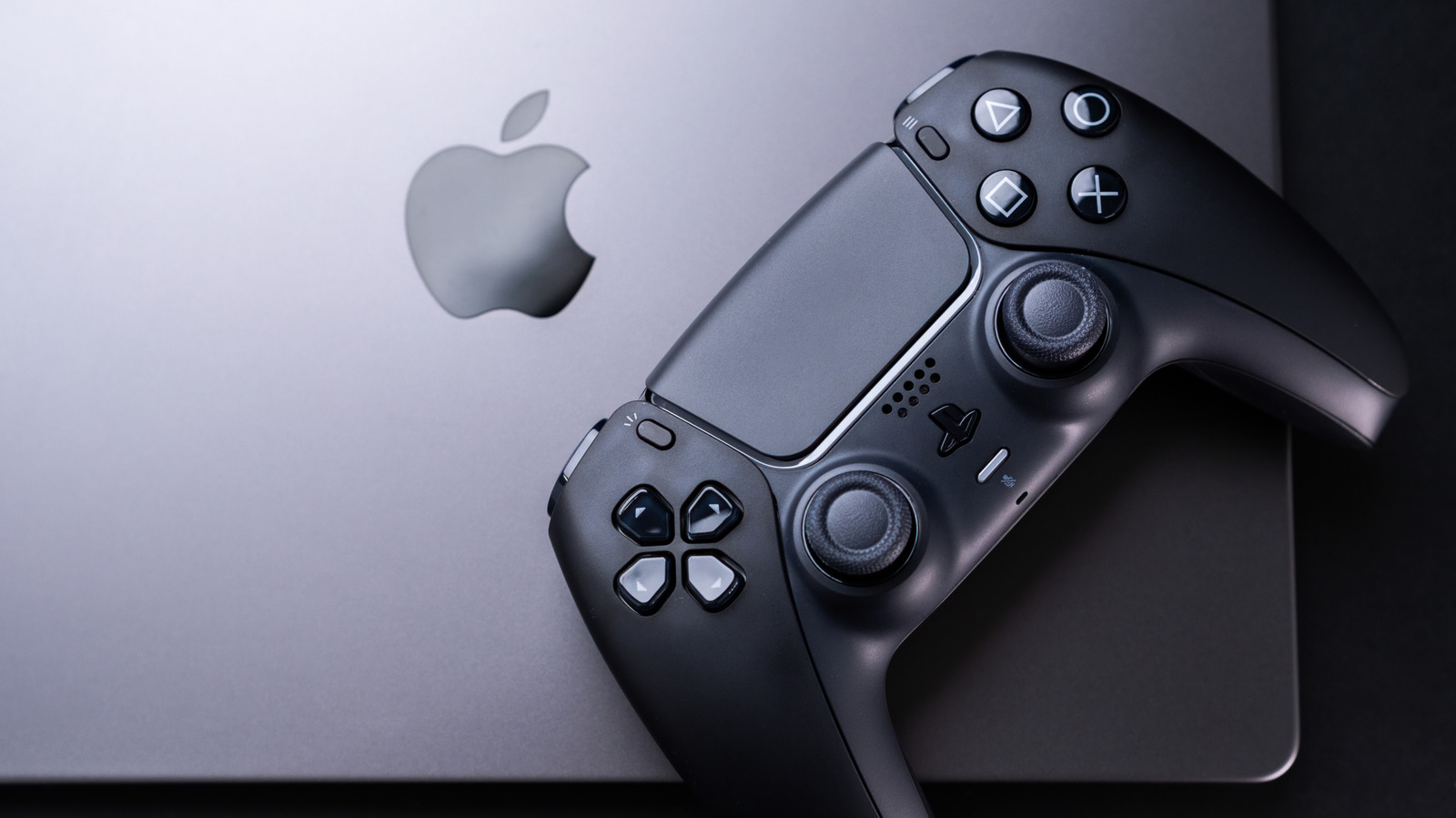
The initial M1 chip, followed by the more powerful M1 Pro, M1 Max, M1 Ultra, and subsequent M2, M3, and now M4 and M5 series (as implied by the article’s reference to M5 MacBook Pro), progressively boosted graphical performance to levels previously unimaginable for integrated solutions. These chips are not only remarkably powerful but also exceptionally power-efficient, allowing MacBooks to sustain high performance for longer periods without excessive heat generation, particularly in models equipped with active cooling systems. Industry analysts widely acknowledged these chips as a significant leap, with many benchmarking services demonstrating their ability to outperform discrete graphics cards from previous generations in specific workloads.
Apple’s Renewed Commitment: Software and Developer Tools
Beyond raw hardware power, Apple has also invested heavily in software tools and developer outreach to foster a more robust gaming ecosystem. The proprietary Metal API, introduced in 2014, has been continually refined to offer closer-to-the-metal access to the GPU, enabling developers to extract more performance. More recently, Apple unveiled MetalFX Upscaling, a technology akin to NVIDIA’s DLSS or AMD’s FSR, which uses temporal anti-aliasing and spatial upscaling to render games at a lower resolution and then intelligently upscale them to a higher target resolution, improving performance without a drastic hit to visual fidelity.
Perhaps the most significant development in recent years for Mac gaming is the Game Porting Toolkit (GPTK), introduced at WWDC 2023. This toolkit is a game-changer because it simplifies the process of bringing Windows DirectX 12 games to macOS. GPTK leverages a modified version of Wine (a compatibility layer for running Windows applications on Unix-like operating systems) along with Apple’s own D3DMetal translation layer, which maps DirectX commands directly to Metal API calls. This allows developers to quickly test their Windows games on macOS with minimal code changes, drastically reducing the time and resources required for porting. For end-users, the toolkit can even be used with a few command-line inputs to run many PC games that lack native macOS versions, effectively translating them in real-time. This capability has opened up a vast new library of previously inaccessible titles to Mac users. For example, a user running Grand Theft Auto V on an M4 Pro MacBook Pro can experience a steady 60 frames per second at high graphics settings, a testament to the toolkit’s efficacy despite the inherent overhead of real-time translation.
What Macs Can and Cannot Handle Today
Thanks to these advancements, the list of graphically demanding games natively supported on macOS has grown considerably. Titles like Assassin’s Creed Shadows, Dead Island 2, and Cyberpunk 2077 are now officially listed by Apple as runnable on its hardware. Other AAA games such as Resident Evil Village, Death Stranding, No Man’s Sky, Lies of P, and Baldur’s Gate 3 have also received native macOS ports, often leveraging MetalFX Upscaling for optimized performance. This indicates a growing confidence among major studios in the Mac platform’s potential and Apple’s commitment to supporting game development.
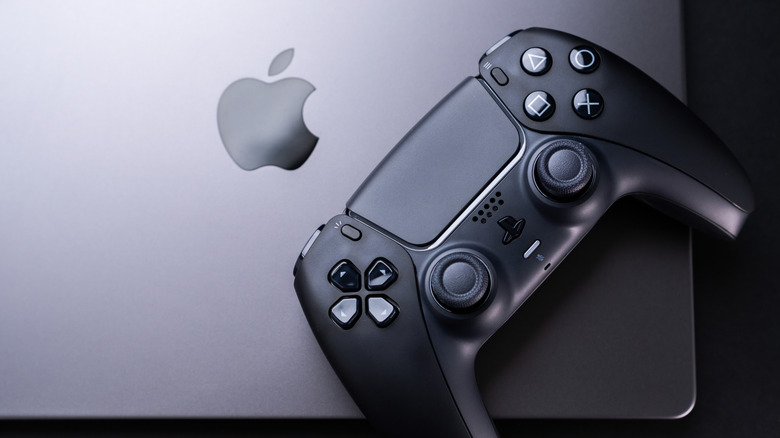
The performance of native M-series games is often impressive, benefiting from the unified memory architecture and the efficient Metal API. Many titles can achieve smooth frame rates at 1080p or even 1440p resolutions on MacBook Pro models, often rivaling or exceeding the performance of entry-level dedicated gaming laptops. The M-series chips’ thermal efficiency also means less fan noise and throttling compared to some x86 gaming laptops under heavy load.
However, limitations persist. While the GPTK is a powerful tool, it is not a magic bullet. Performance via the toolkit, while often surprisingly good, typically involves a performance hit compared to native Windows execution on equivalent hardware. Compatibility can also be spotty, with some games exhibiting graphical glitches, audio issues, or outright failure to launch. Anti-cheat systems, common in many online multiplayer games, can also prevent games from running via GPTK.
Crucially, the sheer breadth of the game library remains a significant differentiator. The vast majority of PC games, especially older titles, niche genres, and new releases from smaller studios, still do not offer native macOS versions. Even with the GPTK, the process requires some technical proficiency, and consistent updates to the toolkit are needed to maintain compatibility with new game releases and macOS versions.
Furthermore, while Apple Silicon’s integrated GPUs are powerful, they generally cannot compete with the highest-end discrete GPUs found in top-tier gaming PCs, especially for gaming at 4K resolutions, ultra-high refresh rates, or with ray tracing enabled at demanding settings. For users who prioritize cutting-edge graphics and the absolute best performance, a dedicated Windows machine with a high-end discrete GPU remains the superior choice.
To assist Mac users in navigating this complex landscape, community-driven resources like MacGamingDB have emerged. This website meticulously catalogs thousands of games, providing detailed compatibility information, performance benchmarks, and user reports for various Mac models and M-series chips. Such platforms are invaluable for prospective Mac gamers, saving them from the frustration of downloading multi-gigabyte titles only to discover they are unplayable.
Choosing the Right MacBook and Knowing When to Look Elsewhere
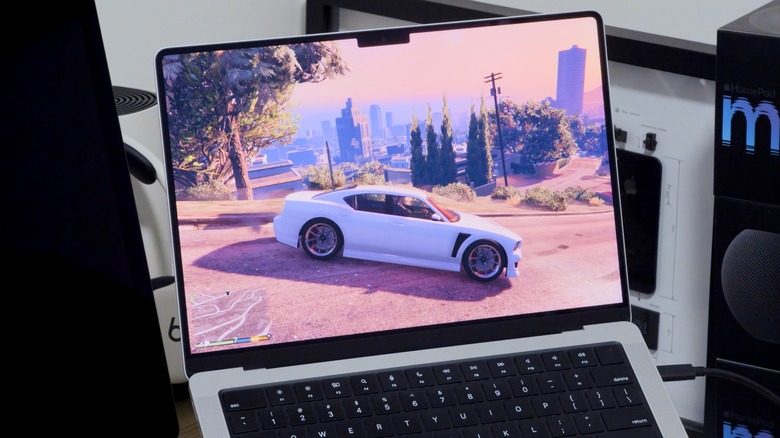
For individuals intent on gaming on an Apple laptop, the MacBook Pro is unequivocally the optimal choice. Specifically, models equipped with the M-series Pro or Max chips are designed for demanding workloads, including gaming. These chips feature a greater number of GPU cores, higher memory bandwidth, and more robust thermal designs, including active cooling systems, which are critical for sustaining performance during extended gaming sessions. A base model MacBook Pro with an M5 Pro chip and 24GB of unified memory (as implied by the article’s mention of an M5 MacBook Pro) offers a formidable foundation for running most modern games smoothly. For even greater graphical horsepower, upgrading to an M5 Max chip with its significantly more potent GPU and higher memory configurations will yield superior results, particularly at higher resolutions or graphics settings.
In contrast, the MacBook Air and base model MacBook Pro variants (without the Pro or Max chips) are less suitable for graphically intensive gaming. While they benefit from the same efficient architecture, their processors have fewer GPU cores, and crucially, they lack internal cooling fans. This passive cooling design means that under sustained heavy loads, like gaming, these machines will inevitably throttle their performance to manage heat, leading to reduced frame rates and a less consistent gaming experience. They remain excellent for casual games, indie titles, or older releases, but attempting to run demanding AAA games on them will necessitate significant compromises in resolution and graphics settings.
Ultimately, for serious, dedicated gamers who prioritize the broadest game library, peak performance, and cost-effectiveness, a Windows PC remains the undisputed champion. Gaming PCs, whether desktops or laptops, offer a superior performance-per-dollar ratio for gaming purposes, providing access to a massive library of native titles without compatibility concerns. They also allow for easier hardware upgrades and offer a wider range of display options, including high refresh rate monitors optimized for gaming.
The Role of Cloud Gaming and Future Implications
For Mac users unwilling to invest in a separate Windows PC but still desiring access to a vast gaming library, cloud gaming services present a compelling alternative. Platforms like NVIDIA’s GeForce NOW and Xbox Cloud Gaming allow users to stream high-end games directly to their MacBook over the internet, with the actual game processing handled by powerful remote servers. This completely bypasses the Mac’s local hardware limitations, enabling users to play even the most demanding titles at high settings, provided they have a stable and fast internet connection (typically 50-100 Mbps for optimal performance) and low latency. This solution democratizes access to gaming, turning any modern Mac into a portal for AAA experiences.
Looking ahead, Apple’s continued focus on gaming signals a strategic shift. The company’s renewed efforts, from powerful silicon to developer tools and showcasing AAA titles, suggest a long-term commitment to making macOS a more viable gaming platform. This strategy aligns with Apple’s broader ecosystem play, potentially drawing more users into its hardware and software services. While it is unlikely that Macs will ever fully displace Windows PCs as the primary choice for hardcore gamers, the gap has undeniably shrunk to a point where a Mac can now serve as a very capable secondary gaming machine or even a primary one for users with more moderate gaming demands. The future of Mac gaming promises further optimization, a growing library of native titles, and continued refinement of translation layers, making the platform an increasingly attractive, albeit still nuanced, option for the modern gamer.