Galang Taruna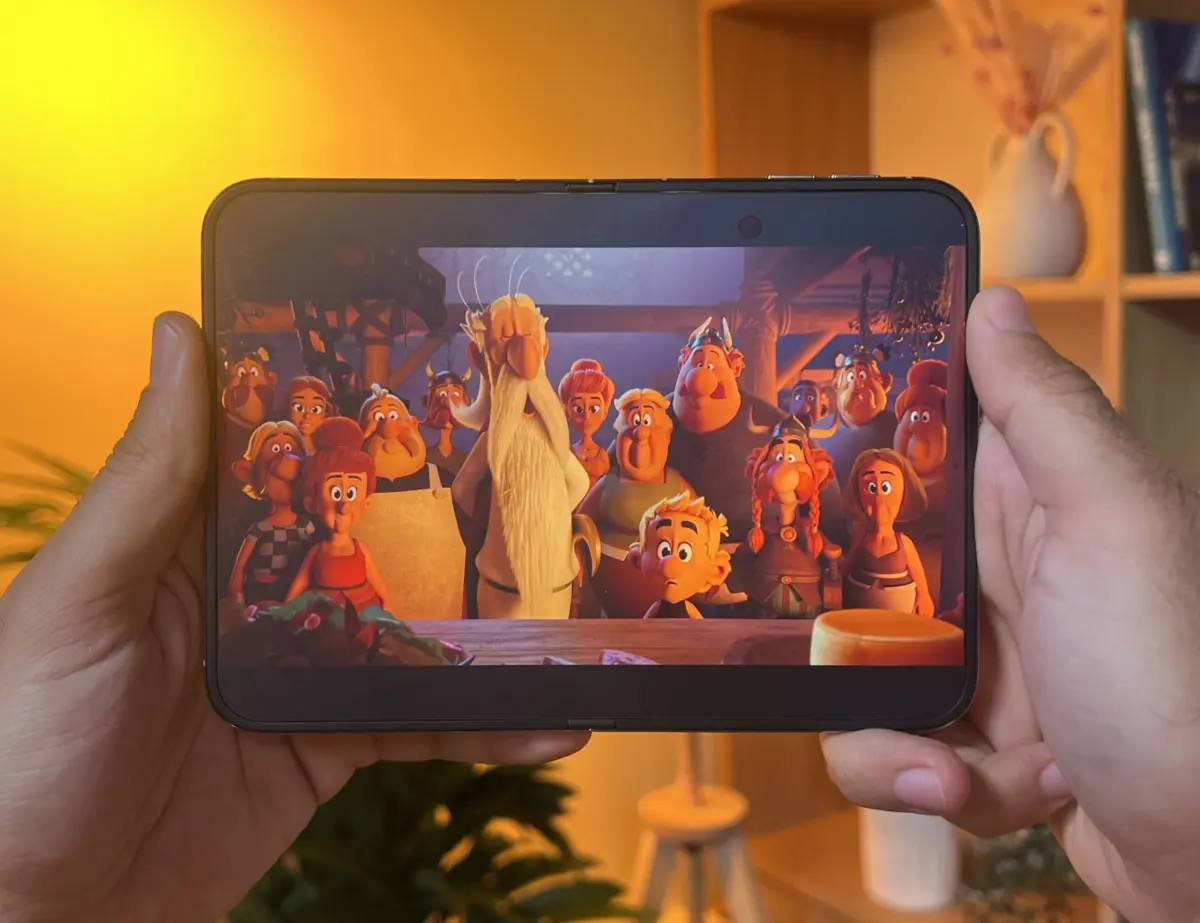
Apple’s highly anticipated entry into the foldable smartphone market with the iPhone Duo has officially commenced, marking a pivotal moment for mobile technology. As reviewers begin their comprehensive evaluations of this groundbreaking device, a central question looms large: how effectively are existing iOS applications adapting to the expansive, flexible internal display? The initial user experience hinges significantly on developers’ ability to reconfigure their interfaces for this novel form factor, particularly regarding the ergonomic placement of interactive elements on the right side of the screen. In this crucial adaptation phase, Netflix has emerged as a standout example, showcasing an impressive, albeit not entirely flawless, blueprint for optimizing content consumption on Apple’s first foldable.
The Dawn of a New Era: Apple’s Foldable Ambition
Apple’s launch of the iPhone Duo on October 23rd, 2026, priced from €2,339 for the 256 GB model, signifies a strategic leap into a rapidly evolving smartphone segment. While competitors like Samsung have dominated the foldable space for years with their Galaxy Z Fold and Z Flip series, and other players such as Google with its Pixel Fold, Huawei, and Xiaomi have also made significant strides, Apple’s entry carries substantial weight. The Cupertino giant’s meticulously crafted ecosystem and unparalleled influence on developers are expected to catalyze widespread adoption and refinement of the foldable form factor. The iPhone Duo’s design philosophy appears to prioritize a seamless, premium large-screen experience, challenging developers to think beyond traditional smartphone displays and embrace new interaction paradigms. This move not only legitimizes the foldable category but also sets a new benchmark for software integration and user experience design on flexible screens.
The Developer’s Dilemma: Adapting to the Duo’s Unique Canvas
The transition to a large, foldable internal display presents a unique set of challenges for the vast iOS developer community. Ideal application behavior on the iPhone Duo, as envisioned by Apple, involves positioning primary interactive buttons along the right edge of the screen, maximizing usability when the device is held in landscape orientation. However, early observations reveal that many applications currently display a visually jarring black bar in this area, indicating a lack of proper optimization. This issue stems from apps that have not yet been updated to fully leverage the Duo’s expanded display dimensions.
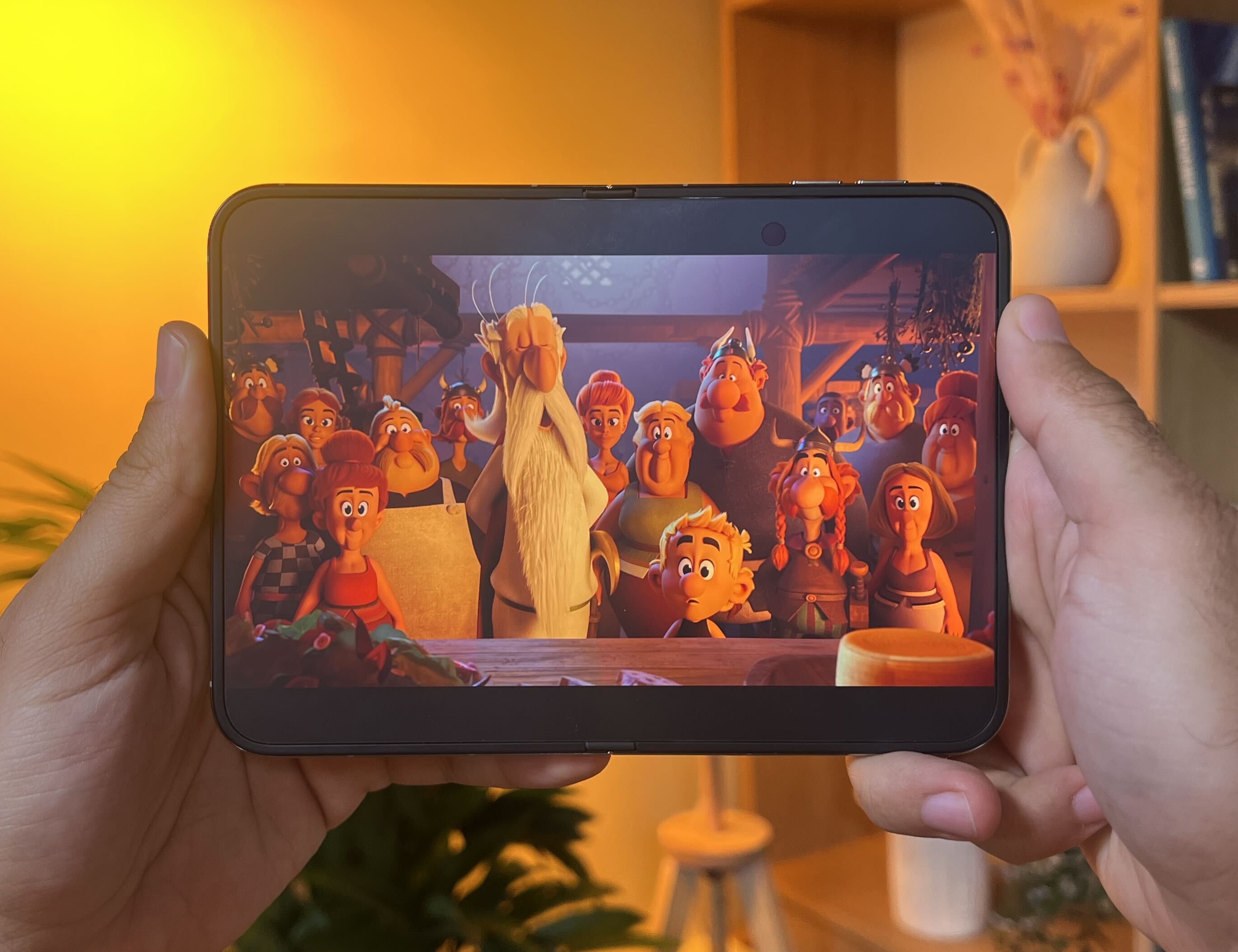
Apple has established a tiered compatibility system based on the Software Development Kit (SDK) used for compiling applications. Apps built with SDKs prior to iOS 27 will default to their original dimensions, resulting in prominent black bands on the sides of the larger screen. Those compiled with the iOS 27 SDK offer partial adaptation, stretching to fill more of the display but without full UI redesign. To achieve true, full-screen optimization that takes advantage of the Duo’s unique characteristics, developers must utilize the iOS 27.1 SDK.
The timeline for developers to implement these changes has been remarkably tight. Apple released the first beta of Xcode 27.1, the integrated development environment crucial for optimizing apps for the iPhone Duo, as recently as September 18th, 2026. The final version of Xcode 27.1 was made available just one week prior to the device’s official launch. This compressed schedule meant that many developers had limited time to recompile their applications and, more importantly, to fundamentally redesign their user interfaces. Consequently, a significant portion of apps in the initial weeks will likely appear with the aforementioned black bars, though this issue is expected to diminish rapidly as developers push out updates.
It is crucial to differentiate between simply having an app fill the entire screen and having an app genuinely adapted for the foldable experience. The latter involves thoughtful UI/UX design that considers the unique aspects of the Duo, such as its ability to be half-folded and the new ergonomic considerations for button placement. To guide users, Apple has introduced a "Made for iPhone Duo" label on app store listings for applications that have undergone this comprehensive optimization process.
Netflix: A Masterclass in Foldable UX Design
Among the applications that have embraced the iPhone Duo’s unique capabilities, Netflix stands out as a prime example of thoughtful and effective adaptation. The streaming giant was reportedly part of a select group of partners who collaborated closely with Apple prior to the Duo’s public release, allowing them to redesign their application interface from the ground up. This proactive approach was evident from the device’s announcement in September, where Netflix’s optimized app was showcased as a benchmark.

In landscape orientation, the Netflix interface intelligently expands to fill the entire width of the display. Crucially, primary navigation shortcuts are consolidated into a vertical sidebar on the right. This includes icons for casting, downloads, and notifications at the top, followed by Home, Clips, Search, and My Netflix. This arrangement ensures that essential controls are always within easy reach of the user’s thumb, enhancing one-handed usability on the larger screen. When the iPhone Duo is reoriented to portrait mode, these buttons seamlessly transition to a familiar horizontal bar at the bottom of the screen, mirroring the standard user experience on conventional iPhones. This fluid adaptation between orientations is a testament to Netflix’s meticulous design.
The Netflix app truly shines when the iPhone Duo is partially folded and placed on a surface, reminiscent of Samsung’s "Flex Mode" (a feature notably absent from the Galaxy Z Fold 8 but retained on the Galaxy Z Fold 8 Ultra). In this semi-folded configuration, the video content occupies the upper half of the display, providing an unobstructed viewing experience. The lower half of the screen transforms into a sophisticated remote control panel, offering a comprehensive suite of playback options. Users gain immediate access to play/pause, 10-second skip forward/backward, a precise progression bar, brightness controls, volume adjustment, subtitle options, playback speed settings, and the ability to jump to the next episode. This intuitive layout eliminates the need for on-screen overlays that might obscure the content, providing a truly immersive and convenient viewing experience.
Furthermore, when these interactive playback controls recede, the lower half of the screen reveals an innovative aesthetic detail: real-time colored reflections. These dynamic hues are algorithmically calculated based on the dominant colors and mood of the video content currently playing. This subtle yet impactful visual enhancement, conceived by Netflix’s design team, creates an ambient glow that mimics the immersive "Ambilight" effect found on Philips televisions. While purely decorative, this feature prevents the lower half of the screen from becoming a stark, unappealing black rectangle, adding a layer of sophisticated immersion that elevates the overall user experience. It’s a testament to the attention to detail that sets Netflix apart in its Duo adaptation.
Navigating Early Hurdles: The Path to Perfection
Despite its exemplary adaptation, the Netflix application on the iPhone Duo is not entirely devoid of initial imperfections. During early testing, two minor bugs were encountered. On occasion, the "exit" button, designed to close a video playback, proved unresponsive without any apparent reason. Additionally, the elegant right-side navigation sidebar once appeared completely empty, presenting as a transparent oval devoid of icons. Both issues were temporary; the latter was resolved by simply cycling the iPhone Duo’s orientation twice (from vertical back to horizontal).

These minor glitches, while not critical, underscore the inherent complexities of developing for an entirely new form factor. Even the most meticulously prepared applications, such as Netflix’s, may encounter unforeseen challenges during initial deployment on novel hardware. Such imperfections are common in the early stages of new device launches and are typically addressed swiftly through subsequent software updates. These early bugs serve as a reminder that even for the "model student" in app adaptation, the journey to a perfectly seamless experience on a groundbreaking device like the iPhone Duo is an iterative process.
Broader Implications and The Future of Foldables
The introduction of the iPhone Duo and the subsequent imperative for app adaptation carries significant implications for the broader mobile ecosystem.
Developer Ecosystem: Apple’s stringent guidelines and the clear distinction of "Made for iPhone Duo" apps will likely compel developers to prioritize optimization rapidly. This could lead to a more consistent and higher-quality foldable app experience within the Apple ecosystem compared to some Android counterparts, where developer adoption for foldables has been more fragmented. The tight timeline for SDK release underscores Apple’s ambition to quickly populate its new device with optimized software, leveraging its powerful developer community.
User Adoption: The success of the iPhone Duo, and indeed the foldable category as a whole, will heavily depend on the perceived value of its large screen, which is directly tied to app functionality. A rich ecosystem of well-adapted apps will be crucial for convincing consumers to invest in a premium device with a premium price tag. The presence of polished apps like Netflix from day one builds confidence and showcases the potential of the form factor.

Competitive Landscape: Apple’s entry into foldables, coupled with its methodical approach to software adaptation, will undoubtedly intensify competition. Competitors like Samsung and Google will be pushed to innovate further in their own foldable UI/UX designs and to encourage their developer communities to reach similar levels of optimization. The iPhone Duo could become a catalyst for a new wave of foldable design and software innovation across the industry.
Evolution of Mobile UI/UX: The iPhone Duo forces a re-evaluation of fundamental mobile UI/UX principles. The transition between different display states (folded, unfolded, half-folded) and orientations (portrait, landscape) demands dynamic and context-aware interfaces. Netflix’s example, with its adaptable side/bottom bars and the innovative Flex Mode controls, illustrates the potential for entirely new interaction paradigms that could redefine how users engage with their devices. This represents a significant shift from the relatively static UI/UX norms of traditional slab smartphones.
In conclusion, the iPhone Duo represents a bold new chapter for Apple, pushing the boundaries of mobile hardware. Its success, however, is intrinsically linked to the agility and creativity of its vast developer community. While initial challenges are inevitable, the exemplary efforts of applications like Netflix provide a compelling vision for the future of foldable experiences. As more applications embrace the full potential of the iPhone Duo’s unique display, the device is poised to redefine user expectations and accelerate the evolution of the smartphone landscape.