
 George Chandra Eka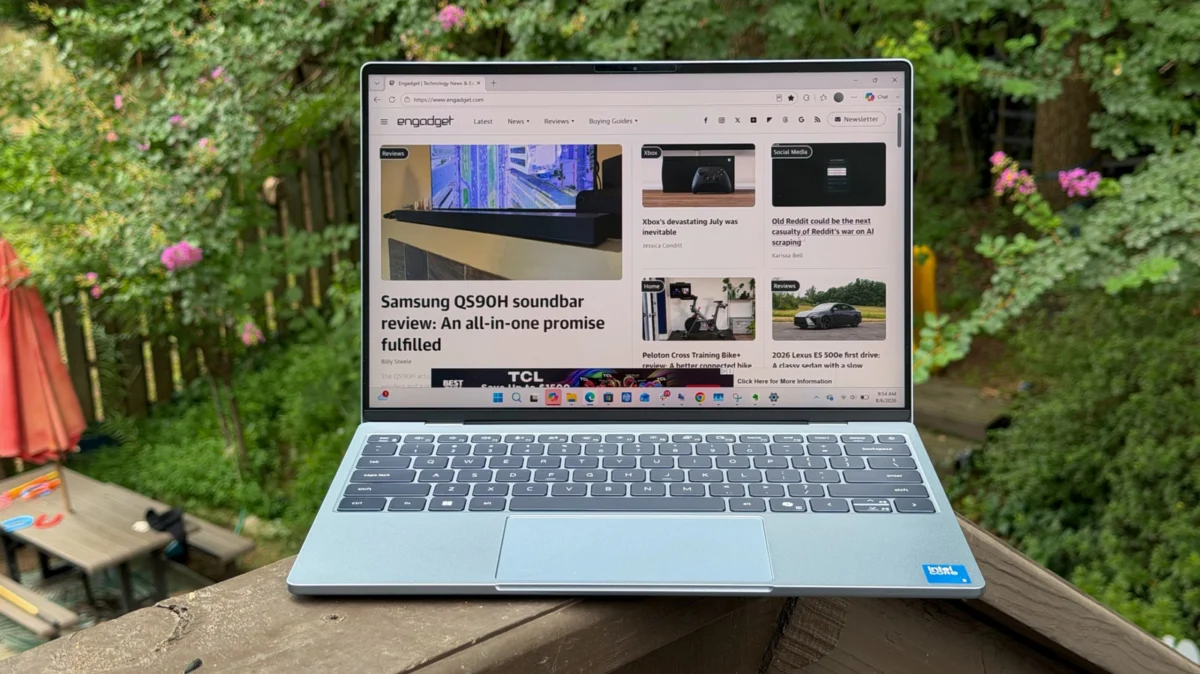
The technology landscape has long been dominated by a pursuit of premium features and performance, often at a significant cost. However, the recent emergence of Apple’s MacBook Neo has catalyzed a shift, setting a new benchmark for accessible, high-quality hardware in the sub-$1000 category. Dell’s latest iteration of its flagship ultrabook, the XPS 13 (2026), arrives as a direct response to this challenge, positioning itself as a compelling Windows alternative. While it successfully captures many of the core tenets of a premium experience at a more approachable price point of $700, its base configuration, particularly its 8GB of RAM, presents a notable bottleneck that could hinder long-term user satisfaction.
The Strategic Reimagining of the XPS 13
For years, the Dell XPS 13 has been synonymous with the pinnacle of Windows laptop design and engineering, often commanding price tags well over $1,000. Its sleeker, more minimalist aesthetic, alongside cutting-edge components and innovative features like haptic trackpads, solidified its position as a direct competitor to Apple’s higher-end MacBook Pro and Air lines. The 2026 model, however, signals a strategic pivot for Dell, aiming to carve out a niche in the fiercely competitive budget-premium segment ignited by the MacBook Neo. This repositioning is evident in its starting price of $700, a significant departure from previous generations that often began at $1,300 or $1,400.
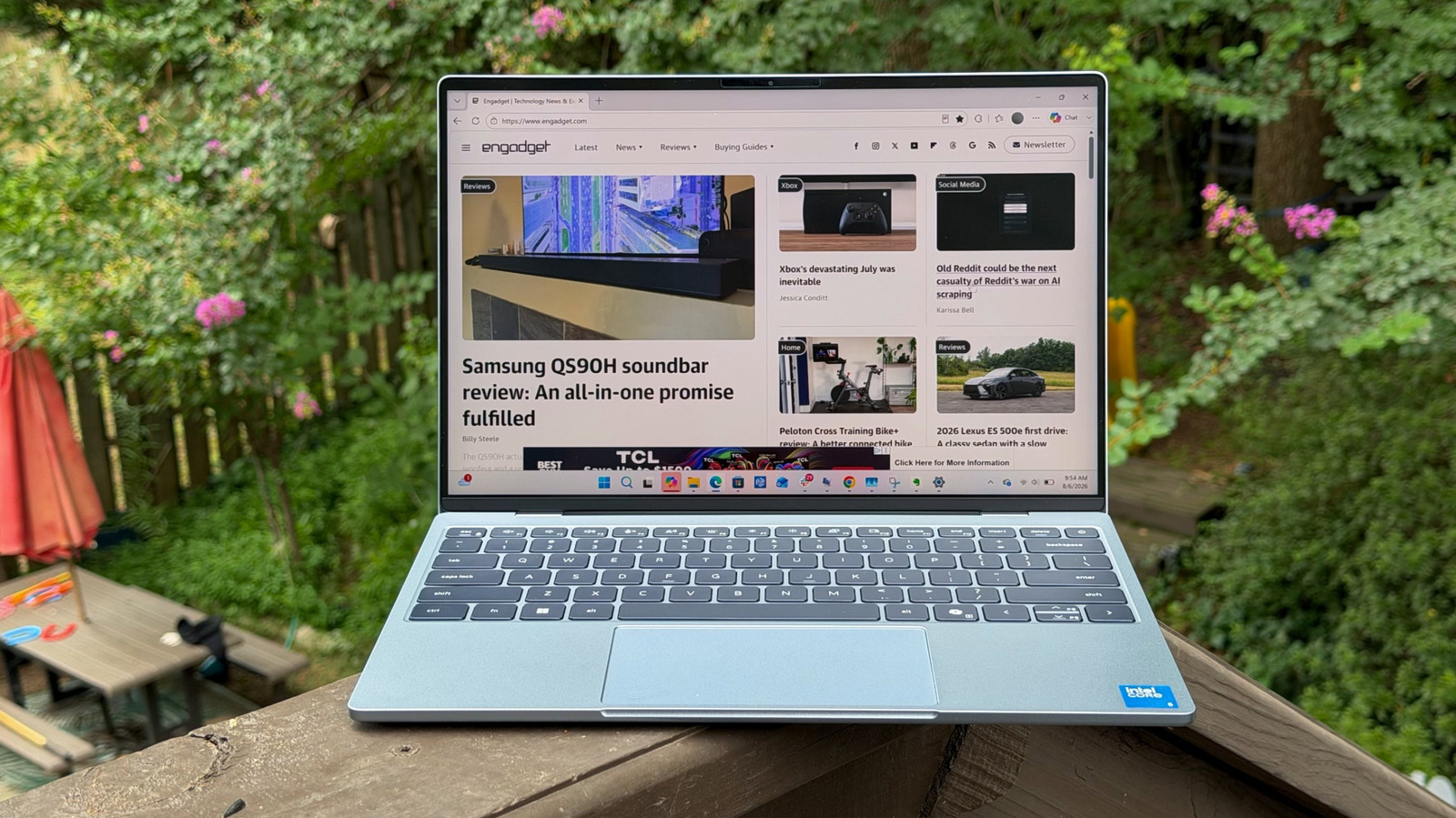
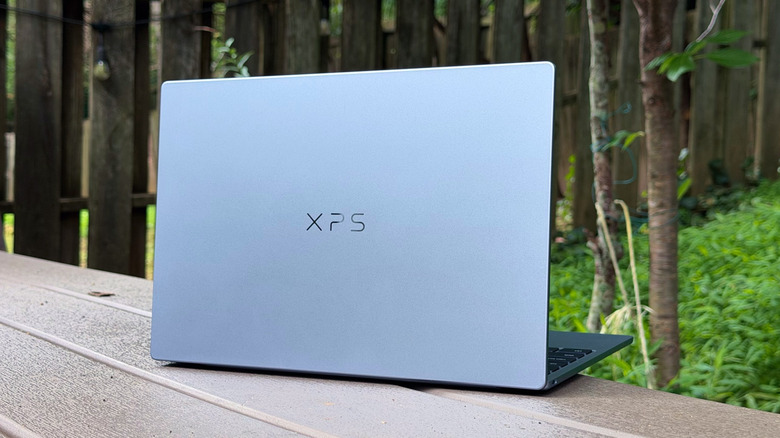
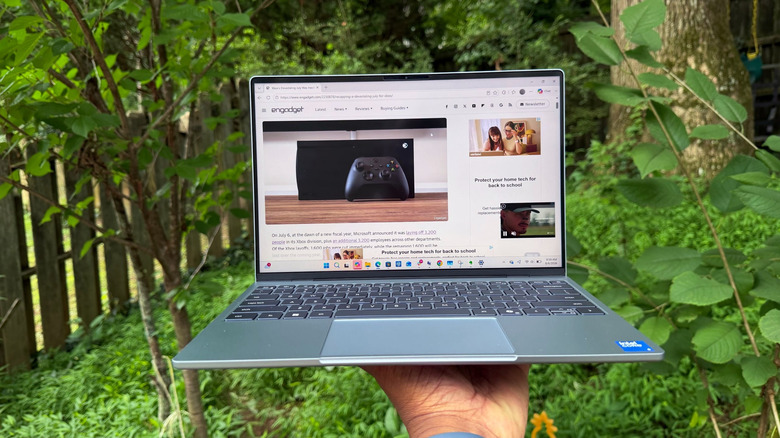
This shift, while opening the XPS line to a broader audience, inherently necessitated certain compromises. The new XPS 13 embodies a more basic design language, reminiscent of Dell’s mainstream Inspiron series rather than the opulent finishes of its premium XPS siblings like the XPS 14 and 16. Despite this, Dell has largely succeeded in maintaining a robust build quality, utilizing an all-metal chassis that exudes a surprising sense of durability for its price. Weighing in at a mere 2.2 pounds and measuring 12.7 millimeters thin, it distinguishes itself as the lightest and thinnest XPS to date, notably undercutting the MacBook Neo’s 2.7 pounds. This portability, coupled with an aluminum case that resists flex common in other $700 laptops, underscores Dell’s commitment to core hardware quality even within a tighter budget.
Design Evolution and Competitive Edge
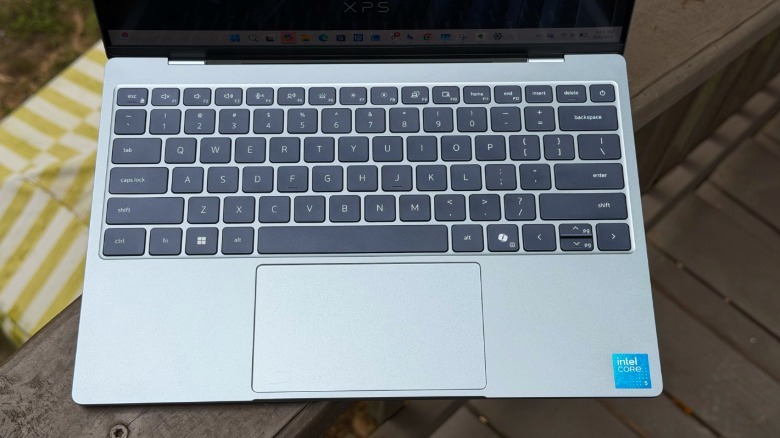
The aesthetic changes in the XPS 13 (2026) are a clear departure from its immediate predecessors. While the previous XPS 13 models showcased an invisible trackpad and edge-to-edge keyboard – features now reserved for the more expensive XPS 14 and 16 – the 2026 model reverts to a more traditional layout. This decision is pragmatic, aligning with the cost-cutting measures required to hit the $700 price point. Yet, it does mean the laptop lacks the cutting-edge design flair that characterized the XPS brand in recent years, making it visually less striking than, for instance, the XPS 13 model from 2019.
Despite these design regressions, the XPS 13 (2026) brings several compelling features to the table that enhance its value proposition against rivals. Its 120Hz 1440p display stands out as a significant advantage over the MacBook Neo’s standard 60Hz panel. This higher refresh rate contributes to a noticeably smoother scrolling experience and more fluid on-screen motion, a detail appreciated by users accustomed to modern displays. The screen is also sufficiently bright for outdoor use, matching the Neo’s capability in direct sunlight, though it lacks the superior contrast of OLED or the extreme brightness of MiniLED technologies found in higher-tier laptops.
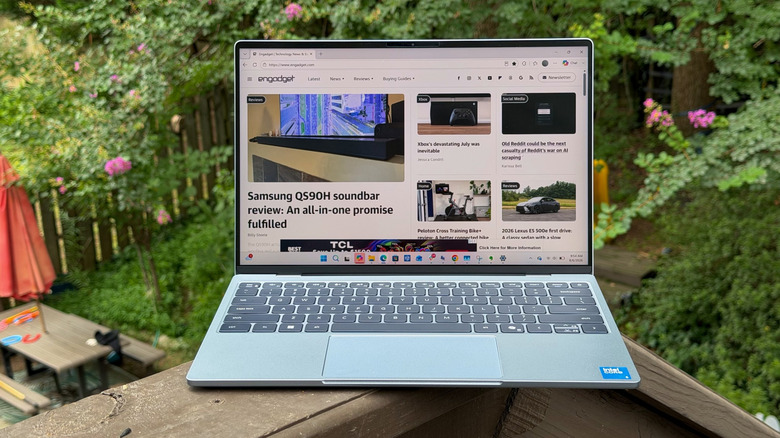
Connectivity options are practical, with two USB-C ports, strategically placed one on each side, which offers greater flexibility for charging and peripheral connections compared to systems that cluster ports on a single side. However, Dell has, in line with its long-standing trend, omitted the 3.5mm headphone jack, a feature Apple commendably retains on the MacBook Neo, much to the appreciation of audiophiles and those with legacy audio equipment.
Performance and the 8GB RAM Conundrum
The heart of the Dell XPS 13 (2026) lies in its Intel Core 5 320 processor. While more efficient than previous generations, benchmark testing reveals it to be significantly slower than the Intel Core Ultra 7 155H and Snapdragon X Elite chips found in the 2024 XPS models. In Geekbench 6’s multi-threaded CPU and GPU benchmarks, the 2024 Intel model was three times faster in graphics, and the Snapdragon XPS 13 nearly twice as fast. This performance differential positions the 2026 XPS 13 not as a powerhouse, but rather as a competent machine for everyday tasks.
The most critical discussion point, however, revolves around the base model’s 8GB of RAM. In an era where operating systems and web browsers are increasingly memory-hungry, 8GB for Windows 11 proves to be a significant limitation. Upon booting into Windows, approximately 80% of the RAM is already committed to background processes, including essential system services like "Anti-malware service executable" and "Secure biometrics." This leaves precious little overhead for user applications. Launching multiple browser tabs, engaging in video conferencing, or running productivity suites quickly pushes memory utilization to 95% or higher.
This consistently high memory usage manifests in noticeable performance hiccups: scrolling becomes less fluid, applications exhibit delays in loading, and multitasking often feels sluggish. Instances of applications, such as Evernote, taking up to 30 seconds to display content are not uncommon, creating an experience that can be best described as "tolerable" rather than genuinely efficient. While Apple has demonstrated that 8GB of RAM can be surprisingly effective on macOS, thanks to superior memory optimization and different architectural approaches, Windows 11 evidently struggles more with this configuration. This stark contrast highlights a fundamental difference in how the two operating systems manage resources, making a direct comparison of RAM capacity alone insufficient without considering the underlying software efficiency.
User Experience: Input Devices and Audio
The input experience on the XPS 13 (2026) is a mixed bag. The keyboard marks a return to traditional chiclet keys, a design choice not seen in the XPS lineup for several years. Despite a relatively shallow key travel, the keys offer sufficient comfort and responsiveness for extended typing sessions, allowing for quick and accurate input. This is a solid, if unexciting, performance for a laptop in this price bracket.
The trackpad, however, represents a notable regression. Dell’s recent premium XPS models have featured advanced haptic trackpads, which provide consistent click feedback across their entire surface, akin to Apple’s Force Touch trackpads. The 2026 XPS 13 reverts to a mechanical trackpad, and a particularly frustrating one at that. Its top third does not register clicks, requiring users to adjust their hand position significantly to perform basic input actions. For users accustomed to modern haptic solutions, this mechanical trackpad feels like a relic from a bygone era, demanding a considerable period of adaptation. This compromise, more than any other, directly impacts daily usability and detracts from the laptop’s overall appeal.
Audio performance is delivered via a quad-speaker array. While technically an advantage over the MacBook Neo, the sound profile is described as clear but tinny, lacking the depth and richness found in the XPS 14’s speakers. It is adequate for casual video consumption and light audio playback, but it will not satisfy those seeking an immersive sound experience.
Battery Life and Long-Term Value
Battery life is one area where the XPS 13 (2026) genuinely impresses. In PCMark 10’s Modern Office battery benchmark, the laptop achieved an impressive 15 hours and 56 minutes. This performance significantly outlasts the XPS 14 by over five and a half hours and improves upon the previous Intel XPS 13 by nearly three hours. While the Snapdragon Copilot+ XPS 13, with its highly efficient ARM architecture, still holds the lead at nearly 18 hours, the 2026 Intel-based XPS 13 offers exceptional endurance for a Windows machine, making it a reliable companion for full workdays or long commutes without needing to constantly search for an outlet.
The long-term value of the base 8GB RAM model is a significant concern. Unlike older laptops where RAM could often be upgraded post-purchase, modern ultrabooks like the XPS 13 typically have soldered memory, making upgrades impossible. This means users are locked into their initial RAM configuration for the life of the device. Given the increasing demands of software and operating systems, 8GB of RAM today may feel severely underpowered in just a few years, leading to premature obsolescence for demanding users.
Conclusion and Recommendation
The Dell XPS 13 (2026) represents a brave strategic move by Dell to compete directly with Apple’s MacBook Neo in the burgeoning budget-premium laptop segment. It delivers a remarkably portable, well-built machine with an excellent 120Hz display and outstanding battery life at a competitive $700 price point. It also offers a more generous base storage of 512GB compared to the MacBook Neo’s 256GB, and the option to upgrade to 16GB of RAM, which the Neo does not directly offer at this price tier.
However, the compromises made to achieve this price are substantial. The Intel Core 5 320 processor, while efficient, delivers performance significantly below its more expensive XPS siblings. More critically, the base 8GB of RAM severely hampers the Windows 11 experience, leading to frustrating sluggishness and limiting the laptop’s longevity for anything beyond the most basic tasks. The regression to a problematic mechanical trackpad further detracts from the user experience, feeling out of place on a machine bearing the XPS moniker.
While Dell deserves credit for its swift response to the competitive pressure from the MacBook Neo, the 2026 XPS 13 in its 8GB configuration is a difficult recommendation for most users. The performance bottlenecks introduced by insufficient RAM compromise the overall usability to a degree that outweighs the initial cost savings. For those considering this model, investing an additional $200 to upgrade to the 16GB RAM variant is not merely an enhancement but a necessity for a comfortable and future-proof computing experience. This upgrade transforms the XPS 13 (2026) from a potentially frustrating budget option into a genuinely capable and competitive ultrabook, solidifying its position as a viable, albeit compromised, alternative to the MacBook Neo for Windows enthusiasts seeking premium features without breaking the bank. The ongoing evolution of this segment will undoubtedly see manufacturers continue to fine-tune their offerings, pushing the boundaries of what is possible in an accessible, yet high-quality, laptop.







