
 George Chandra Eka
Apple CarPlay has revolutionized in-car infotainment, offering seamless integration of iPhone features like navigation, communication, and, critically, music playback. While it excels in convenience, the default audio experience through CarPlay may not always deliver the optimal sound quality that a vehicle’s stereo system is capable of producing. Discrepancies often arise from how an iPhone streams audio, the connection method employed, and specific software configurations that might be better suited for headphones than automotive speakers. Achieving superior audio fidelity in your car with CarPlay involves a strategic approach, focusing on foundational technical choices, optimizing source material, and fine-tuning software settings, rather than immediately considering costly hardware upgrades.
The Evolution of In-Car Audio and Apple CarPlay
The integration of smartphones into vehicle dashboards has transformed the automotive experience. Apple CarPlay, first introduced in 2014, allowed users to project a simplified version of their iPhone interface onto their car’s built-in display, offering intuitive access to apps like Maps, Messages, and music streaming services. This innovation quickly became a standard feature, with nearly all major car manufacturers adopting it. Prior to CarPlay, in-car audio was primarily limited to radio, CDs, and auxiliary inputs, with Bluetooth emerging as a convenient, albeit often lower-fidelity, wireless option. CarPlay’s advent promised a richer digital experience, leveraging the iPhone’s vast media library and app ecosystem.
However, the quest for high-fidelity audio in a vehicle presents unique challenges. The car cabin is an acoustically complex environment, characterized by irregular shapes, varied materials, and the constant intrusion of road noise, engine hum, and wind turbulence. These factors inherently compromise sound reproduction, making it difficult for even premium car audio systems to replicate the pristine conditions of a dedicated listening room. Moreover, the digital audio signal chain from a smartphone to a car’s head unit involves multiple stages of processing and transmission, each with the potential to introduce degradation if not properly managed. Understanding these underlying principles is crucial for anyone seeking to elevate their CarPlay audio experience beyond its basic functionality.
Wired vs. Wireless: The Foundation of Audio Fidelity
One of the most significant factors influencing CarPlay audio quality is the method of connection between your iPhone and the vehicle. While wireless CarPlay offers unparalleled convenience, allowing immediate connection without physically plugging in the device, it inherently involves compromises in audio transmission quality compared to a wired USB connection. This distinction is not merely anecdotal; it is rooted in fundamental differences in how audio data is handled and transmitted.
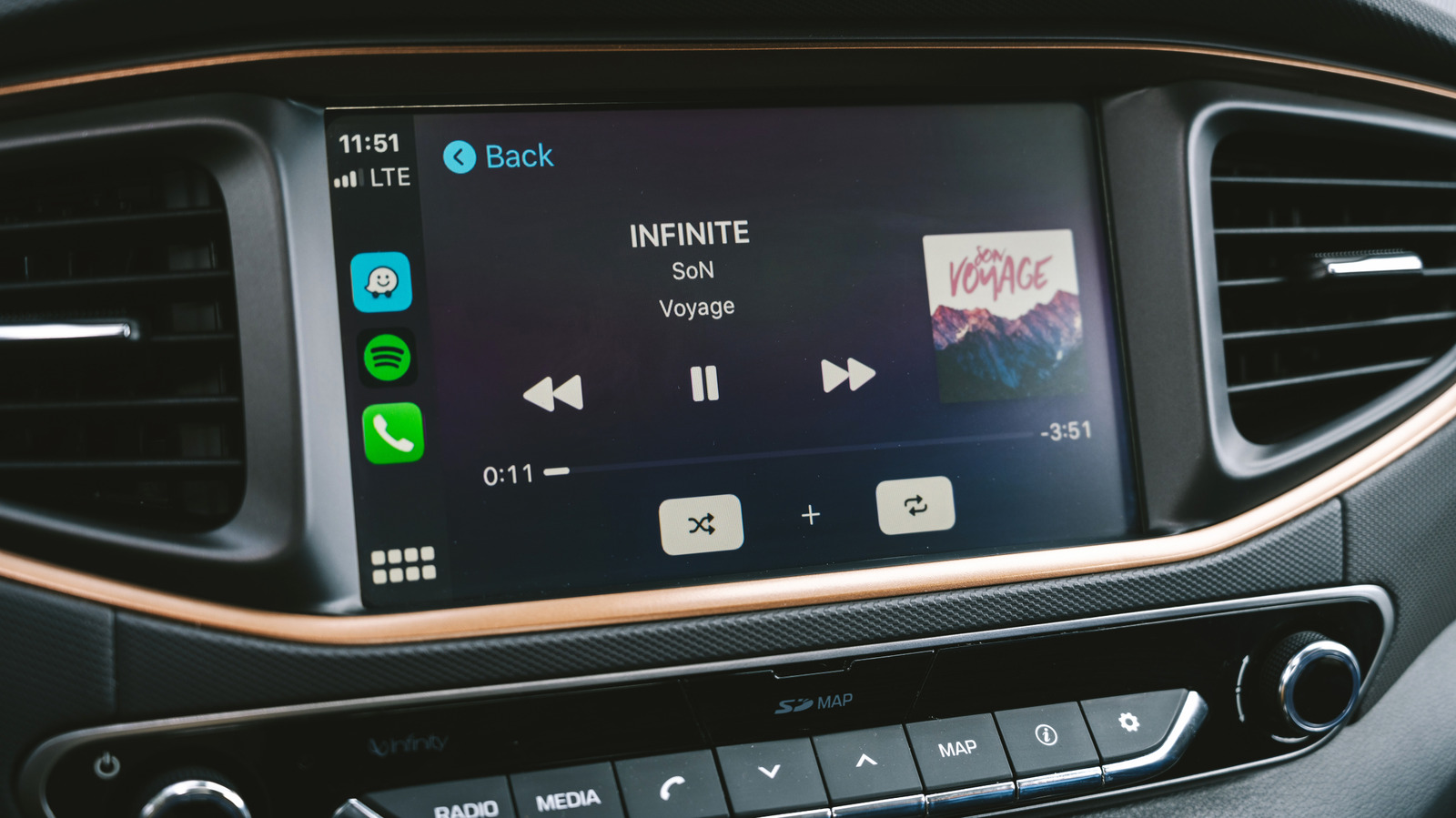
Wireless CarPlay typically relies on a combination of Wi-Fi and Bluetooth technologies. Bluetooth handles the initial pairing and control signals, while Wi-Fi is utilized for the higher-bandwidth data transfer required for display mirroring and audio streaming. The primary limitation arises from the audio codec employed for wireless transmission. Apple’s guidelines and technical specifications confirm that wireless CarPlay utilizes the Advanced Audio Coding Low Complexity (AAC-LC) codec. AAC-LC is a lossy compression format, meaning it discards certain audio information deemed less perceptible to the human ear to achieve smaller file sizes and more efficient wireless transmission. While AAC-LC is generally considered superior to older codecs like MP3, it still represents a compromise when compared to uncompressed or lossless audio.
Conversely, a wired USB connection allows CarPlay to transmit audio using Linear Pulse-Code Modulation (LPCM). LPCM is an uncompressed digital audio format, meaning the original audio data is transmitted bit-for-bit without any loss. This is critical for achieving true lossless playback. When an Apple Music subscriber, for example, has enabled lossless audio playback, a wired connection ensures that the high-resolution Apple Lossless Audio Codec (ALAC) tracks are passed to the car’s stereo system as uncompressed LPCM, preserving every detail of the original recording. This direct, uncompressed pathway minimizes potential signal degradation and maximizes fidelity.
Understanding Lossy and Lossless Compression
To fully appreciate the wired advantage, it’s important to distinguish between lossy and lossless audio compression.
- Lossy Compression: Formats like AAC-LC, MP3, and Ogg Vorbis achieve smaller file sizes by permanently removing certain audio data. Algorithms identify and discard frequencies and details that are theoretically less audible to the human ear, especially in the presence of other sounds (perceptual coding). While often imperceptible to the casual listener, particularly in noisy environments or with lower-quality playback systems, critical listening reveals a reduction in dynamic range, clarity, and spatial detail.
- Lossless Compression: Formats like ALAC (Apple Lossless Audio Codec) and FLAC (Free Lossless Audio Codec) compress audio data without discarding any information. The original audio file can be perfectly reconstructed from the compressed version. This is analogous to a ZIP file for documents – the file is smaller, but all original data remains intact. Lossless files offer superior sound quality, preserving the full dynamic range and intricate details of the recording, but they come with significantly larger file sizes.
For audiophiles and those with capable in-car audio systems, the difference between lossy AAC-LC over wireless CarPlay and lossless LPCM over wired CarPlay can be tangible. The enhanced clarity, depth, and wider dynamic range offered by lossless audio can significantly improve the listening experience. This is especially true when paired with higher-quality car speakers and amplification, which are better equipped to reproduce these subtle nuances. Therefore, for the absolute best audio quality, a wired USB connection remains the gold standard for Apple CarPlay.
Optimizing Your Music Source: The Power of Pre-Downloaded High-Resolution Audio
Even with a wired connection, the quality of the audio source itself is paramount. Streaming music while driving introduces a variable that can severely impact sound fidelity: the stability and bandwidth of your mobile cellular connection. As vehicles traverse different geographical areas, they constantly switch between cell towers, often encountering zones with weak signal strength, network congestion, or even complete loss of coverage. These fluctuations directly affect the streaming quality, as streaming services employ adaptive bitrate technologies that automatically lower the audio quality to prevent buffering when bandwidth is limited. This means that even if you’re subscribed to a high-fidelity streaming tier, your phone might be forced to stream a lower-quality, highly compressed version of the track.
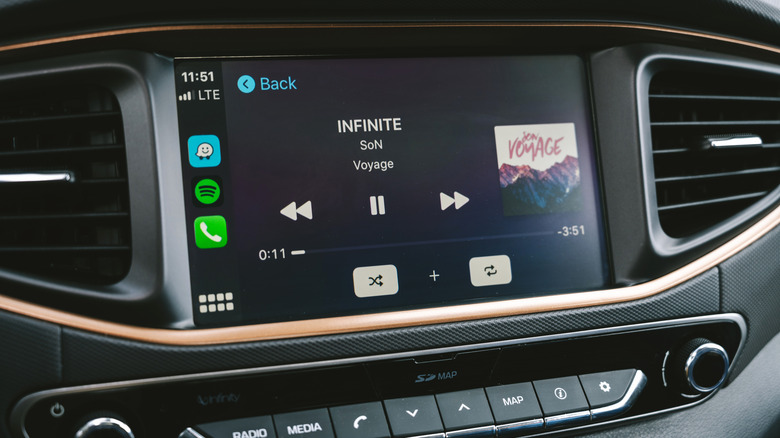
The most effective solution to this problem is to download your music playlists and albums to your iPhone in the highest possible quality before you embark on your journey. This ensures that the audio files are locally stored on your device, bypassing the vagaries of cellular networks and guaranteeing consistent, high-quality playback.
Navigating Streaming App Settings for High-Quality Downloads
Both Apple Music and Spotify, among other popular streaming services, offer options for downloading music in enhanced quality:
- Apple Music: Subscribers can enable lossless audio downloads. This option is typically found within the iPhone’s
Settingsapp underMusic>Audio Quality. Here, users can selectLosslessorHigh-Resolution Losslessfor downloads. ForLossless, tracks are typically encoded at 24-bit/48kHz.High-Resolution Losslesscan go up to 24-bit/192kHz, though this often requires external DACs (Digital-to-Analog Converters) for full playback, and standard CarPlay might not fully utilize it. If you have previously downloaded music at a lower quality, Apple recommends deleting it from your device and re-downloading it with the lossless settings enabled to ensure you have the highest fidelity version. - Spotify: Premium subscribers have access to "Very High" quality streaming and downloads, which typically means Ogg Vorbis at 320 kbps. As of late 2023, Spotify has begun rolling out a lossless option (often called "Supremium" or "Music Pro" in some markets) which allows Premium subscribers to download and stream in FLAC format, often at 24-bit/44.1kHz. Users should check their Spotify app settings under
Settings>Audio Qualityto ensure the highest download quality is selected.
Other services like Tidal and Amazon Music HD also offer high-resolution and lossless streaming/download options, typically using FLAC or their proprietary codecs. Verifying and activating these settings within each respective app is a critical step in providing CarPlay with the best possible audio source.
Data Consumption and Storage Considerations
Downloading high-quality and lossless audio files comes with two primary implications: data consumption and storage space.
- Data Consumption: While downloading over Wi-Fi eliminates cellular data usage during playback, the initial download itself can consume significant data if done over a mobile network. A typical 3-minute song in standard quality might be 5-10 MB, whereas a lossless version can easily be 30-60 MB or more. Streaming lossless audio over cellular data would also incur substantial usage, making pre-downloading over Wi-Fi an economical choice.
- Storage Space: Lossless audio files are considerably larger than their lossy counterparts. A typical iPhone with 128GB or 256GB of storage can accommodate a substantial library of lossless music, but users with smaller storage capacities or extensive music collections may need to manage their downloaded content carefully. For instance, a 10-song album might take up 50-100 MB in standard quality but could easily consume 500 MB to 1 GB in lossless format. This trade-off between quality and storage must be weighed by individual users based on their device’s capacity and listening habits.
Beyond superior audio quality, pre-downloading music also offers the practical benefit of uninterrupted playback, even in areas with no cellular service, ensuring your driving soundtrack remains consistent and pristine.
Fine-Tuning Your Sound: iPhone and In-App Equalizer Settings
Once the foundation of a wired connection and high-quality source material is established, the next step involves refining the sound output through software adjustments. Both the iPhone’s native settings and those within individual streaming applications offer equalizer (EQ) and volume normalization controls that can significantly alter the perceived audio quality in a car.
The Science of In-Car Acoustics
Unlike headphones, which provide a relatively isolated and controlled listening environment, a car cabin is an acoustically challenging space. Factors such as speaker placement (often in doors, aimed at knees rather than ears), reflective surfaces (windows, dashboard), absorbent materials (seats, carpets), and the inherent noise floor of a moving vehicle create a complex sonic landscape. These elements can cause certain frequencies to be exaggerated, others to be attenuated, and overall clarity to be diminished. For example, car doors can act as resonant chambers, artificially boosting bass frequencies, while reflective windshields might create harsh reflections in the treble range. Therefore, an EQ preset designed for headphones, which aims for a balanced sound in a near-field listening scenario, will almost certainly sound suboptimal when played through a car’s speaker system.
Practical EQ Adjustment Strategies
The goal of adjusting EQ in a car is not necessarily to achieve a "flat" frequency response, but rather to compensate for the car’s inherent acoustic deficiencies and personal listening preferences.
- Start with a Neutral Base: Before making any adjustments, ensure both your iPhone’s EQ and your car’s built-in audio system EQ are set to a neutral or "flat" position. This provides a baseline for comparison.
- iPhone’s Native EQ (Apple Music): For Apple Music users, the iPhone offers several preset equalizer options under
Settings>Music>EQ. Common presets include "Bass Booster," "Treble Booster," "Vocal Booster," and genre-specific options. Instead of blindly applying a preset, it’s often more effective to experiment. Try turning the EQ off completely and listen to a variety of tracks. If the sound is too bright or harsh, a slight reduction in higher frequencies might be beneficial. If it lacks punch, a subtle boost in the mid-bass range could help. - In-App EQs: Many third-party streaming apps like Spotify also include their own equalizer settings, which can be found within the app’s audio preferences. These operate independently of the iPhone’s system-wide EQ, so it’s important to manage them carefully to avoid compounding effects.
- Volume Normalization (Sound Check): Apple Music’s "Sound Check" feature (found in
Settings>Music) automatically adjusts playback volume to maintain a consistent perceived loudness across different tracks. While this prevents jarring volume shifts between songs, it can sometimes compress the dynamic range, making music sound less "lively." Experiment with turning Sound Check on and off to see if it enhances or detracts from your preferred listening experience. Other streaming apps have similar features (e.g., Spotify’s "Normalize volume"). - Iterative Testing: The most crucial advice for EQ adjustment is to make one small change at a time and immediately listen to its impact using familiar music. Adjusting multiple settings simultaneously makes it difficult to discern which change produced a desired (or undesired) effect. Patience and careful listening are key to finding the optimal balance for your specific car and preferences.
Remember that your car’s built-in infotainment system likely has its own set of audio controls, including bass, treble, mid-range, and possibly even more advanced digital signal processing (DSP) options. It’s often best to make primary adjustments using the car’s EQ, as it’s designed to work with the vehicle’s specific speaker configuration. Use the iPhone/app EQ for more subtle, personal refinements.
Addressing Common Audio Anomalies: The CarPlay "Ducking" Bug and General Troubleshooting
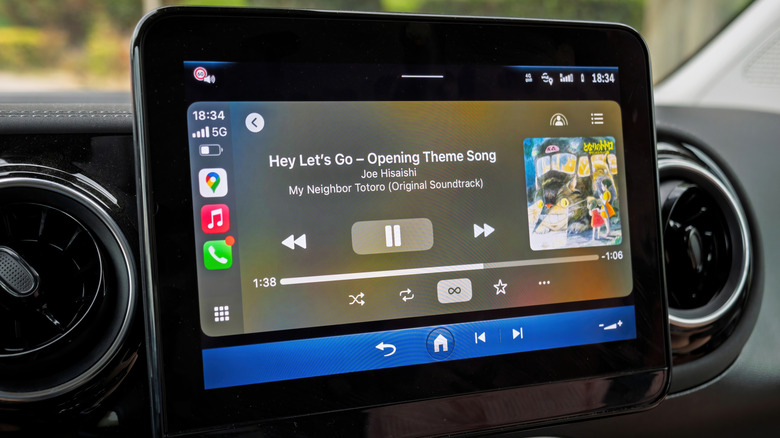
Beyond fundamental quality settings, users occasionally encounter peculiar audio issues that can degrade the CarPlay listening experience. One widely reported anomaly is the "audio ducking" bug. This occurs when CarPlay temporarily lowers the music volume to prioritize spoken audio, such as Siri commands, navigation instructions from Apple Maps or Google Maps, or incoming calls. While this functionality is intended, users have reported instances where the music volume remains perpetually "ducked" or muffled after the spoken audio concludes, resulting in a noticeable loss of bass, volume, or overall clarity.
This bug appears to be intermittent and has been reported across a wide range of vehicle manufacturers, including Mazda, Porsche, Subaru, Ford, and Toyota, suggesting it’s likely a software interaction issue within CarPlay itself rather than a specific car system fault.
Community Insights and Temporary Fixes
The widespread nature of this bug has led to active discussions in online communities, particularly on platforms like Reddit. A consistently reported workaround involves a simple sequence:
- Activate Siri: Briefly press the voice control button on your steering wheel or long-press the Home button on the CarPlay interface to activate Siri.
- Immediately Dismiss Siri: As soon as Siri activates, press the voice control button or Home button again to dismiss it.
Many users have found that this action forces CarPlay to reset its audio state, restoring music playback to its normal volume and clarity. While not a permanent fix, it serves as a quick and effective temporary solution for a frustrating problem.
Broader System Checks and Re-pairing
For more persistent or general CarPlay audio issues—such as no sound, distorted audio, or intermittent connectivity—a more comprehensive troubleshooting approach is recommended:
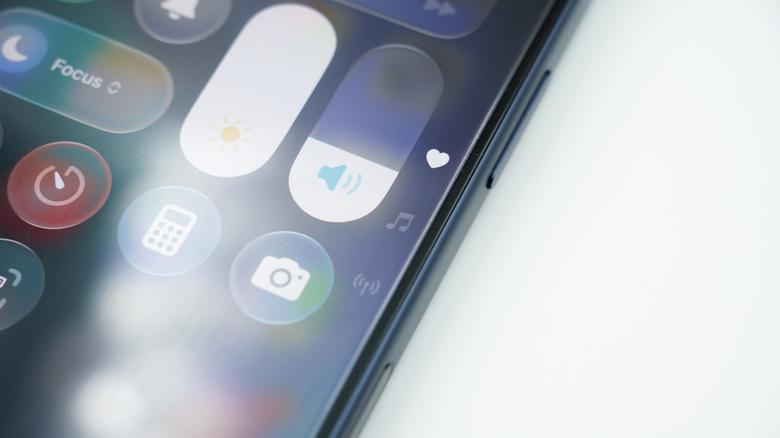
- Check Cables: If using a wired connection, ensure the USB cable is MFi-certified (Made for iPhone/iPad) and in good condition. Damaged or non-compliant cables can cause connectivity and audio issues.
- Restart iPhone and Car Infotainment: A simple restart of both your iPhone and the car’s infotainment system (if possible, by turning the car off and on again, or consulting your car’s manual for infotainment reset procedures) can often resolve temporary software glitches.
- Update Software: Ensure your iPhone is running the latest version of iOS. Similarly, check if your car manufacturer offers firmware updates for its infotainment system, as these can include CarPlay improvements and bug fixes.
- Forget and Re-pair CarPlay: If issues persist, completely removing and re-pairing your device with CarPlay can often resolve conflicting settings or corrupted connections. To do this on your iPhone, navigate to
Settings>General>CarPlay, select your car, and tapForget This Car. Then, go through the initial setup process again, either by plugging in your iPhone or initiating wireless pairing. This action essentially creates a fresh connection, clearing any cached settings that might be causing problems. - App-Specific Troubleshooting: If the issue is confined to a single streaming app, try force-quitting and restarting the app, or even uninstalling and reinstalling it.
The Broader Implications and Future of In-Car Audio
Optimizing Apple CarPlay audio quality has implications beyond just personal listening pleasure. It highlights the ongoing tension between convenience and fidelity in modern technology and points to future trends in automotive audio.
Balancing Convenience and Quality
The choice between wireless and wired CarPlay often boils down to a personal balance between convenience and uncompromised quality. For many, the ease of simply getting into the car and having their phone seamlessly connect wirelessly outweighs the subtle audio improvements offered by a cable. However, for those who value superior sound reproduction, the extra step of plugging in a USB cable becomes a small price to pay for a richer auditory experience. This dynamic reflects a broader trend in consumer electronics, where advancements often push the boundaries of both ease-of-use and technical performance, sometimes creating a dichotomy between the two.
The Road Ahead for Wireless Audio
The future of wireless audio in cars will likely see continued innovation aimed at closing the fidelity gap with wired connections. Advances in Bluetooth codecs, such as higher-bandwidth versions like aptX HD or LDAC (though not natively supported by iOS for CarPlay), and improvements in Wi-Fi direct audio transmission technologies, could eventually enable truly lossless wireless CarPlay. As vehicle computing power increases and wireless communication protocols become more robust, the technical hurdles for transmitting high-resolution, uncompressed audio wirelessly will diminish. Car manufacturers are also continually investing in more sophisticated in-car audio systems, integrating advanced digital signal processing (DSP) and higher-quality components, which will make the benefits of high-fidelity sources even more apparent.
Conclusion
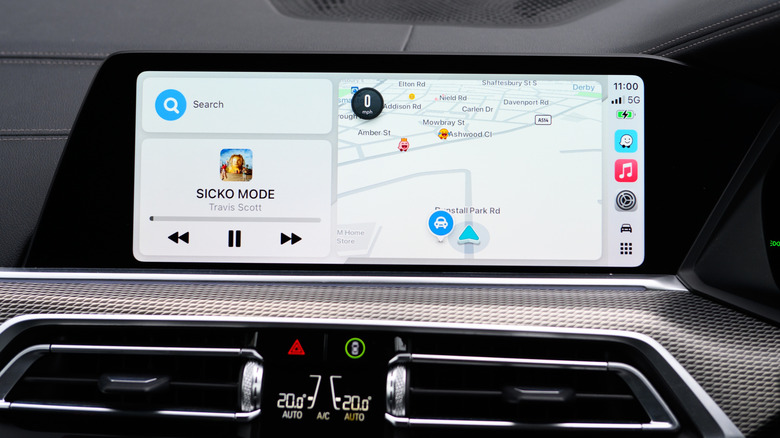
Achieving optimal audio quality with Apple CarPlay is a multi-faceted endeavor that begins with understanding the technical underpinnings of digital audio transmission. Prioritizing a wired USB connection over wireless, whenever possible, is the foundational step for unlocking lossless audio playback. Complementing this with high-resolution music files downloaded directly to your iPhone—thus bypassing the inconsistencies of cellular streaming—ensures a pristine source signal. Finally, carefully adjusting equalizer settings on your iPhone and within streaming apps, while being mindful of your car’s unique acoustics, allows for personalized refinement. Addressing occasional software glitches, such as the audio ducking bug, through community-proven workarounds or system re-pairing, further contributes to a stable and enjoyable listening environment. While the perfect in-car acoustic experience remains an elusive goal, these practical and largely cost-free adjustments empower users to significantly elevate their Apple CarPlay audio experience, transforming daily commutes into more immersive musical journeys.







