
 George Chandra Eka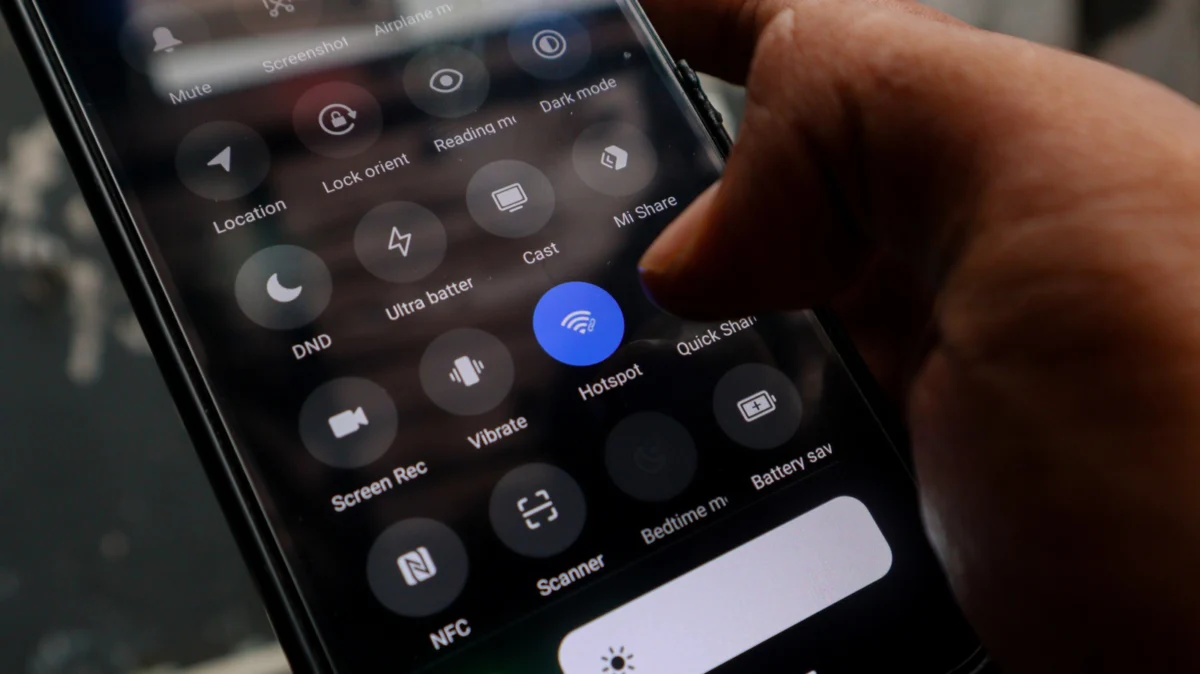
The persistent issue of Wi-Fi dead zones within homes often prompts consumers to consider costly hardware upgrades, but a readily available and often overlooked solution lies dormant in millions of households: the old Android smartphone. This innovative approach leverages an unused device to extend network coverage, offering a zero-cost, immediate fix for patchy internet signals and simultaneously contributing to the reduction of electronic waste. Rather than investing in new extenders, mesh systems, or more powerful routers, individuals can repurpose an outdated Android phone to act as a Wi-Fi repeater, effectively bridging gaps in coverage with minimal effort and no additional financial outlay.
The Pervasive Challenge of Wi-Fi Dead Zones
In an increasingly connected world, reliable internet access throughout the home is no longer a luxury but a necessity. Yet, many households grapple with "dead zones" – areas where Wi-Fi signals are weak, intermittent, or entirely absent. These signal voids can be attributed to various factors, including the physical architecture of a home (thick walls, multiple floors), the presence of signal-interfering materials (metal, concrete, plumbing), interference from other electronic devices, or simply the distance from the main router. A 2023 survey by J.D. Power indicated that approximately one-third of broadband customers experience Wi-Fi issues at least once a week, with signal strength and coverage being primary complaints. Such frustrations disrupt remote work, online learning, streaming entertainment, and the functionality of smart home devices, significantly impacting daily life.
Traditional remedies for poor Wi-Fi coverage typically involve purchasing new equipment. Wi-Fi extenders, also known as repeaters, amplify an existing signal but can cost anywhere from $30 to over $100. Mesh Wi-Fi systems, while offering superior, seamless coverage, represent a more significant investment, often starting at $150 and escalating to several hundred dollars for multi-node setups. Upgrading to a high-performance router can also be expensive, with premium models easily exceeding $200. For many consumers, these expenditures are a deterrent, especially when the problem might only affect a specific corner or room. This is where the Android phone solution emerges as a compelling, cost-effective alternative, transforming a discarded gadget into a functional network component.
Leveraging Dormant Technology: The Android Solution Explained
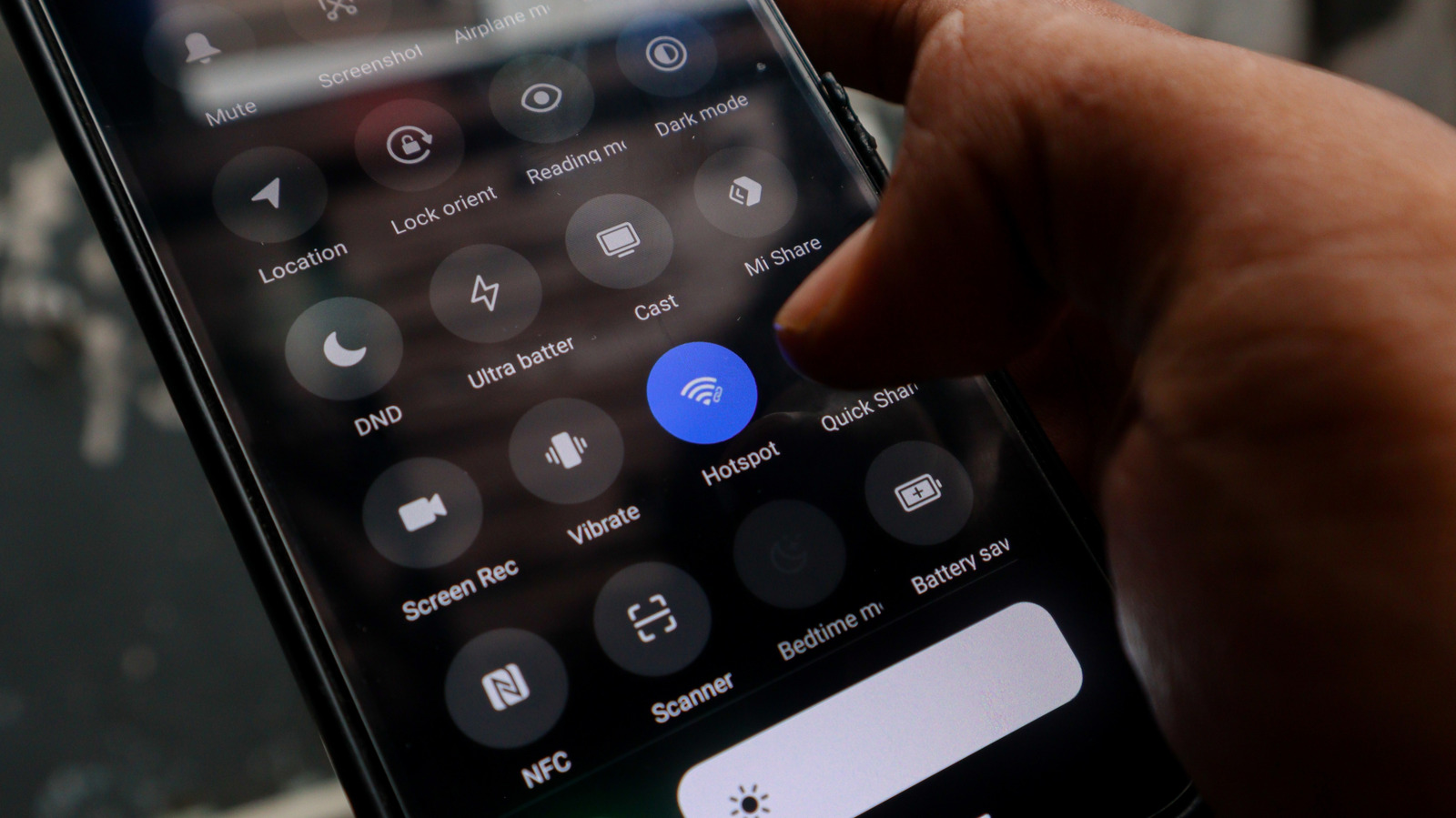
The fundamental principle behind using an old Android phone as a Wi-Fi extender lies in its inherent capability to act as a mobile hotspot. While commonly associated with sharing a cellular data connection, many modern Android devices also possess a Wi-Fi Repeater mode or a similar feature within their hotspot settings. This functionality allows the phone to connect to an existing Wi-Fi network (the home router’s signal) and then rebroadcast that signal as a separate, new Wi-Fi hotspot. Essentially, the phone serves as an intermediary, picking up the main network’s signal and extending its reach.
This process requires no specialized applications, no complex coding, and no additional hardware beyond the phone itself and a power source. The built-in settings of the Android operating system facilitate this transformation. Once configured, devices like laptops, tablets, smart TVs, or other smartphones can connect to the new Wi-Fi signal broadcast by the old Android device. It’s crucial to understand that this setup creates a distinct network, rather than seamlessly integrating into a mesh system. However, for isolated dead zones or temporary coverage needs, this "signal relay" mechanism provides a practical and immediate benefit without incurring any new costs.
The Environmental and Economic Imperative: Tackling E-Waste
Beyond its immediate utility, repurposing an old Android phone addresses a critical global challenge: electronic waste (e-waste). According to the Global E-waste Monitor 2024 report by the United Nations, a staggering 62 million tonnes of e-waste were generated worldwide in 2022, a 82% increase since 2010. This figure is projected to reach 82 million tonnes by 2030. Smartphones constitute a significant portion of this waste stream, with consumers frequently upgrading devices and discarding older models that are still functional. The report highlights that only 22.3% of 2022’s e-waste mass was formally collected and recycled, leaving valuable materials unrecovered and hazardous substances like lead, mercury, and cadmium to leach into the environment from landfills.
By transforming an old phone into a Wi-Fi extender, individuals actively participate in extending the device’s lifecycle, diverting it from the burgeoning e-waste stream. This act, while seemingly small, aligns with principles of the circular economy, emphasizing reuse and reduction over constant consumption. Environmental advocates consistently underscore the importance of prolonging the life of electronic devices. Dr. Anya Sharma, a spokesperson for the "Tech for Tomorrow" initiative, stated in a recent symposium, "Every device we prevent from prematurely entering the waste stream represents a tangible win for our planet. Repurposing old phones for practical applications like Wi-Fi extension is an excellent example of creative reuse that empowers consumers to be part of the solution rather than just contributors to the problem." Economically, it saves consumers the expense of new hardware, showcasing that sustainability can also be financially prudent.
A Brief History of Mobile Hotspots and Wi-Fi Evolution
The capability for smartphones to act as mobile hotspots began to gain widespread adoption in the early 2010s. While some rudimentary tethering options existed prior, Android 2.2 Froyo, released in May 2010, was one of the first major mobile operating system versions to natively support a Wi-Fi hotspot feature, allowing users to share their cellular data connection with other devices. Over the years, this functionality evolved, becoming more robust, user-friendly, and energy-efficient. Later iterations of Android introduced features that allowed for more granular control over hotspot settings, including the ability to choose between 2.4 GHz and 5 GHz bands (if supported by the phone’s hardware) and improved security protocols.
Parallel to this, Wi-Fi technology itself has undergone significant advancements. From the early 802.11b standard (1999) offering speeds up to 11 Mbps, we’ve progressed through 802.11g (54 Mbps), 802.11n (up to 600 Mbps), 802.11ac (Gigabit Wi-Fi), and most recently, 802.11ax (Wi-Fi 6), designed for higher efficiency and better performance in congested environments. While an older Android phone might only support older Wi-Fi standards like 802.11n or even 802.11g, these are often perfectly adequate for extending basic internet access for tasks like web browsing, email, and even standard-definition streaming in areas with otherwise no signal. The increasing demand for high-bandwidth activities and the proliferation of smart home devices have driven the need for more pervasive and robust Wi-Fi coverage, making even rudimentary extension methods valuable.
Step-by-Step Guide: Activating Your Android Wi-Fi Extender
Transforming an old Android phone into a Wi-Fi extender is a straightforward process, generally requiring only a few minutes. Before beginning, ensure the old phone is charged, powered on, and updated to the latest available software version to minimize potential glitches and ensure access to the most stable features.
- Connect to Main Wi-Fi Network: First, ensure your old Android phone is connected to your existing home Wi-Fi network. This is the network whose signal you intend to extend. Go to "Settings" > "Network & internet" (or similar, depending on Android version) > "Wi-Fi" and select your home network, entering the password if prompted.
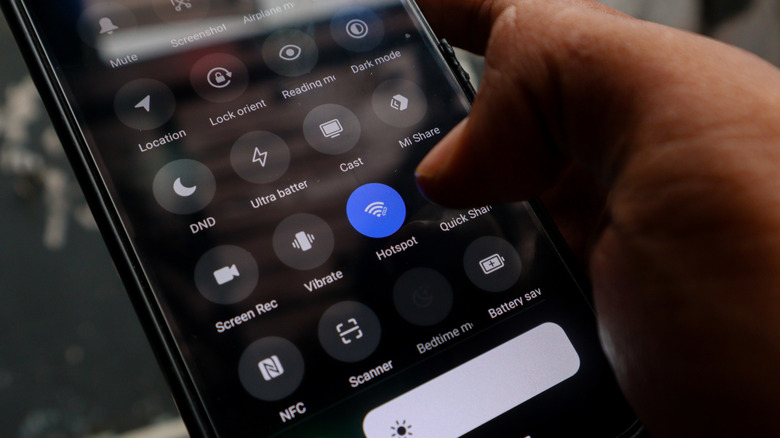
- Navigate to Hotspot Settings: Once connected to your home Wi-Fi, return to "Settings" > "Network & internet." Look for an option like "Hotspot & tethering," "Portable hotspot," or "Wi-Fi Hotspot." The exact nomenclature may vary slightly across different Android versions and manufacturers (e.g., Samsung, Google Pixel, OnePlus).
- Configure Hotspot Details: Within the hotspot settings, you’ll typically find options to configure the new network.
- Hotspot Name (SSID): Change this to something easily identifiable, like "MyHomeExtender" or "LivingRoomWi-Fi."
- Security: Choose WPA2-PSK or WPA3-Personal for strong encryption.
- Password: Set a strong, unique password for your new extended network. Avoid using your main Wi-Fi password for added security.
- AP Band (if available): If your phone supports both 2.4 GHz and 5 GHz bands, you may have an option to select one. 2.4 GHz offers better range but lower speeds, while 5 GHz offers higher speeds but shorter range. For extending coverage, 2.4 GHz is often preferable.
- Enable Wi-Fi Hotspot/Repeater Mode: Crucially, look for a specific setting within the hotspot menu that enables the "Wi-Fi Repeater," "Wi-Fi Bridge," or "Connect to Wi-Fi and share" functionality. This is distinct from simply turning on the mobile hotspot, which typically shares cellular data. On some devices, enabling the standard Wi-Fi hotspot while already connected to a Wi-Fi network will automatically trigger this repeater mode. On others, it might be a toggle switch labeled "Wi-Fi Repeater" or similar.
- Activate and Position: Once configured, toggle the Wi-Fi Hotspot switch to "On." The phone will now begin broadcasting its new Wi-Fi signal. Position the phone strategically in an area where your main Wi-Fi signal is still strong, but close enough to the dead zone to effectively extend coverage. Placing it roughly halfway between the main router and the weak signal area is a good starting point. Ensure the phone remains plugged into a power outlet, as constant operation will quickly drain its battery.
Understanding the Performance Parameters and Limitations
While highly convenient and cost-effective, using an Android phone as a Wi-Fi extender comes with inherent limitations compared to dedicated commercial solutions. A crucial point is that the phone will not boost your internet speed; it merely relays the existing speed it receives from your main router. If the signal it picks up is already weak or the internet connection is slow, the extended network will reflect those limitations.
Furthermore, this method creates a separate Wi-Fi network. Unlike a mesh Wi-Fi system that uses a single network name (SSID) and intelligently routes devices to the strongest node, users will need to manually switch between their main home Wi-Fi and the phone’s extended network as they move around the house. This lack of seamless roaming can be inconvenient, particularly for smart home devices that expect a consistent network connection. Many smart home gadgets are designed to connect to a single SSID and might struggle to function reliably if they frequently encounter different network names or if the phone’s hotspot momentarily disconnects.
Dedicated Wi-Fi extenders and mesh nodes are engineered for continuous, high-performance operation. They often feature more powerful antennas, better processing capabilities for network traffic, and optimized software for signal propagation. An Android phone, while versatile, is not primarily designed for this role. Its Wi-Fi radio and processing power are optimized for mobile use, not sustained network repeating. This means that commercial alternatives will generally offer superior range, stability, and throughput. Additionally, power consumption is a factor; an Android phone acting as a hotspot needs to be constantly plugged in, which might not always be practical or aesthetically pleasing. Security is another consideration; while WPA2/WPA3 encryption is standard, ensuring the phone’s operating system is updated regularly is critical to patch any potential vulnerabilities.
Expert Perspectives and Consumer Advice
Networking experts generally view the Android phone as a Wi-Fi extender as a viable "stopgap" or supplementary solution. "It’s an ingenious hack for immediate relief," notes Dr. Liam Fitzgerald, a telecommunications analyst at Apex Tech Solutions. "For a student needing better Wi-Fi in their dorm room corner, or a homeowner wanting temporary coverage in a patio area, it’s perfect. However, for a whole-home solution, or if you demand consistent high-speed performance for gaming or 4K streaming, investing in a proper mesh system or a dedicated extender is still the recommended path."
Consumers should consider optimal placement for their repurposed device. The phone should be situated where it can receive a strong signal from the primary router and simultaneously transmit effectively to the desired dead zone. Avoiding obstructions like large metal objects or dense walls between the phone and the client devices is crucial. For maximizing utility, older phones with good Wi-Fi chipsets and decent battery health (even if always plugged in) are ideal. Some users might even explore USB tethering as an alternative, connecting the phone via USB to a computer to share its Wi-Fi connection more stably, though this limits the range to the tethered device.
Beyond Extending: Other Uses for Old Android Devices
The concept of repurposing old Android phones extends far beyond just Wi-Fi extension. These devices can enjoy a second life in numerous capacities, further contributing to e-waste reduction and unlocking additional value. An old phone can be transformed into a dedicated security camera using various apps, providing surveillance for a home or pet. It can serve as a universal remote control for smart TVs, media centers, and smart home appliances. Many users convert old phones into dedicated media players for music or videos, a portable gaming console, or a sophisticated e-reader. They can also become dedicated GPS navigation units for cars, digital photo frames, or even a robust emergency communication device, always charged and ready. Each of these applications prevents a perfectly functional device from becoming waste, highlighting the inherent versatility and enduring utility of smartphone technology.
Conclusion: A Practical, Eco-Conscious Stopgap
In conclusion, leveraging an old Android phone as a Wi-Fi extender represents a remarkably practical and environmentally conscious solution for addressing frustrating Wi-Fi dead zones. It offers a zero-cost, immediate fix, requiring no new hardware or complex technical expertise, thereby empowering consumers to improve their home network coverage while simultaneously participating in the global effort to reduce electronic waste. While it cannot replicate the performance, seamless integration, or advanced features of dedicated commercial Wi-Fi extenders or mesh systems, it serves as an excellent temporary remedy or supplementary solution for specific problem areas. This innovative workaround underscores the potential for repurposing existing technology and encourages a more sustainable approach to electronic device ownership, transforming forgotten gadgets into valuable, functional assets. It is a testament to the enduring utility of our devices and a reminder that responsible technology use benefits both our wallets and the planet.







