George Chandra Eka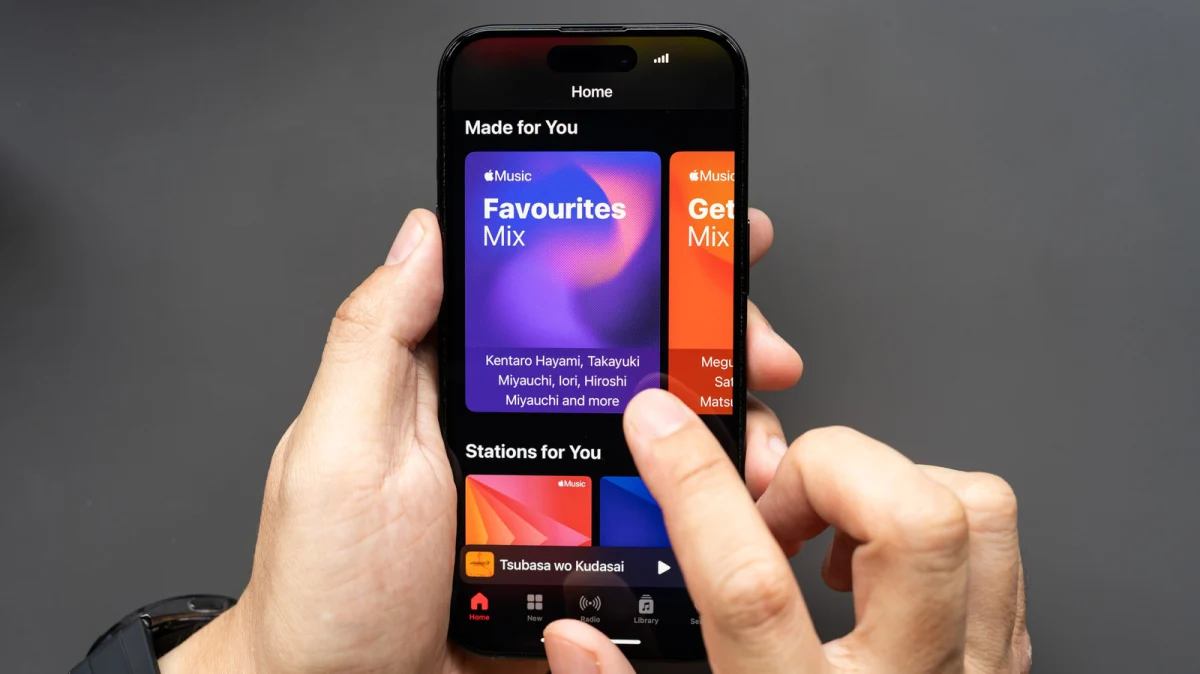
Apple Music stands as a formidable contender in the highly competitive music streaming landscape, not least for its surprisingly robust support for high-fidelity audio, including both lossless and Hi-Res Lossless streaming tiers, alongside comprehensive equalization (EQ) features. This extensive audio capability positions Apple Music as a strong alternative to rivals like Spotify, particularly for discerning listeners prioritizing sound quality. The service’s broad cross-platform availability, encompassing native applications for iOS and macOS, well-designed versions for Android and Windows, and even presence on smart TVs and game consoles, ensures that these premium audio features are accessible to a vast user base. However, unlocking the full potential of Apple Music’s high-fidelity offerings requires a deliberate dive into settings, as lossless audio, due to its increased data consumption, is not enabled by default. Understanding the nuances of these settings, along with the technical specifications and hardware considerations, is crucial for optimizing your listening experience across various devices.
The Evolution of Audio Quality in Digital Streaming
The journey of digital music has been marked by a continuous push and pull between convenience and fidelity. Early digital music formats, such as MP3s, revolutionized access to music by making files small enough for easy sharing and storage on nascent portable devices. This convenience, however, came at the cost of sound quality, as MP3s are "lossy" formats, meaning they discard certain audio information deemed less perceptible to the human ear to achieve smaller file sizes. For years, the streaming industry largely followed this paradigm, prioritizing efficient data transfer over pristine audio.
The landscape began to shift dramatically in the late 2010s and early 2020s, driven by growing consumer awareness and the technological advancements in internet speeds and storage capacity. Audiophile-focused services like Tidal and Qobuz pioneered high-fidelity streaming, offering CD-quality (16-bit/44.1kHz) and even Hi-Res Audio (typically 24-bit/96kHz or 24-bit/192kHz) options. This created a new competitive front, challenging mainstream platforms to elevate their audio game. Amazon Music HD, launched in 2019, further democratized high-resolution streaming by offering it at a more competitive price point, signaling a broader market demand.
Apple, a company historically synonymous with audio innovation through products like the iPod and iTunes, initially lagged in the high-fidelity streaming race. For years, Apple Music streamed primarily in AAC (Advanced Audio Coding) at 256 kbps, a lossy format that offered a good balance of quality and file size but fell short of true lossless. This changed decisively in June 2021, when Apple announced the introduction of Lossless Audio and Hi-Res Lossless Audio to its entire Apple Music catalog at no additional cost. This move sent ripples through the industry, putting significant pressure on competitors like Spotify, whose promised "Spotify HiFi" has yet to materialize fully. Apple’s motivation was clear: to differentiate its service in a crowded market, appeal to audiophiles, and reinforce its premium brand image by offering a superior sonic experience that aligned with its hardware ecosystem.
Understanding Apple Music’s Lossless Tiers
Apple Music provides two distinct lossless tiers, catering to different levels of audio equipment and listener discernment:
-
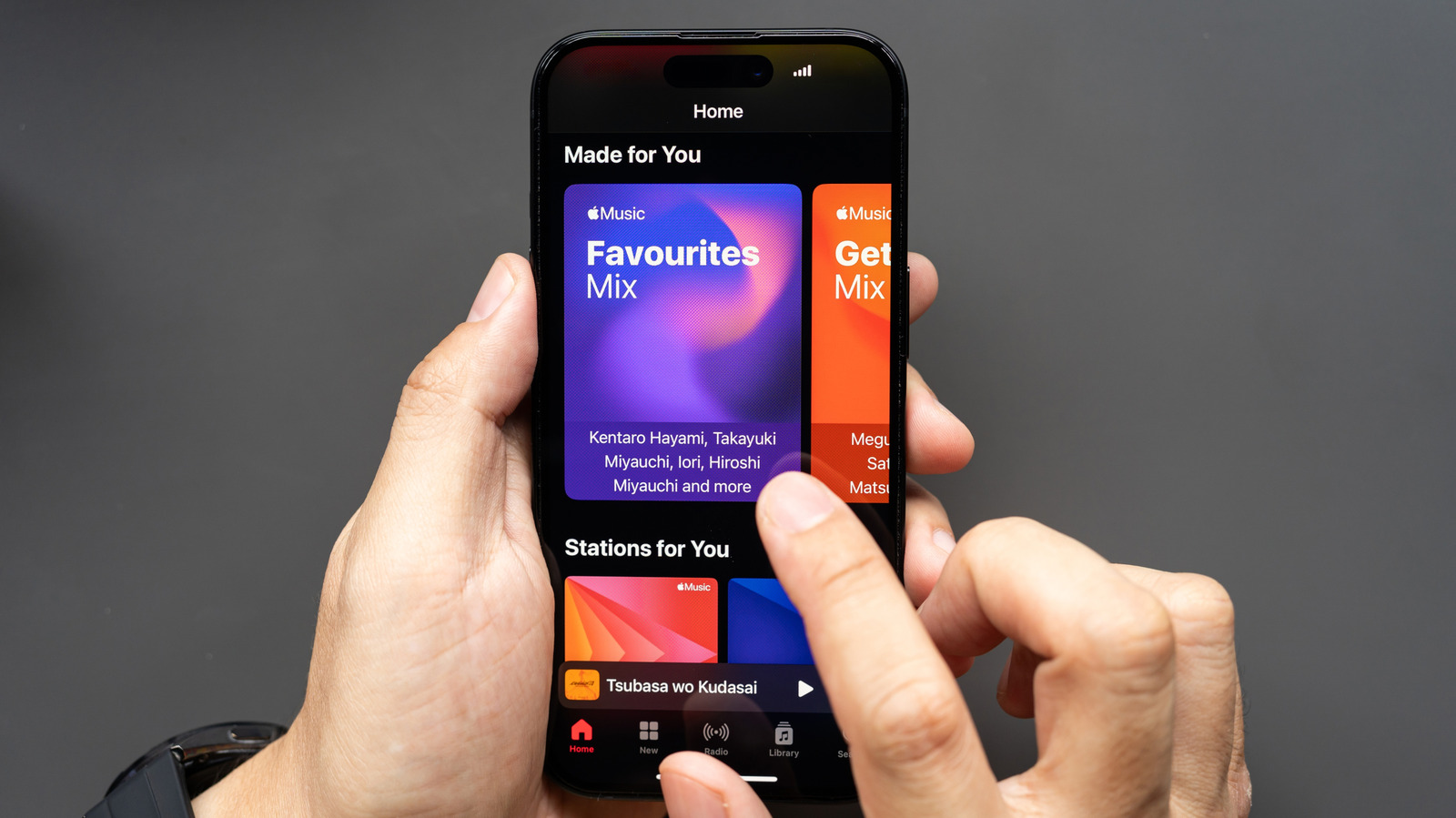
Lossless (CD Quality): This basic lossless setting streams audio at 24-bits of depth and a sample rate of 48kHz. This quality level is often referred to as "CD quality" or slightly above, as it preserves virtually all the original audio information from the recording, offering a significant upgrade over standard lossy formats. For the vast majority of listeners using consumer-grade headphones, earbuds, or standard audio systems, this tier represents the practical peak of audible quality. It provides a noticeable improvement in clarity, detail, and dynamic range compared to lossy streams.
-
Hi-Res Lossless: For the most demanding audiophiles with dedicated high-fidelity equipment, Apple Music offers Hi-Res Lossless, delivering audio at 24-bits of depth and an impressive 192kHz sample rate. This tier captures an even finer level of detail and nuance from studio masters. However, it’s crucial to understand that fully appreciating Hi-Res Lossless requires specialized hardware, including an external Digital-to-Analog Converter (DAC) and an amplifier, connected via a wired setup. Without such equipment, the subtle differences between Hi-Res Lossless and the standard Lossless tier will likely be imperceptible, and enabling it would primarily result in unnecessary data consumption.
The distinction between these tiers is not merely academic; it has practical implications for data usage and storage. Lossless audio, by definition, requires significantly more bandwidth and storage space than lossy formats. A typical three-minute song streamed in standard AAC might consume around 6-9 MB, while the same song in Lossless (24-bit/48kHz) could use approximately 36 MB, and in Hi-Res Lossless (24-bit/192kHz), it could skyrocket to over 145 MB. This substantial increase in data consumption necessitates manual activation and careful consideration, especially for users on limited cellular data plans or devices with constrained storage.
Cross-Platform Accessibility and Feature Parity
One of Apple Music’s standout attributes is its remarkably robust cross-platform support. Unlike some other Apple services that remain exclusive to the Apple ecosystem, Apple Music has embraced a multi-platform strategy, ensuring its premium features are widely available. Native applications are available for iOS and macOS, naturally, but the service also boasts very well-designed versions for Android and Windows, alongside support for various smart TVs and game consoles.
Crucially, there is very little feature discrepancy between the Apple and non-Apple versions. Android users, for instance, gain access to virtually all marquee features, including both lossless quality streaming and the comprehensive audio equalizer. One minor exception is the "Sing" karaoke feature, which leverages advanced on-device processing and remains exclusive to iOS devices. However, this minor omission does not detract from the overall parity in core listening experience. This broad accessibility ensures that users, regardless of their preferred operating system or device, can enjoy Apple Music’s high-fidelity audio and fine-tune their sound preferences.
The equalizer feature, available on most platforms, further enhances the user’s control over their audio experience. A good EQ allows users to adjust specific frequency bands of the audio spectrum, tailoring the sound to their personal taste, the characteristics of their headphones or speakers, or even the acoustics of their listening environment. Whether you prefer a bass-heavy sound, crisp highs, or a balanced mid-range, the EQ provides the tools to sculpt the audio output.
Adjusting Apple Music Audio Quality: A Step-by-Step Guide
Enabling lossless audio and utilizing the equalizer features requires navigating through specific settings menus on each platform. It’s a straightforward process, but one that is often overlooked.
How to Adjust Apple Music Audio Quality on iOS and Android
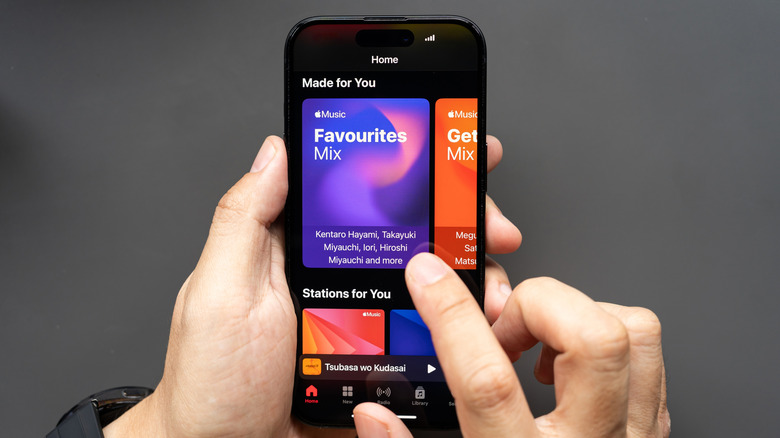
For mobile users, activating lossless audio and adjusting EQ settings varies slightly between iOS and Android.
On iOS Devices (iPhone, iPad):
- Access Settings: Open the main "Settings" app on your iOS device.
- Navigate to Music: Scroll down and tap on "Music."
- Audio Quality: Under the "Audio" section, tap on "Audio Quality."
- Lossless Audio Toggle: Toggle "Lossless Audio" to the "On" position.
- Choose Streaming and Download Quality: Once lossless is enabled, you will see options to select the audio quality for "Cellular Streaming," "Wi-Fi Streaming," and "Downloads."
- For Cellular Streaming, you can choose "High Quality (AAC 256 kbps)," "Lossless (ALAC up to 24-bit/48 kHz)," or "Hi-Res Lossless (ALAC up to 24-bit/192 kHz)." Given the data implications, many users opt for "High Quality" on cellular and "Lossless" or "Hi-Res Lossless" on Wi-Fi.
- For Wi-Fi Streaming, you typically have the bandwidth to select "Lossless" or "Hi-Res Lossless" without concern for data caps.
- For Downloads, you can also select your preferred quality, remembering that higher quality means larger file sizes and more storage consumption.
- Confirm Hi-Res Lossless: If you select "Hi-Res Lossless" for any category, a pop-up warning will appear, reminding you that "Hi-Res Lossless audio files are very large and use much more data and storage. Playback requires external equipment such as a USB digital to analog converter." Tap "OK" to confirm.
To find the Equalizer on iOS:
- Access Settings: Open the main "Settings" app.
- Navigate to Music: Scroll down and tap on "Music."
- EQ Setting: Under the "Audio" section, tap "EQ."
- Select Preset: Choose from a variety of predefined equalizer presets (e.g., Bass Booster, Electronic, Flat, Rock, Vocal Booster) to instantly adjust the sound profile. iOS does not offer a customizable graphic equalizer within its native settings, relying instead on these presets.
On Android Devices:
- Open Apple Music App: Launch the Apple Music application.
- Access Settings: Tap the three-dot menu (or sometimes a gear icon) typically located in the top-right or bottom-right corner, then select "Settings."
- Audio Quality: Tap on "Audio Quality."
- Lossless Audio Toggle: Toggle "Lossless Audio" to the "On" position.
- Choose Streaming and Download Quality: Similar to iOS, you can then select the desired quality for "Cellular Streaming," "Wi-Fi Streaming," and "Downloads" from the available options (High Quality, Lossless, Hi-Res Lossless).
- Confirm Hi-Res Lossless: As with iOS, selecting "Hi-Res Lossless" will trigger a warning about data usage and hardware requirements; tap "OK" to proceed.
To find the Equalizer on Android:
- Open Apple Music App: Launch the Apple Music application.
- Access Settings: Tap the three-dot menu, then select "Settings."
- Equalizer: Tap on "Equalizer." Unlike iOS, the Apple Music app on Android will typically redirect you to your phone’s system-wide audio settings or a third-party equalizer app, if one is installed. Android’s open nature allows for more diverse and often more powerful system-level EQs or dedicated audio enhancement apps.
Important Caveat for iOS Bluetooth and Lossless Audio:
A critical point of awareness for iPhone users is the limitation of Bluetooth audio codecs on iOS. While Android devices often support high-resolution Bluetooth codecs like aptX HD, LDAC, or LHDC, iOS devices primarily rely on AAC (Advanced Audio Coding) for Bluetooth streaming. Even though AAC is a high-quality lossy codec, it cannot transmit true lossless audio. This means that if you are using Bluetooth headphones or earbuds with an iPhone, even if you have enabled Lossless or Hi-Res Lossless in Apple Music settings, you will not be experiencing the full, uncompressed audio quality. The stream will be downsampled and compressed to AAC before transmission over Bluetooth.
To truly experience Lossless (24-bit/48kHz) or Hi-Res Lossless (24-bit/192kHz) audio on an iOS device, you must use a wired connection. This typically involves using headphones with a standard 3.5mm jack (and potentially a Lightning-to-3.5mm adapter for newer iPhones) or headphones connected via a USB-C/Lightning-to-DAC/amplifier setup. For those who prefer wireless convenience but still desire higher fidelity, a hi-res Bluetooth adapter dongle (which often supports codecs like aptX HD or LDAC) connected to wired headphones can bridge this gap, but this adds another layer of complexity and hardware. Android users, conversely, with compatible wireless headphones, can often take advantage of Apple Music’s Lossless quality setting over Bluetooth due to broader codec support in the Android ecosystem.
How to Adjust Apple Music Audio Quality on macOS and Windows 11
Desktop environments generally offer more flexibility for high-fidelity audio setups, making it easier to integrate external DACs and wired headphones.
On macOS:
- Open Apple Music App: Launch the "Music" application.
- Access Settings: Click "Music" in the menu bar at the top of the screen, then select "Settings" (or "Preferences" on older macOS versions).
- Playback Tab: Click on the "Playback" tab at the top of the settings window.
- Audio Quality: In the "Audio Quality" section, click the checkbox next to "Lossless audio" to enable it.
- Choose Streaming and Download Quality: Select your preferred quality for "Streaming" and "Downloads" from the dropdown menus. Options include "High Quality (AAC 256 kbps)," "Lossless (ALAC up to 24-bit/48 kHz)," and "Hi-Res Lossless (ALAC up to 24-bit/192 kHz)."
- Confirm Hi-Res Lossless: A warning will appear if you select "Hi-Res Lossless," confirming the hardware requirements; click "OK."
To find the Equalizer on macOS:
- Open Apple Music App: Launch the "Music" application.
- Access Equalizer: Click "Window" in the menu bar, then select "Equalizer."
- Adjust Settings: The macOS equalizer is a 10-band graphic EQ, offering precise control over various frequency ranges. You can choose from numerous presets, manually adjust the sliders, and even save your custom settings as new presets. There is also a preamp slider to adjust overall volume after EQ application.
On Windows 11 (using the Apple Music app from the Microsoft Store):
- Open Apple Music App: Launch the Apple Music application.
- Access Settings: Click the three horizontal dots (often referred to as a "kebab menu") located near the Apple Music logo in the top of the left-hand navigation menu. From the dropdown menu, click "Settings."
- Audio Quality: In the "Audio Quality" section, click the checkbox next to "Lossless audio" to enable it.
- Choose Streaming and Download Quality: Use the dropdown menus in the "Streaming" and "Downloads" sections to select your desired audio quality (High Quality, Lossless, Hi-Res Lossless).
- Confirm Hi-Res Lossless: You may need to confirm your decision the first time you enable Lossless or Hi-Res Lossless due to data and hardware considerations.
To find the Equalizer on Windows 11:
- Open Apple Music App: Launch the Apple Music application.
- Access Equalizer: Click the three horizontal dots menu, then select "Equalizer."
- Adjust Settings: Similar to macOS, the Windows Apple Music app features a 10-band graphic EQ with a range of presets, a preamp, and the ability to save custom settings.
Implications and Broader Impact
The availability of high-fidelity audio in Apple Music has several significant implications for users, the industry, and the broader audio ecosystem:
- Data Consumption and Storage: As previously noted, lossless audio consumes substantially more data. For users on limited cellular plans, this mandates careful management of settings, potentially reserving lossless streaming for Wi-Fi only. Similarly, downloading lossless tracks for offline listening can quickly fill up device storage, requiring users to consider storage capacity or selectively download their favorite high-fidelity tracks.
- User Experience vs. Technical Purity: While the technical superiority of lossless audio is undeniable, the audible difference for the average listener using standard equipment can be subtle. Many casual listeners may not perceive a significant improvement over high-quality lossy formats (like AAC 256 kbps), especially in noisy environments or with basic headphones. This creates a dichotomy where audiophiles revel in the enhanced detail, while others prioritize convenience and data efficiency. Apple’s decision to offer various quality tiers empowers users to strike their own balance.
- Market Competition and Industry Standards: Apple’s entry into the lossless streaming market at no extra cost has intensified competition. It has pushed other services, particularly Spotify, to respond. While Spotify has been promising a HiFi tier for years, Apple’s move set a new benchmark for premium audio accessibility. This competitive pressure ultimately benefits consumers by driving innovation and improving audio quality across the industry.
- Hardware Ecosystem Influence: The increased availability of lossless audio indirectly stimulates the market for higher-quality audio hardware. As more users become aware of lossless capabilities, there’s a greater incentive to invest in better headphones, external DACs, and amplifiers to fully appreciate the fidelity. This encourages manufacturers to develop and market more advanced audio equipment, fostering innovation in personal audio devices.
- Education and Awareness: Apple Music’s prominent lossless offering also serves an educational purpose, raising consumer awareness about audio quality and the technical aspects of digital music. It encourages users to think about how their music is delivered and the impact of different formats on their listening experience.
In conclusion, Apple Music’s commitment to high-fidelity audio, through its lossless and Hi-Res Lossless tiers, coupled with comprehensive cross-platform support and equalizer functionality, offers a compelling proposition for music lovers. While enabling these features requires navigating specific settings and understanding hardware limitations, particularly concerning Bluetooth on iOS, the resulting improvement in sound quality can be a transformative experience. By providing detailed control over audio quality and customization options, Apple Music solidifies its position as a versatile and high-performance streaming service, catering to both casual listeners and the most ardent audiophiles seeking to maximize their listening pleasure.