admin
admin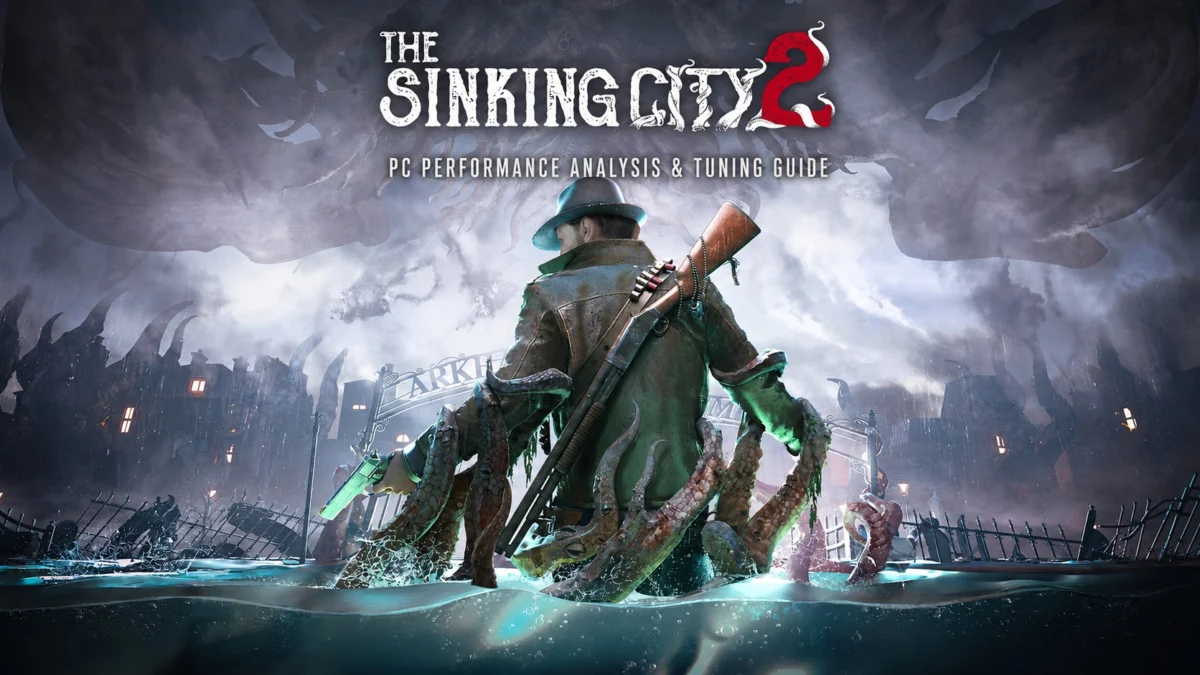
The release of Frogwares’ The Sinking City 2 on August 18, 2026, marks a significant technological milestone for the developer, transitioning the Lovecraftian franchise into the cutting-edge ecosystem of Unreal Engine 5.8. While the sequel departs from the investigation-heavy mechanics of its 2019 predecessor in favor of a more traditional survival horror experience, its technical ambitions are equally transformative. Utilizing the latest iteration of Epic Games’ engine, the title incorporates hardware-accelerated Lumen global illumination, Nanite virtualized geometry, and the newly integrated MegaLights system. However, these advancements come at a steep cost to hardware resources. Initial performance evaluations indicate that while the game successfully navigates the perennial Unreal Engine issue of shader compilation stutter, it suffers from a lack of graphical scalability and exceptionally high GPU requirements that may alienate players with mid-range hardware.
Technical Architecture and Engine Implementation
The Sinking City 2 is among the first major releases to utilize Unreal Engine 5.8, a version designed to refine the heavy computational demands of real-time ray tracing. At the core of the game’s visual identity is the implementation of hardware-based Lumen for both global illumination and reflections. Unlike software-based solutions, hardware Lumen utilizes dedicated ray-tracing cores on modern GPUs to calculate complex light bounces and high-fidelity reflections, which is particularly vital for a game set in the flooded, rain-slicked streets of 1920s Arkham.

The inclusion of Nanite allows for film-quality geometric detail without the traditional bottlenecks of polygon counts, while Virtual Shadow Maps (VSM) provide consistent, high-resolution shadowing across vast distances. A newer addition to the suite, MegaLights, allows the developers to place hundreds of dynamic, shadow-casting lights within a scene without the massive performance hit typically associated with traditional light-point rendering. Despite these high-end features, the game’s Ultra preset has been criticized for its diminishing returns, offering a marginal visual uplift over High settings while significantly increasing the load on the graphics pipeline.
Chronology of Development and Launch Limitations
The journey to the August 2026 launch was characterized by Frogwares’ pivot toward a more atmospheric and combat-oriented survival horror loop. Moving the setting to a flooded Arkham necessitated a complete overhaul of the environmental rendering systems used in the first game. However, the launch has not been without its technical hurdles, particularly regarding third-party plugin integration.
At launch, The Sinking City 2 arrived with a lopsided feature set for upscaling and frame generation. While NVIDIA users benefit from DLSS 4.5 Super Resolution and Multi-Frame Generation, AMD and Intel users found themselves with limited options. In an official statement, Frogwares confirmed that AMD FSR (FidelityFX Super Resolution) was absent at launch due to the timing of plugin availability for Unreal Engine 5.8. "We are working closely with our partners to integrate FSR as soon as the stable patch for this engine version is finalized," the studio noted in a community update. Similarly, while Intel XeSS plugins were available prior to launch, the feature was omitted from the initial build, leaving non-NVIDIA users to rely on Unreal’s internal Temporal Super Resolution (TSR).

Evaluating PC System Requirements
The official system requirements for The Sinking City 2 set a high bar for the PC community, reflecting the intensive nature of its ray-traced lighting systems.
- Minimum Requirements (1080p / 30 FPS / Low Preset):
- CPU: Intel Core i7-8700K or AMD Ryzen 5 3600X
- GPU: NVIDIA GeForce GTX 1070 or AMD Radeon RX 5700 (8 GB VRAM)
- RAM: 16 GB
- Storage: 70 GB SSD
- Recommended Requirements (1440p / 60 FPS / Medium Preset):
- CPU: Intel Core i5-14600K or AMD Ryzen 5 7600X
- GPU: NVIDIA GeForce RTX 4070 Ti or AMD Radeon RX 7900 XT (12 GB VRAM)
- RAM: 32 GB
- Storage: 70 GB SSD
The jump to a recommended 32 GB of RAM and high-end GPUs for a "Medium" preset target at 1440p highlights the game’s heavy reliance on modern architecture. Furthermore, the game requires Windows 11 and DirectX 12, effectively sunsetting support for older operating systems and hardware configurations.
CPU Performance and Asset Streaming
In testing conducted on a high-end platform featuring an Intel Core i7-14700K and 32 GB of DDR5-6400 RAM, CPU performance remained a point of contention. While average frame rates remained high, the 0.1% lows—a key metric for measuring perceived smoothness—frequently dipped during traversal.

The most demanding scenarios occurred during boat navigation through Arkham’s canals. As the player moves quickly through the environment, the engine must stream massive amounts of geometry and lighting data. This resulted in occasional frame time spikes ranging from 15 to 25 milliseconds. While these spikes are often mitigated by Variable Refresh Rate (VRR) displays, they indicate a bottleneck in the asset streaming pipeline. Interestingly, researchers observed periods of high CPU utilization even in static scenes, suggesting that background tasks or unoptimized asynchronous compute calls may be impacting lower-end processors more severely than the high-end i7 tested.
The Shader Compilation Success Story
One of the most significant triumphs of The Sinking City 2 is its handling of shader compilation. Unreal Engine 4 and 5 titles have historically been plagued by "stutter struggle," where the game hitches as new shaders are compiled during gameplay. Frogwares has implemented a robust pre-compilation strategy.
Upon the initial boot or after a driver update, the game begins compiling shaders. If a player attempts to load a save before this process is finished, the game transitions to a loading screen where compilation continues. The save file will not open until every required Pipeline State Object (PSO) is ready. This "wait-and-see" approach ensures that once the player enters the world of Arkham, the experience is almost entirely free of compilation-related hitches, a standard that many AAA developers have struggled to meet.

Graphics Settings and Scalability Analysis
The Sinking City 2 offers a standard array of graphics options, yet testing reveals a frustrating lack of scalability. Many settings, when adjusted from Ultra to Low, yield negligible improvements in frame rate, suggesting that the game’s performance is heavily dictated by the "base cost" of its Unreal Engine 5 features.
Primary Settings Impact
- Global Illumination & Reflections: These are the most impactful settings. At Medium and above, hardware Lumen is engaged. Dropping to Low disables these features, but often results in "broken" visuals where lighting becomes flat and reflections disappear entirely. High is the recommended balance for reflections, while Medium is sufficient for Global Illumination.
- Hair Rendering: The Ultra setting enables real-time hair strands, which significantly taxes the GPU during character close-ups. Reverting to High uses a more traditional card-based hair system that maintains visual fidelity with much lower overhead.
- Anti-Aliasing/Upscaling: DLSS Super Resolution remains the gold standard for this title. Testing showed that Unreal’s TSR at native resolution not only looked softer than DLSS in Quality mode but also performed approximately 10% worse on NVIDIA hardware.
Optimized Settings for Enhanced Performance
Through rigorous benchmarking, a set of optimized settings was developed to maximize frame rates without sacrificing the atmospheric density of the game.
| Setting | Recommended Value |
|---|---|
| Upscaling Method | DLSS (RTX Users) / TSR (Others) |
| View Distance | Ultra |
| Effects | Medium |
| Reflections | High |
| Global Illumination | Medium |
| Shading | High |
| Hair | High |
| Textures | Ultra (8GB+ VRAM) |
In a GPU-limited 1440p test environment, these optimized settings provided a significant performance uplift. The average frame rate increased from 102 FPS on the Ultra preset to 120 FPS, an 18% improvement. More importantly, the 1% low metrics saw a 13% gain, rising from 87 to 98 FPS, resulting in a noticeably smoother gameplay experience during combat encounters.

Broader Implications and Industry Impact
The Sinking City 2 serves as a case study for the current state of high-end PC gaming. It demonstrates that while Unreal Engine 5.8 can produce stunning, atmospheric worlds with flawless shader delivery, the "hardware tax" for these features remains immense. The lack of an FOV slider and HDR support at launch further suggests that even with advanced engines, basic PC-centric features can sometimes be overlooked in the transition to new technology.
The game’s reliance on temporal upscaling to achieve playable frame rates on even "Recommended" hardware highlights a growing trend in the industry: native resolution gaming is increasingly becoming a luxury of the past. As Frogwares prepares future patches to integrate AMD FSR and potentially Intel XeSS, the title will likely become a benchmark for how mid-tier hardware handles the heavy lifting of the late-2020s gaming era. For now, The Sinking City 2 stands as a visually impressive, if unoptimized, journey into cosmic horror that rewards those with the hardware to weather its digital storm.