George Chandra Eka
Android Auto, Google’s integrated car platform, was meticulously engineered to streamline the driving experience, offering a focused interface for navigation, communication, and approved media consumption. Yet, a growing segment of users expresses a desire for functionalities beyond Google’s curated offerings, particularly the ability to stream video content directly onto their dashboard displays or mirror their smartphone screens. This ambition leads many down the path of sideloading, a process that enables the installation of applications not officially sanctioned by Google for Android Auto. While unlocking features like YouTube video playback or full web browsing capabilities, this unofficial route introduces significant trade-offs concerning safety, security, and system reliability, prompting a critical examination of its broader implications.
The Allure of Expanded Functionality
At its core, Android Auto is designed with driver safety as a paramount concern. Google rigorously restricts the types of applications and features accessible while a vehicle is in motion, deliberately limiting distractions. This prudent policy translates to the absence of web browsers, video streaming platforms, or direct screen mirroring from a smartphone, even though the underlying hardware of modern in-car infotainment systems is often capable of supporting such demanding tasks. This perceived underutilization fuels the demand among certain users for greater control over their vehicle’s display, envisioning scenarios where passengers can watch movies on long trips, or drivers can access a wider array of utility apps while parked. Sideloading presents itself as the primary avenue to bypass these official limitations, offering a tantalizing glimpse into a more open, albeit unofficial, Android Auto ecosystem.
Understanding the Sideloading Process
The method for sideloading applications onto Android Auto typically involves installing third-party tools or modified application packages (APKs) onto a connected Android smartphone. Unlike the straightforward process of downloading apps from the Google Play Store, sideloading requires users to enable "Unknown Sources" in their phone’s security settings, allowing the installation of applications from outside official channels. Common unofficial applications or frameworks, often developed by independent programmers, act as intermediaries, tricking Android Auto into recognizing and displaying unapproved apps. These tools may leverage developer options within Android Auto itself or exploit specific vulnerabilities in the system’s architecture. It is crucial to understand that these methods are not officially supported by Google and can be rendered non-functional with future Android Auto updates, leading to a perpetual cat-and-mouse game between users seeking expanded functionality and Google’s efforts to maintain platform integrity and safety. The complexity of these processes can vary, but they uniformly require a degree of technical proficiency and a willingness to operate outside the established guidelines.
Google’s Stance and Design Philosophy: Prioritizing Safety
Google’s stringent approach to Android Auto’s feature set is deeply rooted in a commitment to mitigating distracted driving. The company’s internal research and industry-wide studies consistently demonstrate a direct correlation between in-car screen usage and increased driver distraction. For instance, studies by the National Highway Traffic Safety Administration (NHTSA) in the United States have repeatedly highlighted the dangers of visual and cognitive distractions behind the wheel, identifying them as contributing factors in thousands of accidents annually. By limiting applications to essential navigation, communication, and audio-only media, Google aims to reduce the cognitive load on drivers, allowing them to maintain focus on the road. This philosophy extends beyond mere legal compliance; it is a fundamental design principle intended to protect users and others on the road. The official Android Auto experience is thus a carefully curated environment, optimized for glanceable information and voice control, minimizing the need for prolonged visual engagement with the display.
The Grave Risks of Unsanctioned Modifications
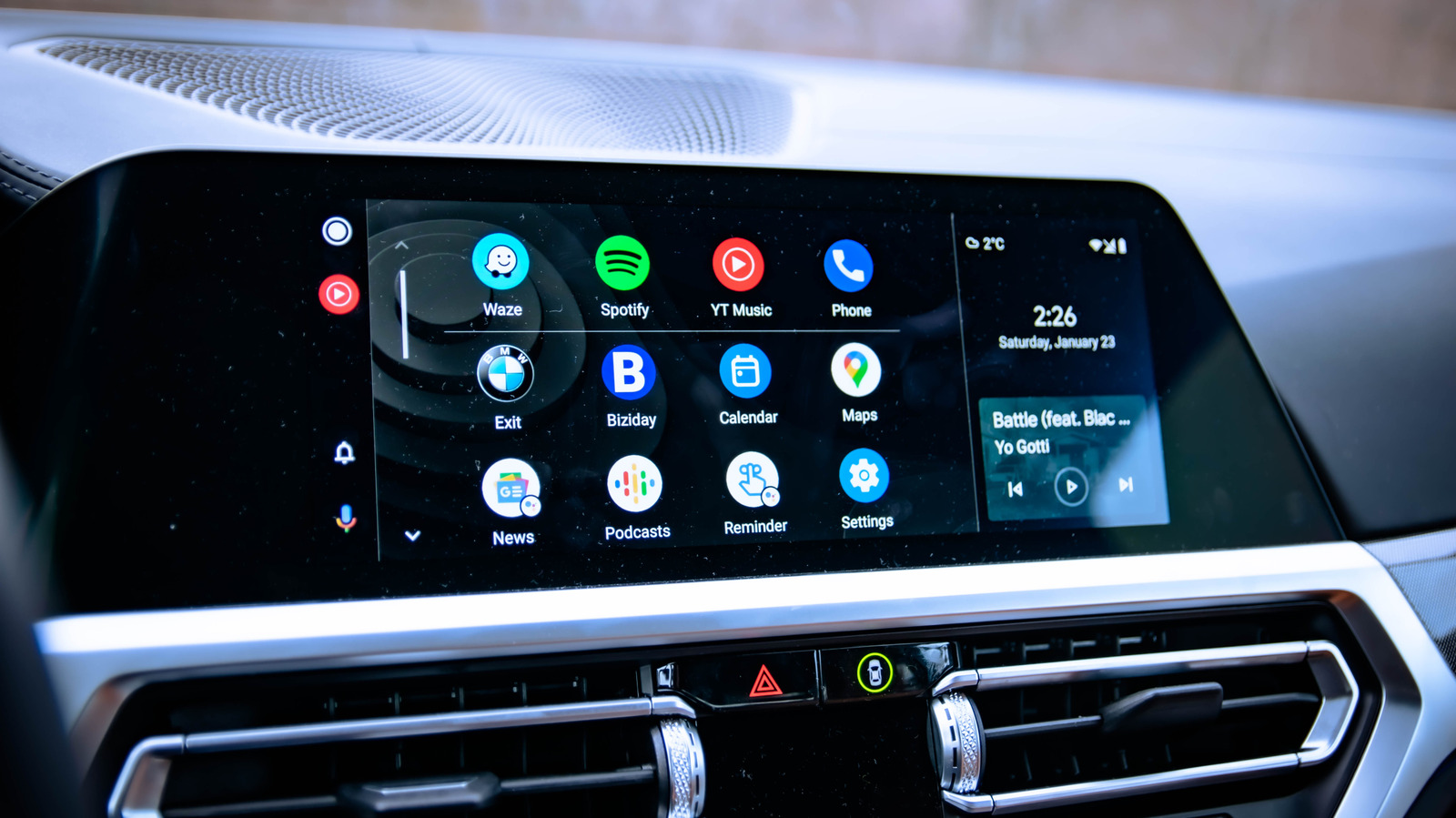
While the appeal of sideloaded apps is undeniable, the decision to venture into this unofficial territory carries substantial risks that users must thoroughly comprehend. These risks span multiple critical domains, from immediate physical safety to long-term digital security and system stability.
1. Driver Distraction: A Primary Hazard
The most immediate and severe risk associated with sideloading video streaming or complex applications onto a car’s dashboard is the exacerbation of driver distraction. Watching videos, browsing the web, or engaging with visually rich applications while driving drastically diverts attention from the road, significantly increasing reaction times and the likelihood of accidents. Legal frameworks in most jurisdictions worldwide explicitly prohibit or severely restrict video playback on driver-facing displays while the vehicle is in motion. For example, many U.S. states have laws against video displays visible to the driver, carrying fines and points on licenses. Similarly, regulations across Europe and Asia mandate that in-car displays not be capable of showing video to the driver while the vehicle is in motion. Ignorance of these laws does not provide immunity, and engaging in such activities can lead to severe legal penalties, including criminal charges in the event of an accident caused by distraction. Even when the vehicle is stationary, the temptation to use these features inappropriately can persist, undermining the fundamental safety design of Android Auto.
2. Malware and Data Security Threats
Sideloading bypasses the robust security screening processes that Google applies to applications distributed through its official Play Store. This significantly elevates the risk of exposing devices to malware. Google’s own threat analysis reports indicate that applications installed from internet-sideloaded sources exhibit a malware infection rate more than 50 times higher than those downloaded from Google Play. Malware can manifest in various forms, including spyware designed to steal personal data, banking credentials, or location information; ransomware that locks access to your phone unless a ransom is paid; or adware that aggressively displays unwanted advertisements. Furthermore, malicious actors can embed code within seemingly benign APKs that could compromise the car’s connected systems, potentially leading to unauthorized access or even manipulation of certain vehicle functions, though this latter scenario is less common but theoretically possible with deeper system integration.
Recognizing this pervasive threat, Google has announced plans to implement stricter verification requirements for developers, aiming to block the sideloading of unverified Android apps. This initiative, slated to begin rolling out in late 2026 in select countries before a global expansion, will require developers to verify their identity with Google, adding another layer of security to the Android ecosystem. While this measure primarily targets Android apps on phones, the interconnected nature of Android Auto means that compromised phones are a direct threat to the in-car experience.
3. System Instability and Compatibility Issues
Applications not officially optimized or approved for Android Auto are prone to compatibility issues and system instability. These sideloaded apps may not adhere to Android Auto’s specific user interface guidelines, leading to poor scaling, incorrect aspect ratios, or unresponsive touch controls. They can cause the Android Auto interface to crash, freeze, or behave erratically, requiring frequent restarts of the phone or the car’s infotainment system. Such instability is not only inconvenient but can also be distracting and potentially dangerous if it interferes with critical functions like navigation or hands-free calling. Moreover, future Android Auto updates from Google or vehicle manufacturer software updates can break the functionality of sideloaded apps, leaving users with non-functional features and a potentially unstable system. This creates an ongoing maintenance burden for users who choose to sideload.
4. Warranty and Legal Ramifications
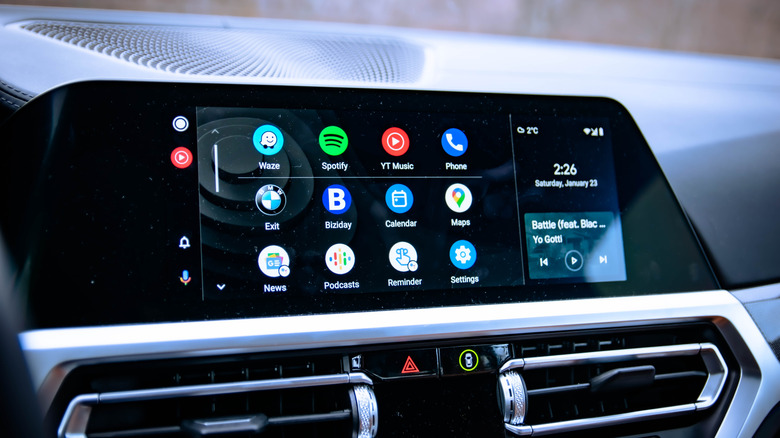
Modifying a vehicle’s infotainment system through unofficial means, even if only through software, can potentially void warranties provided by the car manufacturer. While typically hardware-related issues are more directly impacted, manufacturers may argue that software alterations that lead to system malfunctions are not covered. Beyond warranty concerns, there are significant legal implications. If a driver is involved in an accident and it is determined that a sideloaded, distracting application contributed to the incident, the driver could face heightened legal liability. Insurance companies might also contest claims if evidence suggests that unauthorized modifications or negligent use of the infotainment system played a role. The legal landscape surrounding in-car technology is still evolving, but the general principle of driver responsibility remains paramount.
The Evolution of In-Car Infotainment: A Broader Context
The tension between user demand for advanced features and platform developers’ emphasis on safety is not new. The history of in-car entertainment has seen a steady progression from basic AM/FM radios to cassette players, CD changers, and eventually, sophisticated digital infotainment systems that integrate GPS, Bluetooth, and internet connectivity. The advent of smartphone mirroring technologies like Android Auto and Apple CarPlay marked a significant leap, bringing familiar mobile interfaces directly to the dashboard. This evolution reflects a persistent consumer desire for connectivity and entertainment on the go. However, as these systems become more powerful and integrated, the challenge of balancing functionality with safety becomes increasingly complex. Automotive industry bodies and regulatory agencies worldwide are continuously reviewing and updating guidelines for in-car technology, recognizing the potential for both enhancement and distraction. The late 2026 verification requirement by Google is a testament to the ongoing efforts to secure the digital automotive landscape.
Regulatory Landscape and Industry Responses
Globally, regulatory bodies like the European Commission, the National Highway Traffic Safety Administration (NHTSA) in the U.S., and equivalent organizations in Asia, are actively involved in setting standards for in-car displays and driver interfaces. Their guidelines often recommend minimizing visual and manual tasks required by infotainment systems while driving, and generally discourage features that could be highly distracting. Car manufacturers, in turn, integrate these recommendations into their vehicle designs and software, often implementing strict geo-fencing or speed-based restrictions on certain functionalities. While these regulations are not always explicitly about sideloading, they form the underlying framework that Google and other platform providers operate within, reinforcing the rationale behind their restrictive policies for Android Auto. The industry as a whole is moving towards safer, more intuitive interfaces, and unofficial modifications run counter to this overarching trend.
The Future of Android Auto and User Customization
The ongoing debate surrounding sideloading on Android Auto highlights a fundamental tension in modern technology: the desire for user customization versus the need for platform control, security, and safety. While Google is unlikely to officially support features like full video streaming for drivers, the company has shown willingness to evolve Android Auto, for instance, by enhancing passenger-focused entertainment options or expanding the range of approved apps within its safety parameters. For the vast majority of drivers, the standard Android Auto experience provides all the necessary functionality in a safe and reliable manner. Sideloading, while offering a glimpse of what’s technically possible, remains a niche pursuit fraught with genuine drawbacks.
Conclusion: Balancing Innovation with Responsibility
The ability to sideload applications onto Android Auto represents a powerful capability for users seeking to push the boundaries of their in-car infotainment systems. However, this power comes with a significant responsibility. The trade-offs in terms of driver safety, exposure to malware, system stability, and potential legal ramifications are substantial and should not be underestimated. While the temptation to unlock features like video streaming for passengers or for use while parked is understandable, the risks associated with installing unverified software from unofficial sources are profound. For most users, adhering to Google’s official Android Auto ecosystem remains the safest and most reliable approach. Should individuals choose to proceed with sideloading, it is imperative to exercise extreme caution: download applications only from highly trusted developers, understand the specific risks involved, and, critically, restrict the use of any visually distracting features exclusively to when the vehicle is safely parked. Ultimately, the priority must always remain the safety of the driver, passengers, and everyone else on the road.