 Galang Taruna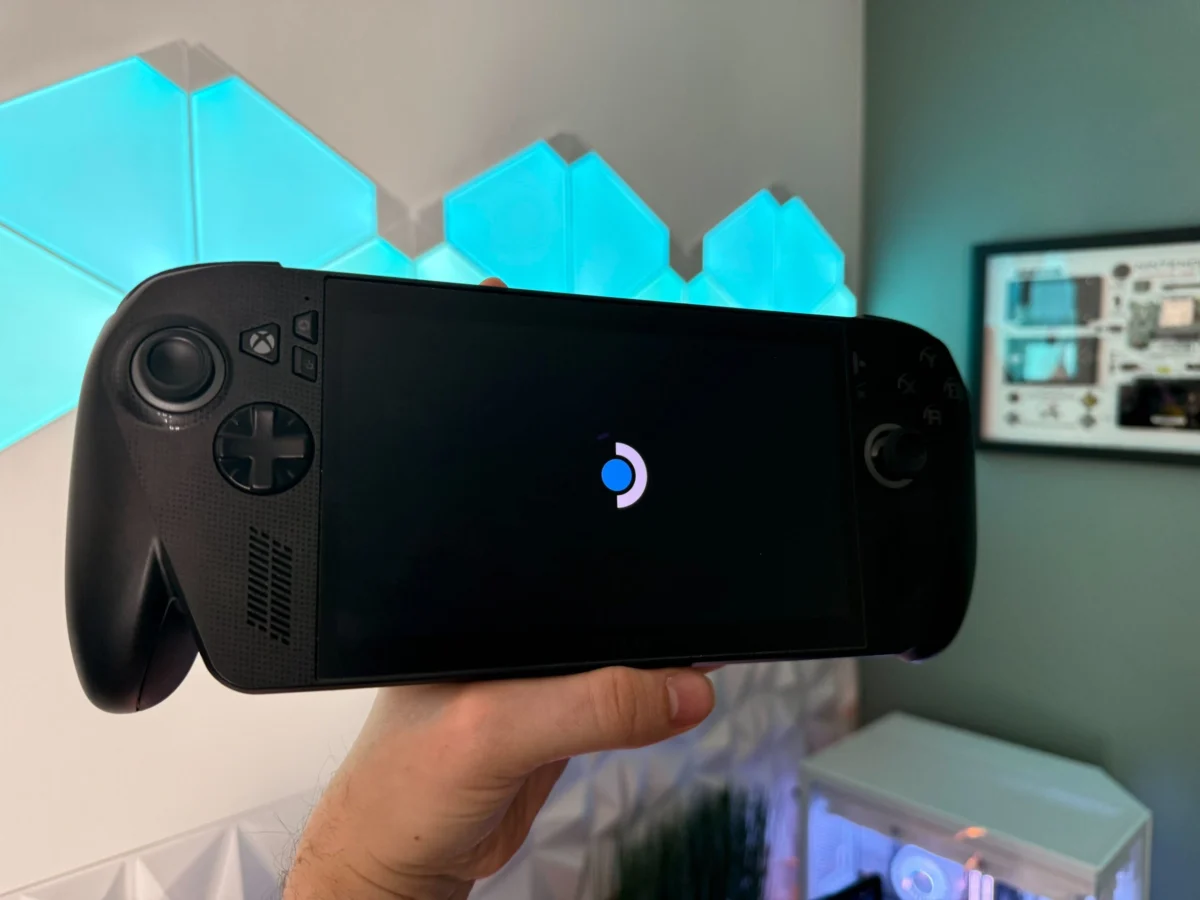
The release of SteamOS 3.8 in preview marks a pivotal moment for the burgeoning handheld PC gaming market, as Valve formally extends official support to the ASUS ROG Ally. This development signals a significant shift, offering users of non-Steam Deck devices a streamlined, performance-oriented operating system tailored for portable gaming. For many, including those who have navigated the complexities of Windows on a handheld, the transition to SteamOS 3.8 on the ROG Ally has proven to be a transformative experience, suggesting a potential paradigm shift in how these powerful machines are utilized.
The Rise of Handheld PC Gaming and its Operating System Challenges
The landscape of portable gaming has seen rapid evolution, moving beyond dedicated consoles to embrace full-fledged PC experiences in a handheld form factor. Valve’s groundbreaking Steam Deck, launched in early 2022, popularized the concept of a Linux-based, gaming-optimized handheld. Its success paved the way for a new generation of Windows-powered competitors, such as the ASUS ROG Ally, Lenovo Legion Go, and MSI Claw. These devices, boasting powerful AMD Ryzen Z1 Extreme APUs and high-refresh-rate displays, promised the versatility of Windows 11 alongside portable gaming prowess.
However, the integration of a desktop operating system like Windows 11 into a compact, battery-dependent handheld brought its own set of inherent challenges. Users frequently reported a significant portion of their gaming time being consumed by system maintenance rather than actual gameplay. The Windows experience on these devices often necessitated a cumbersome routine:
- Operating System Updates: Regular Windows updates, often requiring restarts and disrupting gaming sessions.
- Driver Updates: Managing graphic card drivers (AMD Adrenalin), chipset drivers, and specific handheld component drivers (e.g., controller firmware).
- Proprietary Software Updates: Updates for manufacturer-specific control centers (like ASUS Armoury Crate SE for the ROG Ally), crucial for managing performance profiles, fan curves, and button remapping.
- Game Launcher Updates: Keeping various third-party launchers (Epic Games Store, GOG Galaxy, Xbox app, Ubisoft Connect, EA App) updated, each with its own background processes and update cycles.
- Anti-cheat and DRM: Frequent updates to anti-cheat software and digital rights management (DRM) systems, which can sometimes conflict with system updates or require manual intervention.
This fragmented update ecosystem and the general overhead of a full desktop OS often led to a less-than-ideal user experience. The expectation for a handheld device is instant-on gaming, akin to traditional consoles. Instead, many found themselves in a perpetual cycle of troubleshooting and updating, undermining the core appeal of portable, quick-session gaming. The perceived input lag and overall system responsiveness under Windows also detracted from the premium hardware experience, leading many to seek alternative solutions.
SteamOS 3.8: A Game-Changer for Third-Party Handhelds
Valve’s latest SteamOS 3.8 preview update directly addresses these pain points by extending native support to the ROG Ally and other similar handhelds. Previously, users looking for a Linux-based alternative on these devices had to rely on community-driven distributions like Bazzite or ChimeraOS. While these projects demonstrated the potential of a Linux gaming experience, they often required a certain level of technical expertise and were not officially supported, posing potential stability and compatibility risks.
SteamOS 3.8, built upon a Arch Linux base and leveraging the Proton compatibility layer, offers a significantly more polished and integrated experience. Key improvements and features delivered with this "magic update" for the ROG Ally include:
- Native APU Support: Full and optimized support for the AMD Ryzen Z1 Extreme APU, ensuring hardware acceleration and efficient power management.
- VRR (Variable Refresh Rate) Support: Seamless integration with the ROG Ally’s VRR display, crucial for tear-free gaming and smoother frame pacing, especially when frame rates fluctuate.
- Improved Controller Integration: Enhanced responsiveness and mapping for the Ally’s built-in controls, eliminating the input lag often experienced under Windows.
- Optimized Power Management: More efficient CPU and GPU frequency scaling, contributing to better battery life and sustained performance during gaming sessions.
- Unified Update System: A single, centralized update mechanism for the entire operating system and drivers, simplifying maintenance significantly.
- Gamescope Integration: Leveraging Valve’s compositor, Gamescope, to ensure smooth frame delivery, even at varying frame rates, and offering features like integer scaling.
This official embrace by Valve transforms the ROG Ally from a Windows-first device struggling with OS overhead into a potential "Steam Deck Pro." The Ally’s superior hardware, including its more powerful APU, potentially larger RAM (up to 24GB shared memory), and high-quality VRR screen, can now be fully exploited within a gaming-centric operating system. This promises a substantial leap in perceived performance, fluidity, and user convenience.
Installation Process: A Journey from Windows to SteamOS
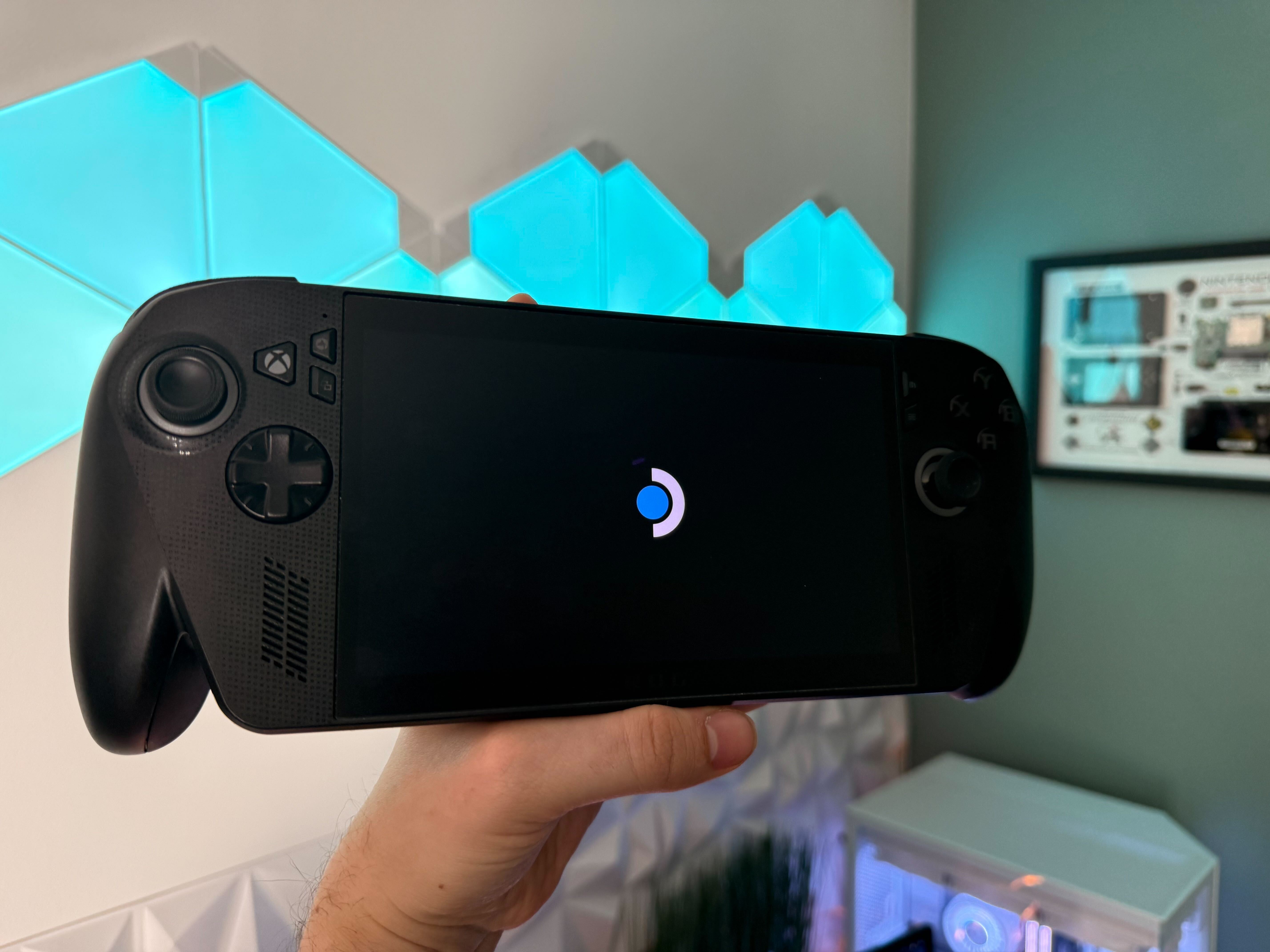
The process of installing SteamOS 3.8 on the ROG Ally, while requiring a complete wipe of Windows 11, is designed to be relatively straightforward. Users are advised to back up all personal data and game saves before proceeding.
-
Preparation:
- Acquire a USB drive (preferably USB-C compatible or use a USB-C hub).
- Download the SteamOS 3.8 image (e.g.,
steamdeck-20260319.100-3.8.0.img.zst) from Valve’s official Steam Deck image repository. - Utilize a tool like balenaEtcher to flash the downloaded image onto the USB drive, creating a bootable installer.
-
BIOS Configuration:
- Power off the ROG Ally.
- Power on the device while repeatedly pressing the "Volume Down" button to enter the BIOS.
- Navigate to the "Advanced" or "Security" tab within the BIOS (interface may vary slightly by BIOS version).
- Locate and disable "Secure Boot." This step is crucial for allowing the system to boot from the unsigned SteamOS installer.
- Save changes and exit the BIOS.
-
Booting and Installation:
- Insert the prepared USB drive into one of the ROG Ally’s USB-C ports (via a hub if necessary).
- Power on the device while repeatedly pressing the "Volume Up" button to access the boot menu.
- Select the USB drive from the list of bootable devices.
- Allow SteamOS to boot into its desktop environment.
- Once on the Linux desktop, locate and double-click the option labeled "Wipe Device & install SteamOS" (typically the 4th option).
- Confirm the installation prompts. The system will then proceed to erase Windows 11 and install SteamOS.
- Upon completion, the console will reboot directly into the new SteamOS environment.
It is important to note that reverting to Windows is also simplified thanks to ASUS’s cloud recovery feature, accessible within the BIOS, allowing users to restore a clean Windows 11 installation if desired.
Optimizing the SteamOS Experience on ROG Ally
Upon the initial boot into SteamOS, the immediate responsiveness of the controls is often the first and most striking improvement users notice, underscoring the "input lag" that plagued the Windows experience. To fully leverage SteamOS, several key configuration steps are recommended:
- Update Channel Selection: Navigate to "Settings" -> "General" and select the "Preview" update channel to ensure access to the latest optimizations and features for third-party hardware.
- Display Settings: In the "Display" tab, adjust the UI scaling to personal preference. The default setting may not always be optimal for the Ally’s screen size and resolution.
- Battery Management: Under "Battery," enable the percentage display for better monitoring and consider activating the charge limit feature to prolong battery longevity.
- Non-Steam Games and Utilities: The "Non-Steam" tab in the Library offers convenient shortcuts, such as a quick installer for Google Chrome, facilitating web browsing in both Game Mode and Desktop Mode.
- VRR Activation: Crucially, access the Quick Access Menu (button above Start), navigate to the "Performance" tab, and in the advanced view, enable "Variable Refresh Rate." This utilizes the Ally’s VRR panel for a much smoother visual experience, especially in games where consistent high frame rates are challenging. The "Balanced" performance profile is often a good starting point, adjustable based on game demands and battery considerations.
Remaining Challenges and Future Prospects
While SteamOS significantly enhances the handheld gaming experience on the ROG Ally, it is not without its current limitations. Users transitioning from Windows will forgo certain functionalities:
- Fingerprint Reader: The integrated fingerprint reader is not yet supported under SteamOS.
- Gyroscope: Gyroscopic controls, often used for aiming in some games, are currently unsupported.
- SD Card Reader: The notoriously sensitive SD card reader on the ROG Ally remains a point of concern, and its reliability under SteamOS is still being evaluated.
- Camera: The integrated camera, while rarely used for gaming, is not functional.
- NPU Utilization: The Neural Processing Unit (NPU) present in the Ryzen Z1 Extreme APU, capable of AI-driven upscaling (like AMD’s FSR 3.0 or future technologies) or other game-related processing, is not yet leveraged under Linux. This remains a significant area for future development to offload tasks from the GPU and further boost performance.
Despite these concessions, the overwhelming consensus is that the improved overall experience, performance, and simplicity of SteamOS outweigh the loss of these peripheral features. The potential for NPU support under Linux in the future represents a compelling prospect for further enhancing gaming performance through advanced upscaling and AI-driven optimizations.
Advanced Customization and Performance Tweaks

For advanced users, SteamOS on the ROG Ally offers further avenues for customization and performance enhancement, albeit with the caveat that these modifications could potentially conflict with future system updates.
-
Decky Loader: This powerful plugin manager significantly expands SteamOS’s functionality. Installed via a simple browser command (
decky.xyz), it introduces a dedicated plugin store within the Quick Access Menu. Recommended plugins include:- PowerTools: For granular control over CPU/GPU frequencies, core allocation, and other power-related settings.
- ProtonDB Badges: Integrates compatibility ratings from ProtonDB directly into the Steam library.
- CSS Loader: Allows for custom themes and visual modifications of the SteamOS interface.
- HLTB (HowLongToBeat): Displays game completion times directly in the library.
- Controller Tools: Provides advanced controller customization beyond the default Steam Input.
-
EasyEffects for Enhanced Audio: The ROG Ally’s speakers are a highlight, and their Dolby Atmos emulation under Windows is impressive. EasyEffects, available through the Discover store in Desktop Mode, allows users to replicate a similar high-fidelity audio experience on SteamOS. By importing community-created presets (such as those from JackHack96), users can apply sophisticated audio processing chains, including equalizers and spatial audio effects, to enrich the sound output. The installation involves a simple
bashcommand in Konsole to fetch presets and then activating them within the EasyEffects application. -
LAVD (Latency-criticality Aware Virtual Deadline) Scheduler: SteamOS 3.8 introduces an experimental CPU scheduler called LAVD. Its primary objective is to intelligently identify and prioritize latency-critical tasks (graphics rendering, audio, controller inputs) over background processes. This results in significantly more stable 1% low frame rates and a drastic reduction in micro-stuttering, leading to a perceptibly smoother gaming experience. As an experimental feature, LAVD is not enabled by default. Activating it requires using Konsole commands to create an admin password, enable and start the
scxsystem service, and then instructsteamosctlto use thelavdCPU scheduler profile. Users can verify its activation and revert to the default scheduler if any instability is observed.
Broader Implications for the Handheld PC Market
Valve’s official support for the ROG Ally via SteamOS 3.8 is more than just a technical update; it represents a strategic maneuver with significant implications for the entire handheld PC gaming ecosystem.
Firstly, it validates the multi-device strategy for SteamOS. Valve is positioning its operating system not merely as an exclusive feature of the Steam Deck but as a robust, open-source platform capable of powering a diverse range of handheld hardware. This could encourage more manufacturers to consider SteamOS as a primary or alternative OS for their future devices, fostering a more competitive and innovative market.
Secondly, it directly challenges the dominance of Windows 11 on these devices. By offering a superior gaming experience—characterized by better performance, responsiveness, and ease of use—SteamOS highlights the inherent compromises of running a general-purpose OS on a dedicated gaming handheld. This could pressure Microsoft to develop a more streamlined, gaming-focused version of Windows for handhelds, or it could lead to an increasing fragmentation of the market, with users choosing devices based on their preferred operating system.
Finally, for consumers, this development means more choice and potentially better products. Users of devices like the ROG Ally now have a compelling, officially supported alternative that unlocks the full gaming potential of their hardware without the traditional Windows overhead. This could lead to a broader adoption of Linux-based gaming and a more unified, enjoyable experience across the handheld PC spectrum. The journey from a complex Windows setup to the simplicity and performance of SteamOS 3.8 on the ROG Ally marks a significant milestone, potentially redefining the expectations for handheld PC gaming moving forward.