Metty Iskandar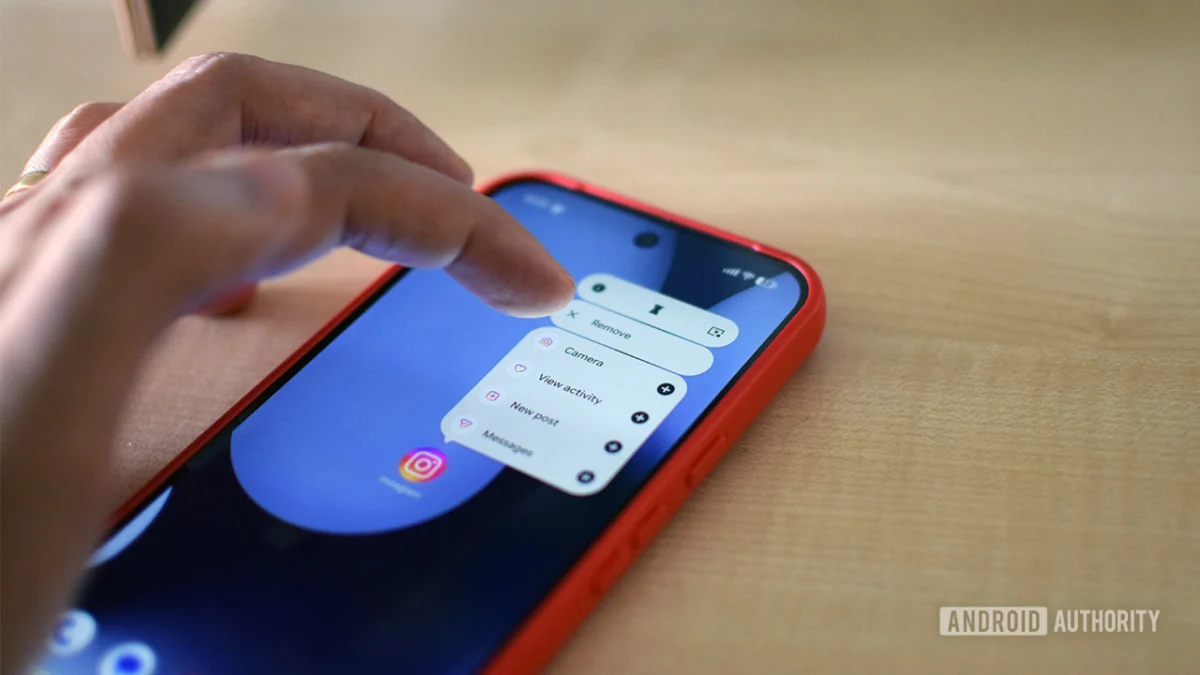
The much-anticipated stable release of Android 17 arrived in June 2026, bringing a suite of enhancements and new functionalities to Pixel devices. However, in a pattern familiar to users of Google’s mobile operating system, not all features showcased during the annual Google I/O developer conference have made their way into the initial rollout. Among the prominent features still pending is "Pause Point," a new addition to Android’s Digital Wellbeing suite, designed to address the pervasive issue of habitual, autopilot app usage and the detrimental effects of "doomscrolling."
While the official launch date for Pause Point remains vague, with Google stating it will arrive "later this year," the delay has prompted a proactive approach from the tech community and digital wellness advocates. This article delves into the functionality of Pause Point, contextualizes its absence, and offers immediate, actionable strategies for users seeking to regain control over their smartphone habits.
Understanding Pause Point: A Novel Approach to Digital Wellness
Pause Point distinguishes itself from existing Digital Wellbeing tools through its innovative methodology. Instead of an immediate app lockout, it introduces a brief, 10-second interlude designed to prompt users to reflect on their intentions before accessing an application. This deliberate pause aims to disrupt the ingrained, often subconscious, habit of opening apps without a clear purpose.
Beyond this initial reflective pause, Pause Point is slated to incorporate features such as customizable usage timers and intelligent suggestions for alternative, more productive activities during downtime. The most intriguing aspect of Pause Point, however, lies in its disincentive for immediate deactivation. Reports indicate that disabling the feature will necessitate a phone restart, a significant hurdle designed to discourage users from easily reverting to their previous compulsive behaviors. This design choice underscores Google’s commitment to fostering genuine behavioral change rather than offering a superficial fix.
The projected "later this year" release window for Pause Point suggests a potential integration with upcoming Pixel Feature Drops or perhaps a broader Android system update before the end of 2026. Until then, users are encouraged to explore and leverage the existing robust suite of Digital Wellbeing tools to manage their digital consumption.
Immediate Strategies for Combating Autopilot App Usage and Doomscrolling
The desire to curb excessive smartphone use is not unique to Android 17 users. Research consistently highlights the negative impacts of prolonged screen time, particularly on sleep patterns and mental well-being. A recent survey by the American Academy of Sleep Medicine (AASM) revealed that over one-third of adults, predominantly younger demographics, admitted that nighttime doomscrolling has negatively affected their sleep quality. Even older generations are reportedly not immune to the allure of constant digital engagement.
Recognizing the urgency of this issue, several immediate, actionable strategies can be implemented without waiting for the arrival of Pause Point. These methods focus on creating intentional friction and reducing the accessibility of the most problematic applications.
1. Strategic Removal of App Shortcuts and Notification Management
The foundational step in addressing any habit-forming behavior is acknowledging its existence and identifying the primary culprits. For smartphone users, these are typically the applications that facilitate endless scrolling, such as social media platforms and short-form video aggregators. The principle of "friction" is paramount in disrupting these automatic behaviors.
Eliminating Home Screen Clutter:
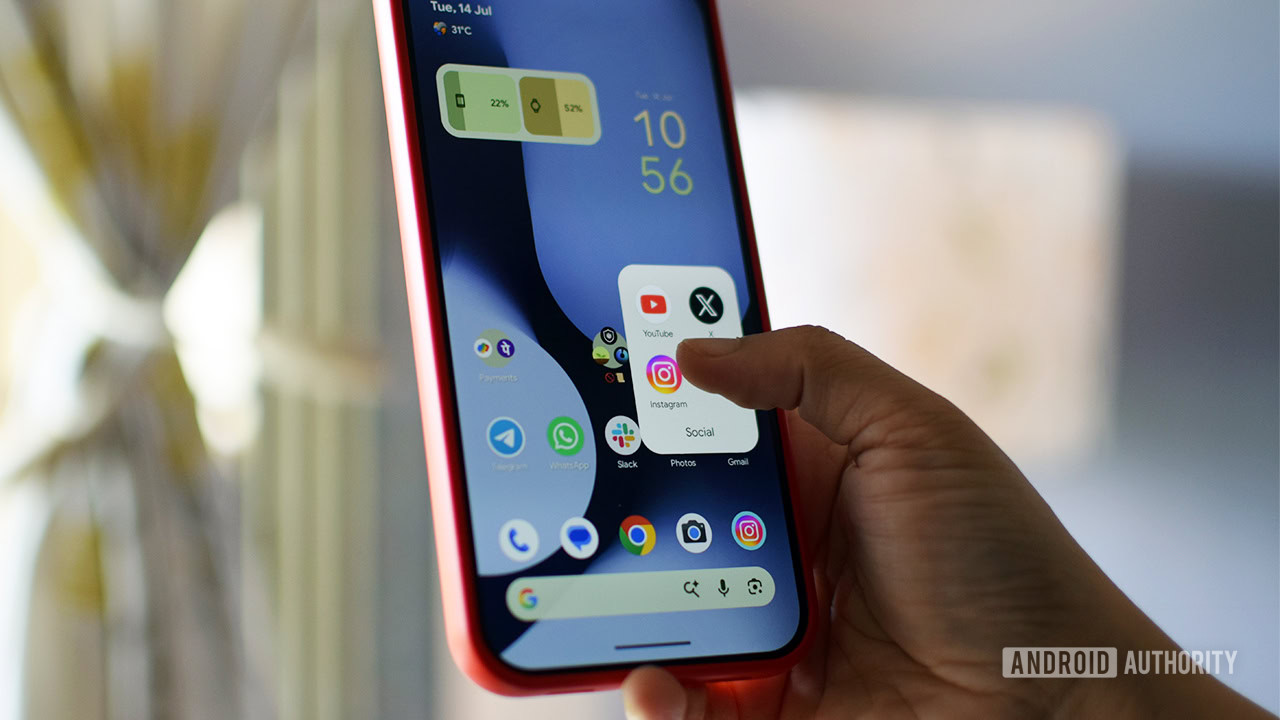
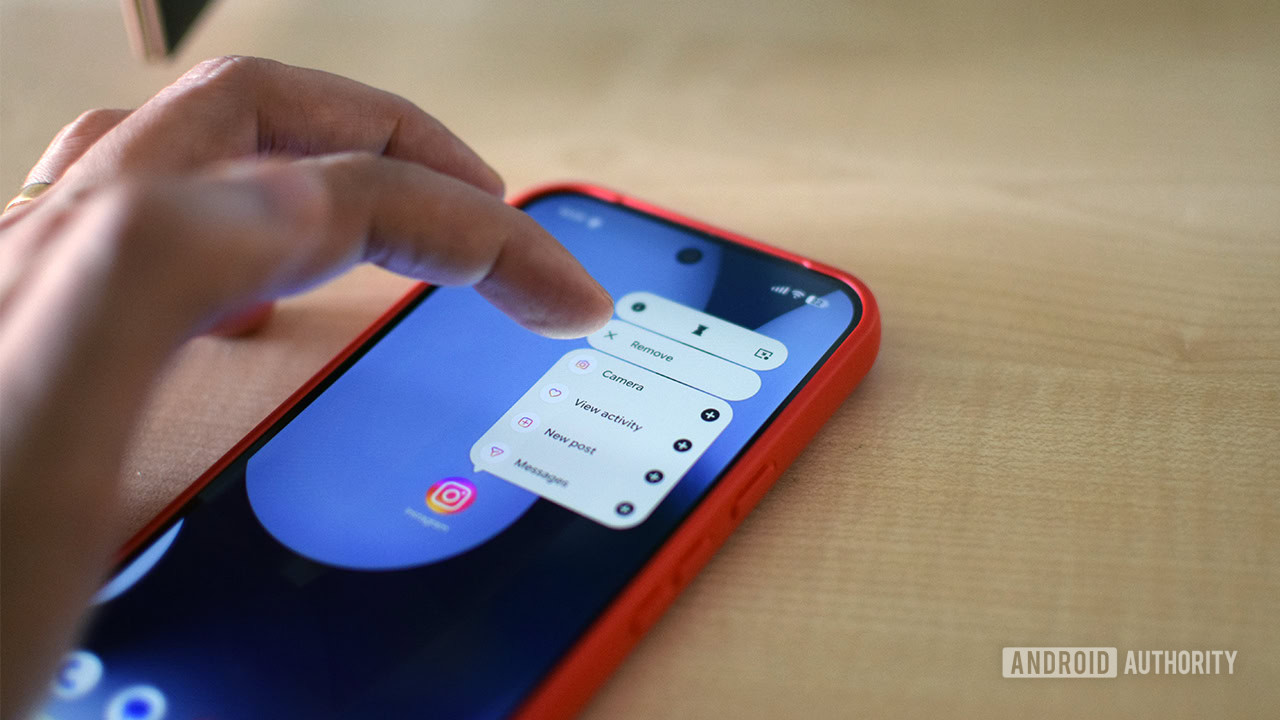
A significant contributor to autopilot app usage is the prominent placement of app shortcuts on the home screen. These icons, readily visible upon unlocking the device, can trigger an almost involuntary urge to open them. Research has scientifically demonstrated the effectiveness of increasing the "friction" to access these applications. By deleting shortcuts of distracting apps or organizing them into folders, users can create a necessary mental pause before engagement. This simple act of making apps less immediately accessible can significantly reduce the frequency of unintentional usage. Personal anecdotes, such as reducing food ordering app usage by simply removing their home screen shortcuts, attest to the efficacy of this strategy.
The Science of Friction:
Studies, including one published in Springer Nature, have explored the cognitive impact of increased access time to digital content. The findings suggest that even minor delays or additional steps required to launch an application can disrupt ingrained patterns and encourage more mindful decision-making. This is particularly relevant for apps designed to capture and retain user attention through continuous engagement loops.
Granular Notification Control:
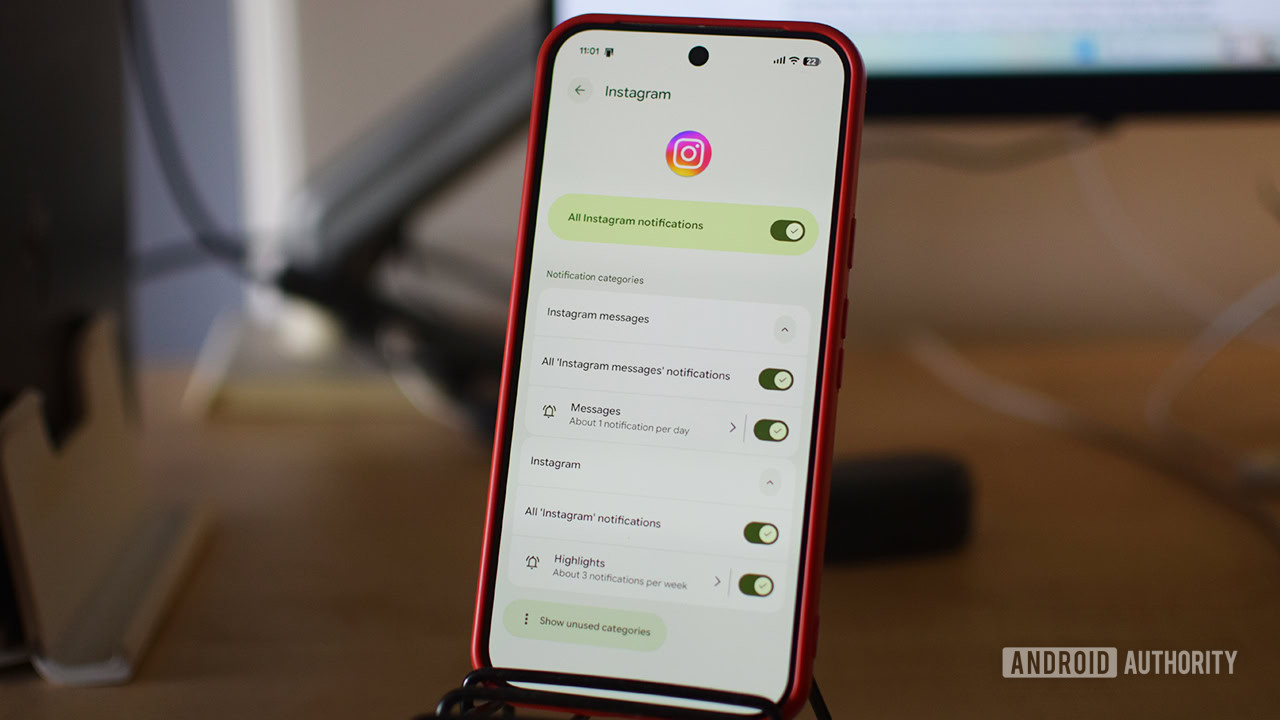
Beyond app shortcuts, notifications serve as powerful external triggers for app engagement. In Android, users possess considerable control over notification settings. For applications identified as primary time sinks, it is highly advisable to disable or significantly limit their notifications. This involves navigating to the app’s information screen (by long-pressing the app icon and selecting the "i" symbol), then accessing the "Notifications" menu. Here, users can either block all notifications or fine-tune which categories of alerts they wish to receive. Unlike essential communication apps like email or messaging services, which often deliver time-sensitive information, notifications from time-wasting apps can generally be postponed or ignored without consequence.
2. Leveraging Android’s Built-in Digital Wellbeing Features
Google has progressively integrated a comprehensive suite of Digital Wellbeing tools into Android, offering users a powerful arsenal to manage their screen time and cultivate healthier digital habits. While these tools are designed to create awareness and introduce interruptions, their effectiveness can be diminished if users habitually disable or bypass them.
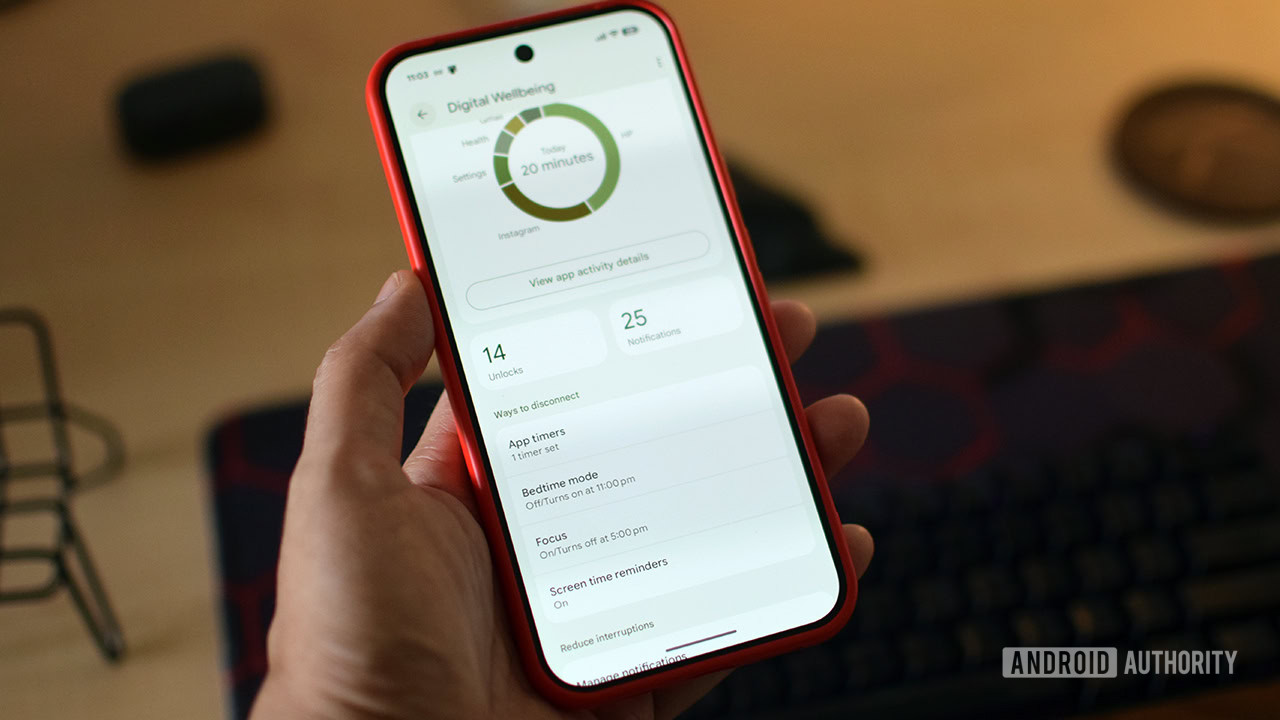
Accessing Digital Wellbeing Settings:
The Digital Wellbeing section is typically found within the main "Settings" app. Under the "Ways to disconnect" or similar sub-menu, users can discover and configure various tools.
-
App Timers: This feature allows users to set daily time limits for individual applications. Once the allocated time is exhausted, the app icon turns gray, signaling that its usage limit has been reached. However, the current implementation often presents a simple warning, which can be easily dismissed by tapping "Unpause app," thereby undermining its intended restrictive purpose.
-
Focus Mode: Considered a more robust solution, Focus mode enables users to select multiple distracting apps and schedule periods of interruption throughout the week. While it allows a brief five-minute grace period for accessing paused apps, it prevents permanent unpausing without returning to the main Digital Wellbeing settings. This added layer of friction makes it more challenging to immediately revert to old habits.
-
Screen Time Reminders: For users who prefer a less intrusive approach, Screen Time Reminders offer a gentle nudge. This feature, enabled by default for most apps, displays a pop-up notification indicating how long the user has been actively using an application. While it does not enforce any restrictions, it serves as a constant reminder of time spent, fostering mindfulness.
Evolution of Digital Wellbeing in Android 17:
With the release of Android 17, Google has made subtle adjustments to the layout and functionality of these tools. While the core principles remain, users are encouraged to revisit their settings to ensure they are optimally configured for their individual needs. The ongoing development of these features indicates a sustained effort by Google to provide users with more effective means of managing their digital lives.
3. Exploring Specialized Third-Party Applications
For individuals who find self-restraint and native Android tools insufficient, the Google Play Store offers a variety of specialized third-party applications designed to enforce stricter digital boundaries. These apps often introduce unique mechanisms to combat compulsive smartphone usage.
-
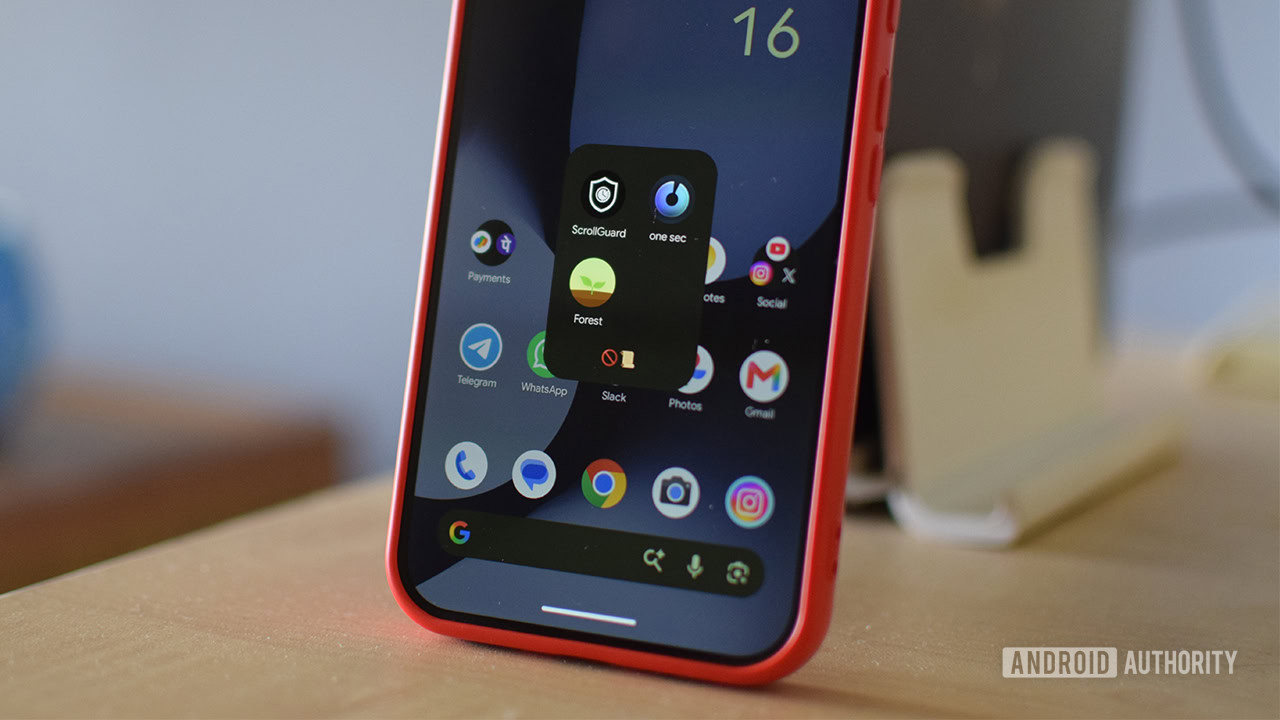
One sec: This application offers a functionality akin to the planned Pause Point. Upon attempting to open a monitored app, One sec presents a brief pause, prompting the user to take a deep breath and consciously decide whether to proceed or close the app. It also provides statistics on app opens over a 24-hour period, offering a stark reality check. While the free version is limited to monitoring one app, the Pro plan unlocks comprehensive features, including unlimited app monitoring and advanced time tracking.
-
ScrollGuard: Specifically designed to combat endless scrolling in platforms like Instagram Reels and YouTube Shorts, ScrollGuard actively prevents access to these specific sections within the apps. Its anti-scroll feature employs a large black box overlay on infinite scroll feeds, making them unusable. A Pro version offers per-app controls, customizable thresholds, and the ability to view content from friends without triggering the blocker.
-
Forest: This app gamifies focus sessions by encouraging users to plant and grow virtual trees. Successful focus periods, maintained without switching apps, result in thriving trees. Conversely, exiting the app prematurely leads to the tree withering. Forest functions more as a mindfulness tool, fostering a sense of accomplishment and encouraging sustained concentration through engaging challenges and a well-designed interface.
The Broader Impact: Acknowledging the Digital Wellness Imperative
The ongoing development of features like Pause Point and the continued prominence of third-party solutions underscore a growing societal awareness of the potential negative consequences of pervasive smartphone use. Phenomena like "doomscrolling" have been linked to increased anxiety, stress, and sleep disturbances, with research from institutions like the American Academy of Sleep Medicine highlighting the tangible impact on public health.
Furthermore, the trend is not confined to younger generations. Reports indicate that even older demographics are increasingly susceptible to the constant pull of digital devices, leading to concerns about social isolation and cognitive strain. The proactive approach taken by smartphone manufacturers, including Google’s commitment to Digital Wellbeing and competitors like Samsung with its "Concentration" feature in One UI 9, signals a broader industry recognition of the need to support users in cultivating healthier digital habits.
While Pause Point’s eventual release is anticipated to offer a more integrated and potentially more effective solution, the current landscape provides ample opportunity for users to take immediate control. By strategically implementing existing Digital Wellbeing features and exploring third-party applications, individuals can begin to break free from the cycle of autopilot app usage and doomscrolling, ultimately fostering a more balanced and mindful relationship with their technology. The journey towards digital wellness is an ongoing process, and the tools and strategies available today offer a significant head start.