Metty Iskandar
Microsoft is significantly expanding its commitment to integrating Android devices more seamlessly into the Windows 11 ecosystem, signaling a strategic push to bridge the gap between mobile and desktop computing. This initiative encompasses a range of new functionalities, including a dedicated Messages app and a more robust Phone Link experience. While many of these advancements are currently in exploratory and prototyping phases, one notable enhancement is now being rolled out to Windows Insiders in the experimental channel, offering a tangible preview of Microsoft’s vision for a unified digital life.
Preview of Enhanced Notification Previews for Windows Insiders
The latest development comes with the release notes for an experimental Windows 11 preview build, specifically version 26300.9032. This update introduces a novel "phone companion" experience directly within the Start menu. Users in the Insider program will now be able to interact with notifications and messages from their connected Android devices in a more immediate and informative way. By simply hovering their cursor over incoming alerts or messages within the "Recent" section of the Start menu, users will see a preview bubble appear, displaying key details. This feature is designed to allow users to quickly assess the nature and importance of notifications without the immediate need to physically pick up their phone or open the respective application on their PC.
This new functionality aims to streamline workflows and reduce context switching. In the provided example, a LinkedIn notification appears in the "Recent" section. A gentle hover of the mouse cursor reveals a concise text bubble above the notification, offering the user a snapshot of the message content. This granular level of detail at a glance is intended to empower users to make faster decisions about whether an alert requires their immediate attention, thus enhancing productivity and minimizing distractions.
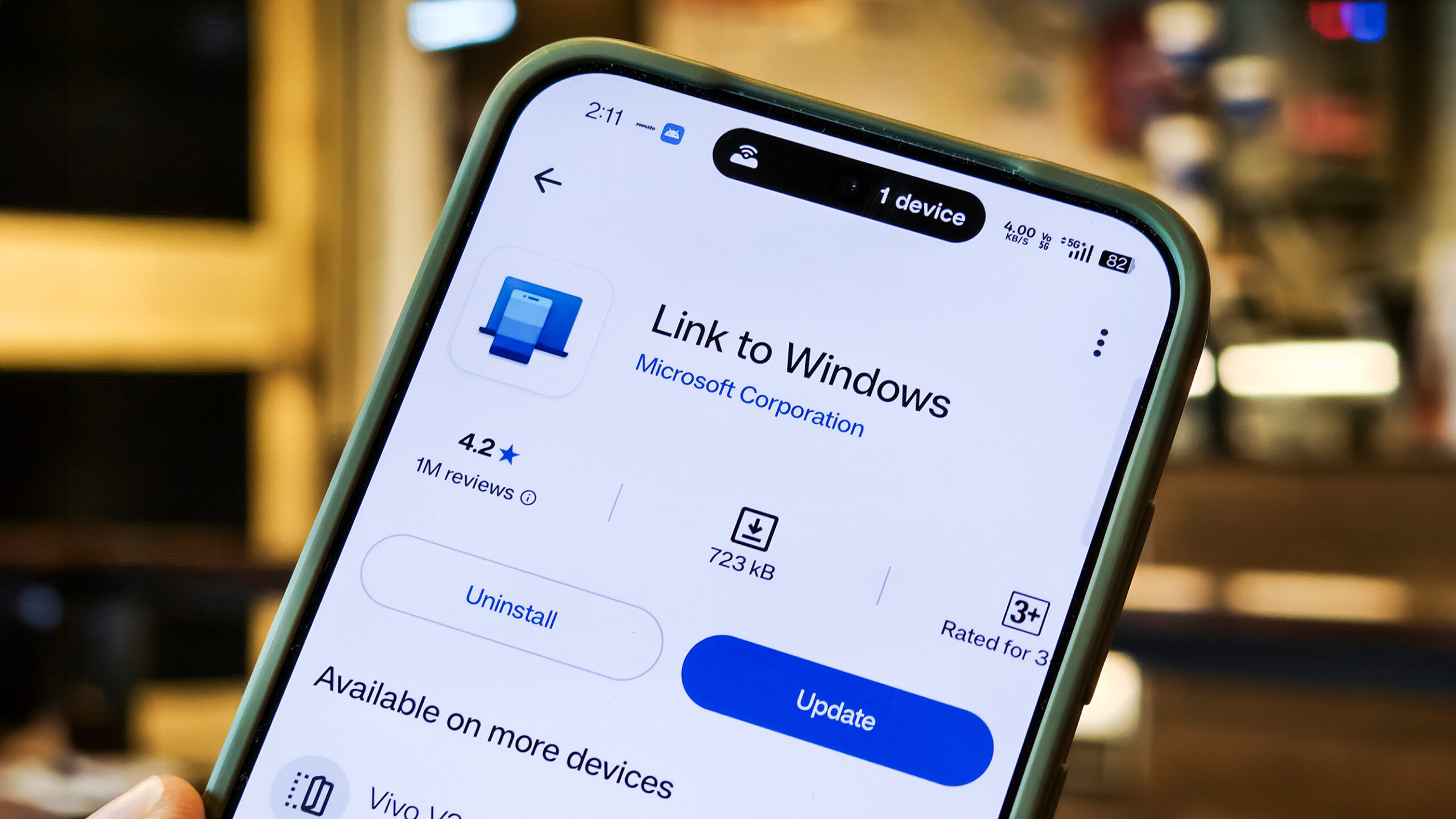
Microsoft has indicated that this feature is being deployed incrementally to Windows Insiders on the Experimental channel. This phased rollout suggests a cautious approach to testing and gathering feedback, allowing the company to refine the experience before a wider release. To access this preview, Insiders must be running a minimum of Phone Link build 1.26021.3.0. The experimental nature of this rollout underscores Microsoft’s iterative development process, where early adopters play a crucial role in shaping the final product.
A Broader Strategy: Microsoft’s Evolving Relationship with Android
This latest Phone Link enhancement is part of a larger, more ambitious strategy by Microsoft to embed Android functionality deeper within Windows. For years, Microsoft has sought to create a more cohesive experience between its desktop operating system and the dominant mobile platform. The initial iterations of Phone Link (formerly Your Phone) provided basic functionalities like viewing photos, sending messages, and making calls. However, the current wave of development signals a significant leap forward, aiming for a more integrated and intuitive interaction.
The genesis of this deeper integration can be traced back to Microsoft’s acquisition of the Android app functionality for Windows 11. While the initial rollout of the Windows Subsystem for Android (WSA) was met with enthusiasm, it faced challenges in app availability and performance. However, the underlying technology and the strategic importance of Android integration have remained a priority for the company. The recent explorations into standalone Messages apps and enhanced Phone Link capabilities suggest a renewed focus on leveraging the existing Android ecosystem rather than solely relying on app emulation.
Microsoft’s long-term vision appears to be one where the boundaries between a Windows PC and an Android smartphone blur considerably. This approach acknowledges the pervasive role of smartphones in modern life and seeks to capitalize on it by making them an even more integral part of the desktop computing experience. This could potentially reduce the reliance on third-party applications that offer similar cross-device functionalities and create a more unified, first-party solution.
Historical Context and the Evolution of Phone Link
The journey of Phone Link has been one of continuous evolution, reflecting Microsoft’s ongoing efforts to adapt to changing user habits and technological landscapes. Launched initially as "Your Phone" in 2018, the application aimed to bring the smartphone experience to the PC. Early versions offered limited features, primarily focused on mirroring basic phone functions. Over time, Microsoft progressively added more capabilities, including access to photos, call logs, notifications, and text messages.
The rebranding to "Phone Link" in 2020 signaled a more mature and integrated approach. This period saw the introduction of more advanced features, such as screen mirroring for select Samsung devices, the ability to run Android apps on Windows (initially through cloud streaming and later through WSA), and improved notification management. The partnership with Samsung has been particularly fruitful, with many of the most advanced Phone Link features debuting on Samsung devices, often due to deeper hardware and software integration facilitated by the partnership.
The current push for even deeper integration, as evidenced by the experimental notification previews, suggests a shift towards a more proactive and context-aware system. Instead of merely mirroring notifications, Microsoft is aiming to provide users with actionable insights directly within the Windows interface. This proactive approach aligns with broader trends in operating system design, where intelligent assistants and context-aware interfaces are becoming increasingly prevalent.
Supporting Data and Industry Trends
The emphasis on cross-device integration is not unique to Microsoft. The broader technology industry has recognized the growing importance of seamless connectivity between smartphones and personal computers. Data consistently shows a high penetration of smartphones across global demographics, with many users relying on their mobile devices for a significant portion of their daily digital interactions.
According to Statista, the global smartphone user base was projected to reach over 7.3 billion in 2023, with an expected increase to over 7.7 billion by 2027. This massive user base represents a significant opportunity for operating system developers to enhance user experience by bridging the gap between mobile and desktop.
Furthermore, studies on user productivity often highlight the inefficiencies introduced by context switching. When users are frequently interrupted by their phones or have to manually transfer information between devices, their focus can be disrupted, leading to a decline in efficiency. Microsoft’s efforts with Phone Link are directly addressing this pain point, aiming to create a more fluid and integrated workflow.
The competitive landscape also plays a role. Apple has long offered a tightly integrated ecosystem with its macOS and iOS devices, enabling seamless handoffs, shared clipboards, and synchronized notifications. Google, with its Android and ChromeOS integration, is also making strides in this area. Microsoft’s intensified focus on Android integration can be seen as a strategic move to remain competitive and offer a compelling alternative for users who prefer or are invested in the Android ecosystem.
Analysis of Implications
The ongoing expansion of Phone Link capabilities carries several significant implications for both users and the broader technology landscape.
For Users: The primary implication is a potential increase in productivity and a more streamlined digital experience. By reducing the need to constantly switch between devices, users can maintain focus and complete tasks more efficiently. The enhanced notification previews, in particular, offer a more immediate and informative way to manage incoming communications, allowing for quicker decision-making. For users heavily invested in both Windows and Android, this could lead to a more cohesive and less fragmented digital life.
For Microsoft: This initiative reinforces Microsoft’s commitment to its Windows platform and its strategy to remain relevant in an increasingly mobile-centric world. By deepening its integration with Android, Microsoft can attract and retain users who rely on Android devices, strengthening its ecosystem and potentially driving adoption of other Microsoft services and products. It also positions Windows 11 as a more attractive and versatile operating system for a wider range of users.
For the Competitive Landscape: The intensified focus on cross-device integration could spur further innovation from competitors. As Microsoft and Google continue to refine their respective integrations, Apple may face increased pressure to further enhance its already robust ecosystem. This competition ultimately benefits consumers by driving improvements in functionality, user experience, and interoperability across different platforms.
For the Future of Computing: This trend signals a move towards a more converged computing experience, where the lines between different devices become increasingly blurred. As operating systems become more adept at communicating and sharing information seamlessly across platforms, the traditional distinction between desktop, laptop, and mobile devices may become less significant. This could lead to new forms of interaction and application development that leverage the strengths of each device in a unified manner.
Official Statements and Future Outlook
While specific public statements detailing every aspect of the Phone Link development roadmap are rare, Microsoft’s actions and official announcements in support documents and release notes speak volumes. The consistent investment in Phone Link and the introduction of new features, even in experimental stages, demonstrate a clear strategic direction. The company’s stated goal of making Windows a more inclusive and connected platform for users across their devices aligns with these developments.
The gradual rollout to Insiders allows Microsoft to gather valuable feedback, identify bugs, and iterate on the features before a general release. This approach is typical for major software updates and suggests that the preview features, including the enhanced notification previews, are likely to become a standard part of Windows 11 in the future, albeit potentially with further refinements.
The future outlook for Phone Link and Android integration in Windows 11 appears robust. With Microsoft’s continued emphasis on bridging the gap between mobile and desktop, users can anticipate further enhancements that will make their digital lives more connected and productive. The ongoing development suggests a long-term commitment to ensuring that Windows remains a central hub for users’ digital activities, regardless of the primary device they choose for communication and content consumption. The move towards more intuitive and informative notification management is a significant step in realizing this vision, offering a glimpse into a more integrated and efficient future for personal computing.